Kateryna Karpenkova

case study · MacPaw · 2023 — 2026

Making cybersecurity feel human, as a solo designer on a marketing team

When I joined Moonlock in January 2023, it had no final name, website or app, only an idea: cybersecurity that feels simple and human, accessible to everyone. I was the only designer on its marketing team. For three years I gave it a look, built its website and designed its marketing, up to the app launch and beyond.

role
Marketing Designer
scope
Visual language, website and web design system, launch design, research reports, conference materials, ad creatives, social
tools
Figma, Procreate, Photoshop, Claude, Claude Code, Magnific
the challenge

Calm instead of alarm

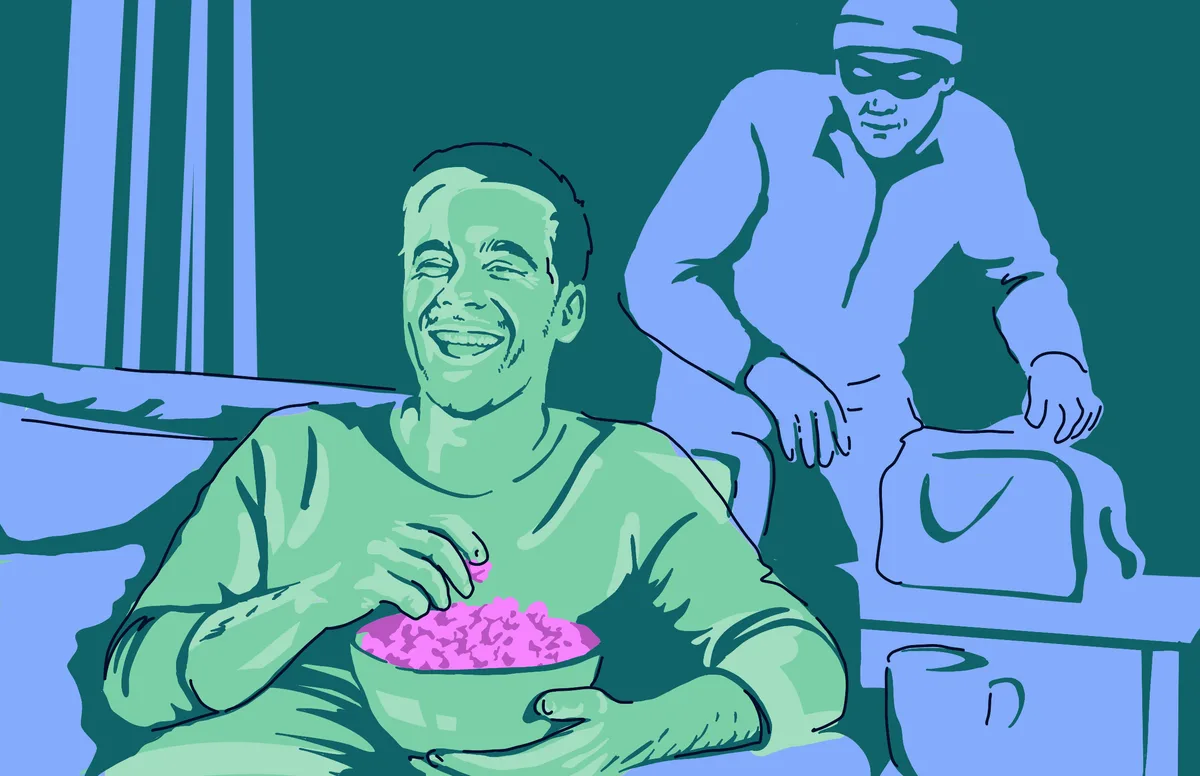
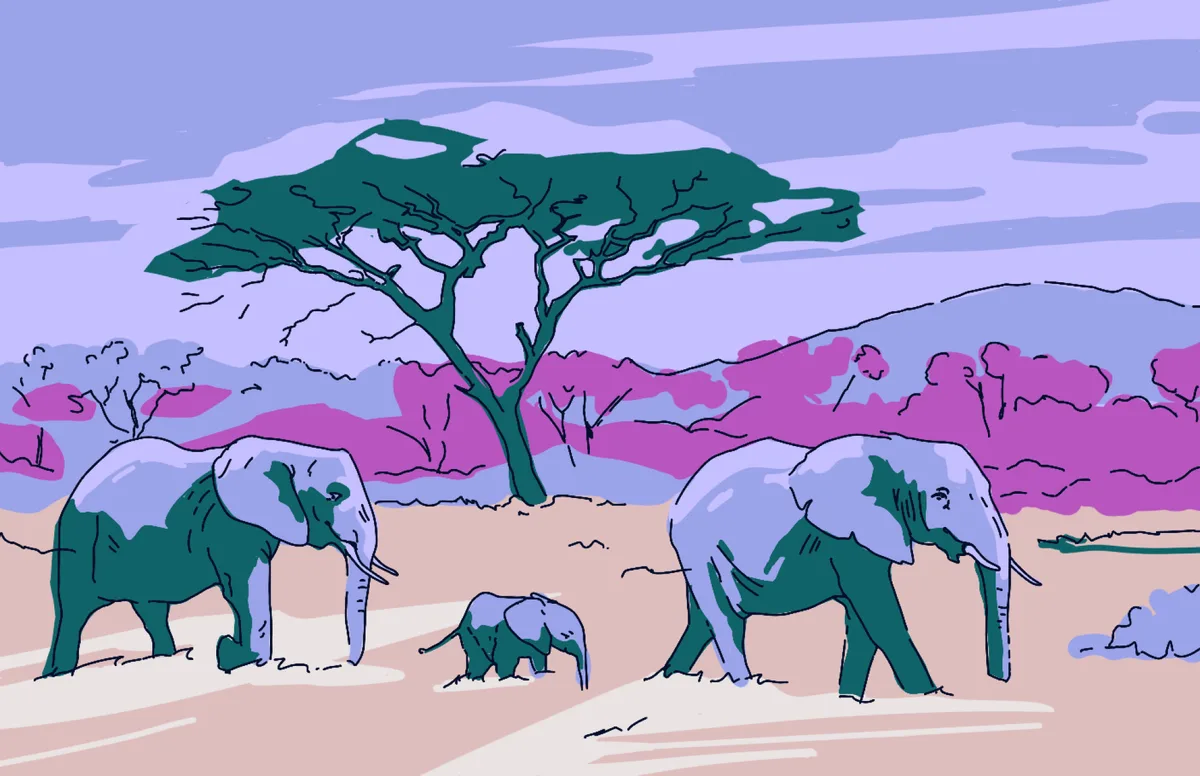
Cybersecurity usually looks technical and hard to read. Moonlock’s strategy was human-first: explain Mac security to everyday users and gently debunk the myth that Macs don’t need protection.

calm toneA page about malware should read like an explanation, not an alarm. I set that calm in the palette and the style guidelines, then carried it through the website and the content.
content firstBefore the app came out, the blog, social media and video got people ready and busted myths. Moonlock Lab backed them with research, reports and conference talks.

website · 2023 — 2025

A site that grew up with the app

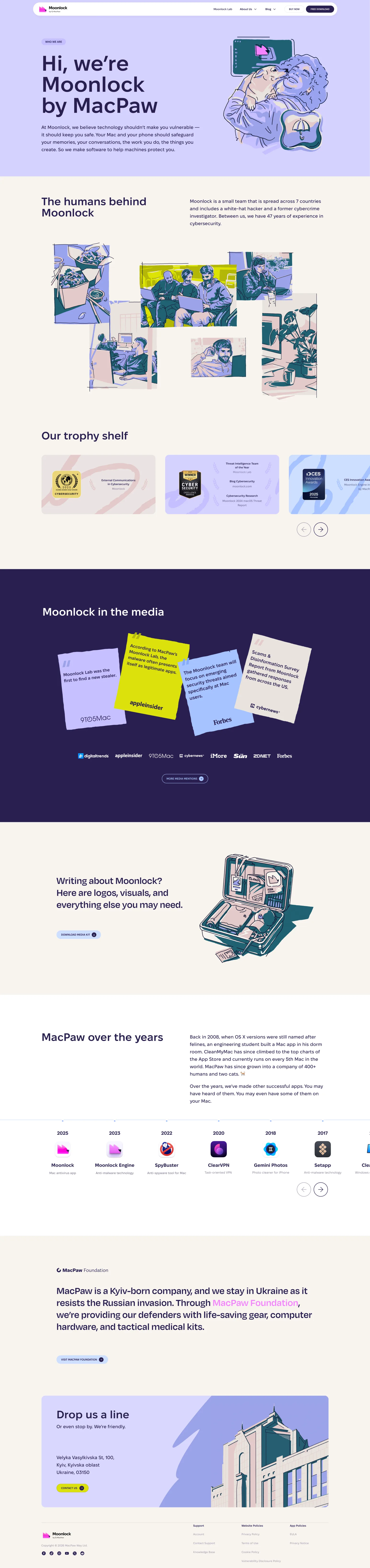
I gave Moonlock its palette, visual style and web design system, then built its first site around the blog. The Who we are page introduces the people behind it.

When the app was about to launch, the site was still a home for the blog and Moonlock Lab. The product and the brand had to look like one, so I redesigned the site across 13 page types, aligned its palette with the product, and brought in the design lead’s new illustration style.

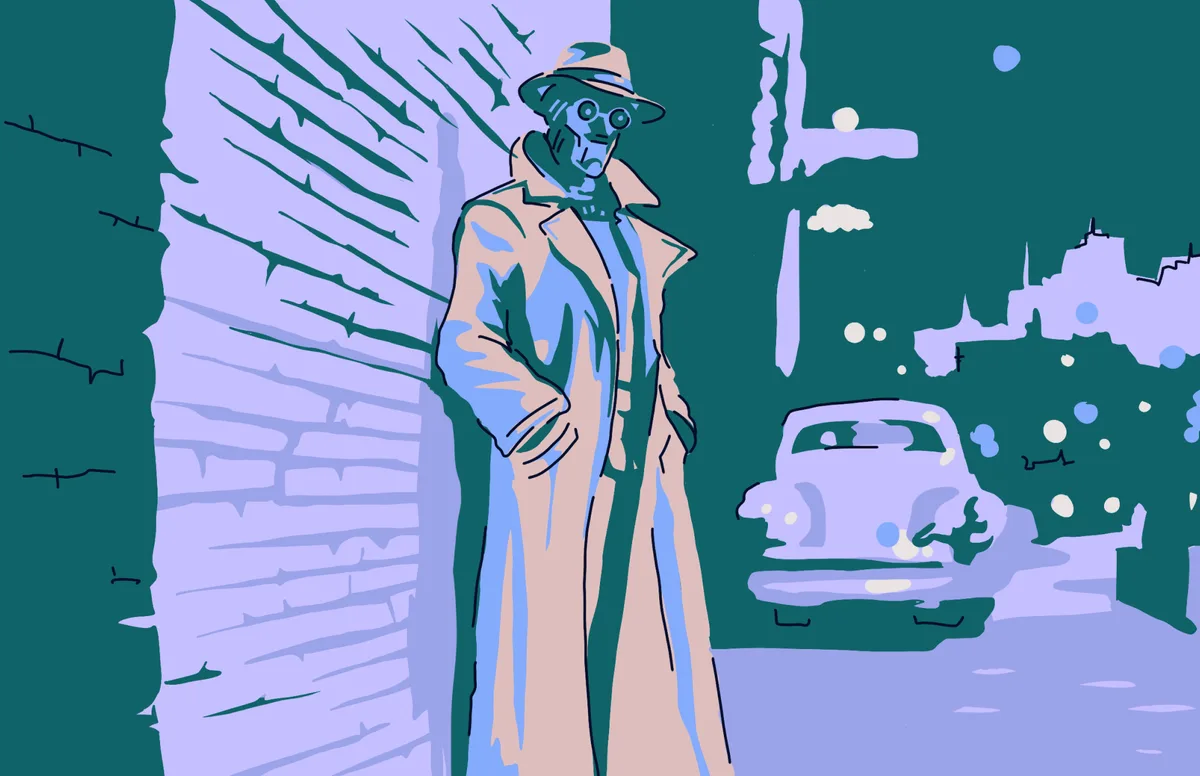
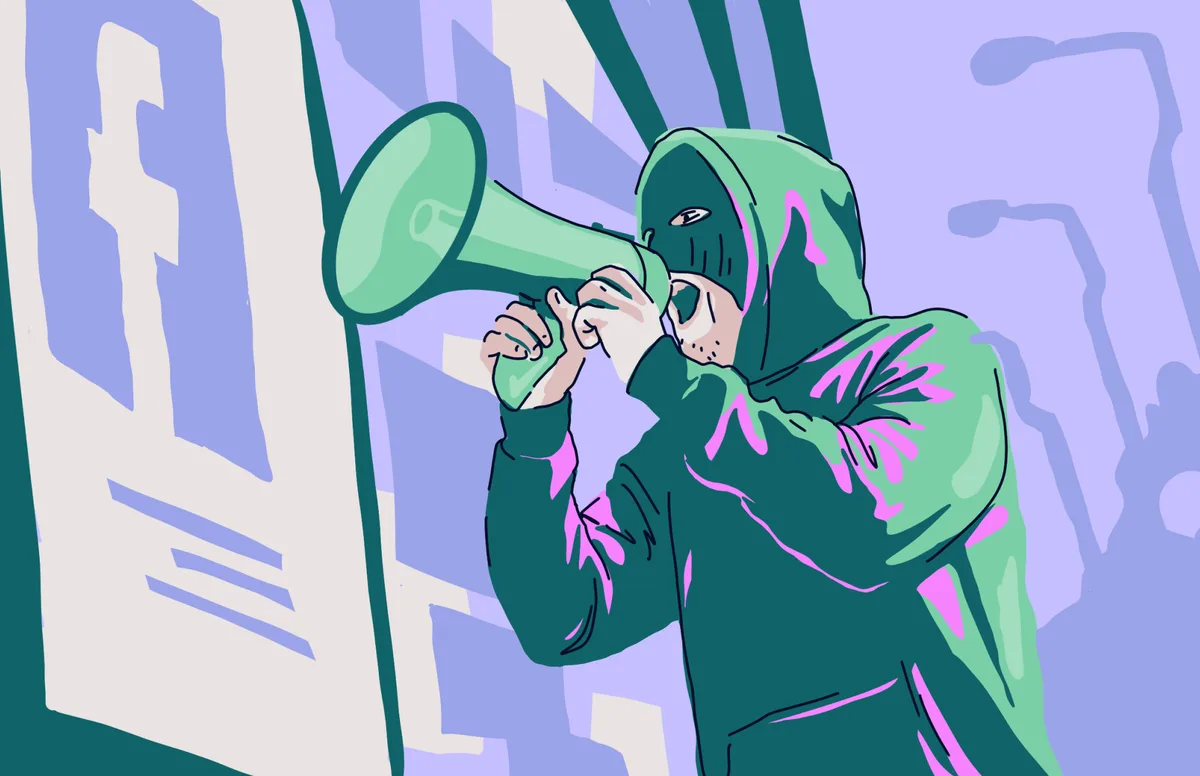
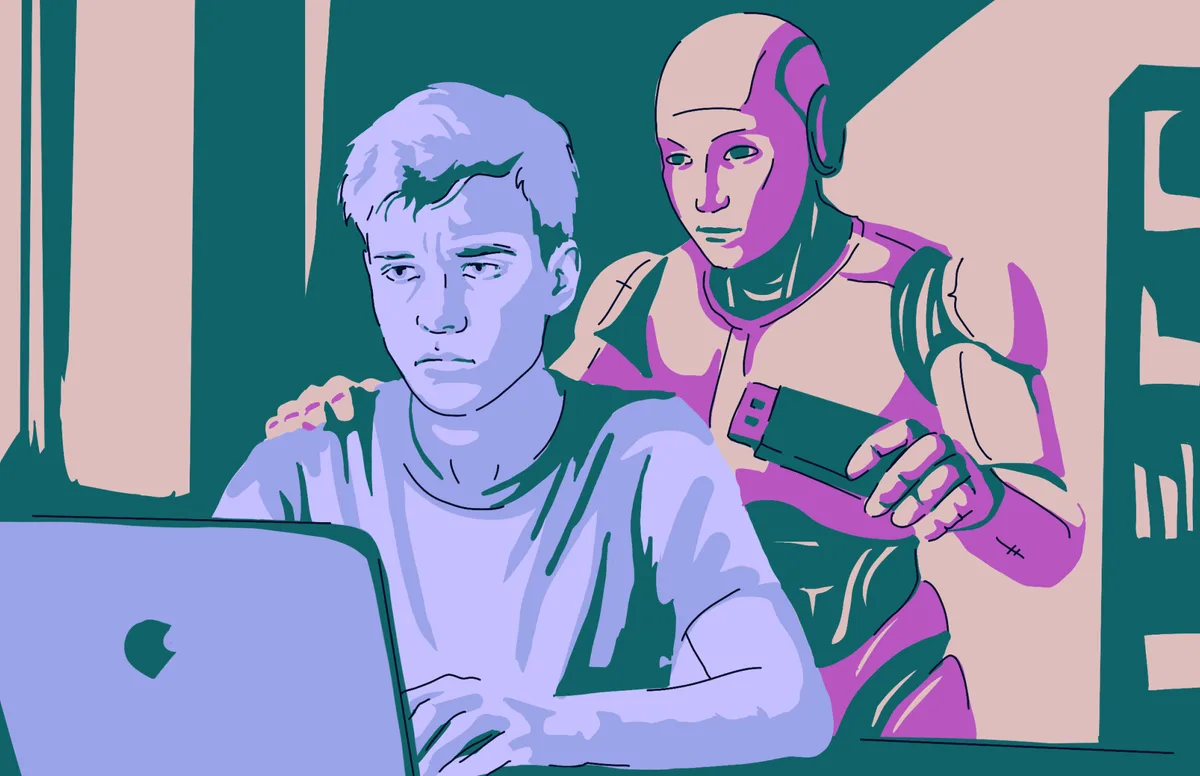
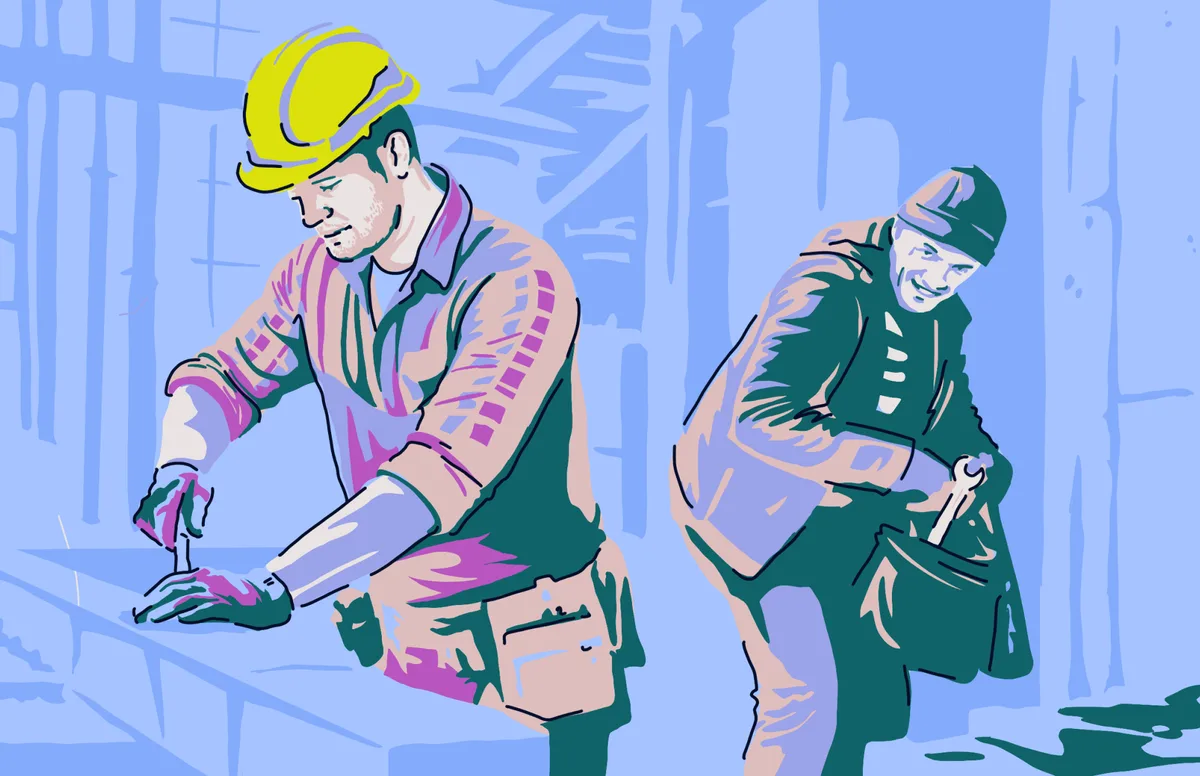
The blog stayed the heart of the site. It explained Mac threats to everyday people, often within days of the news. I made 220 of its covers, shaped its first illustration style and wrote the guidelines other illustrators worked from.

see the blog case

report design · 2025

A report people can read

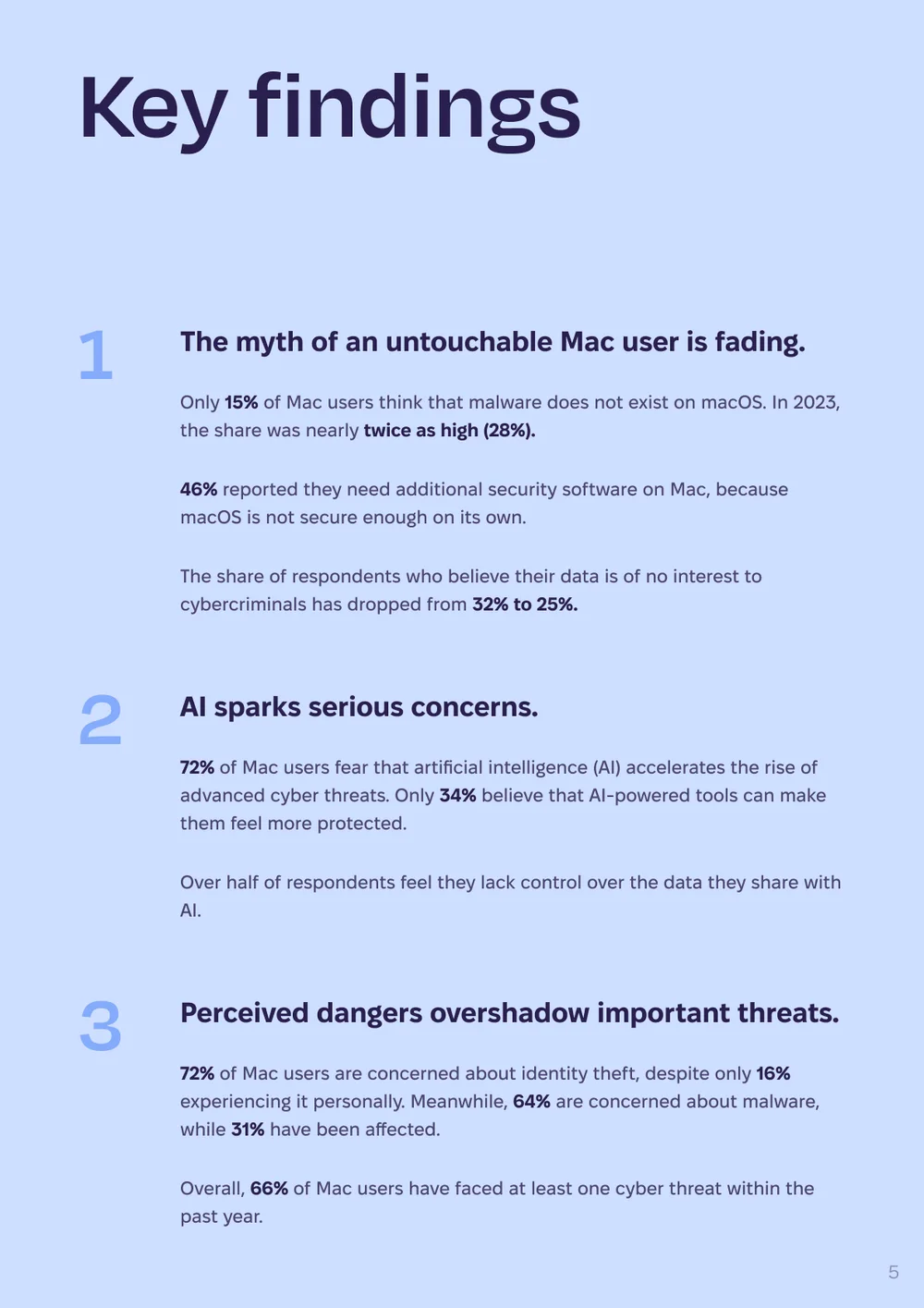
A survey of 1,000 U.S. adults on how Mac users see cybersecurity. I designed the report so the numbers are easy to scan: clear charts, section openers and expert quotes in the brand’s style.
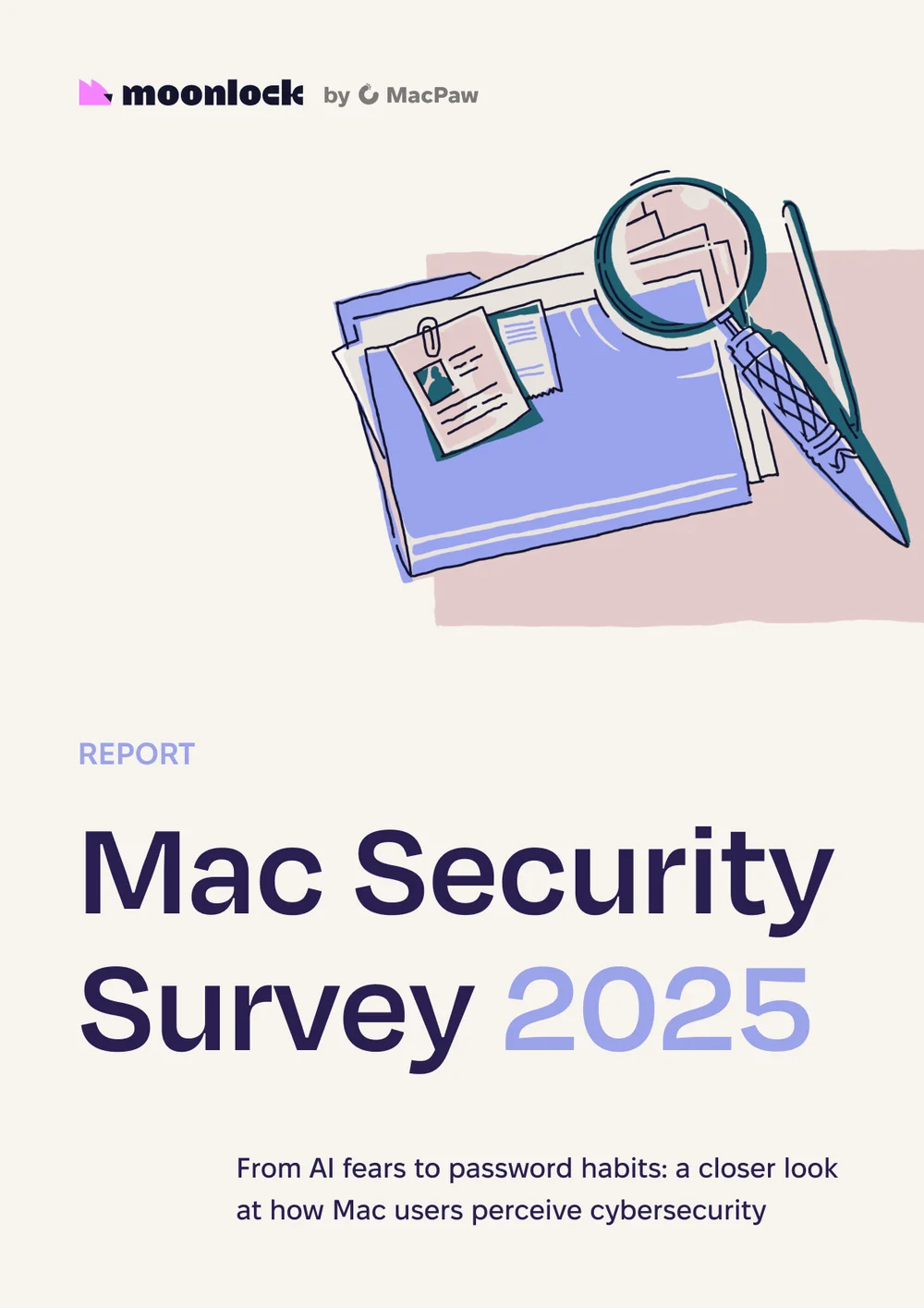
Report page 1 of 14: cover: “Mac Security Survey 2025”
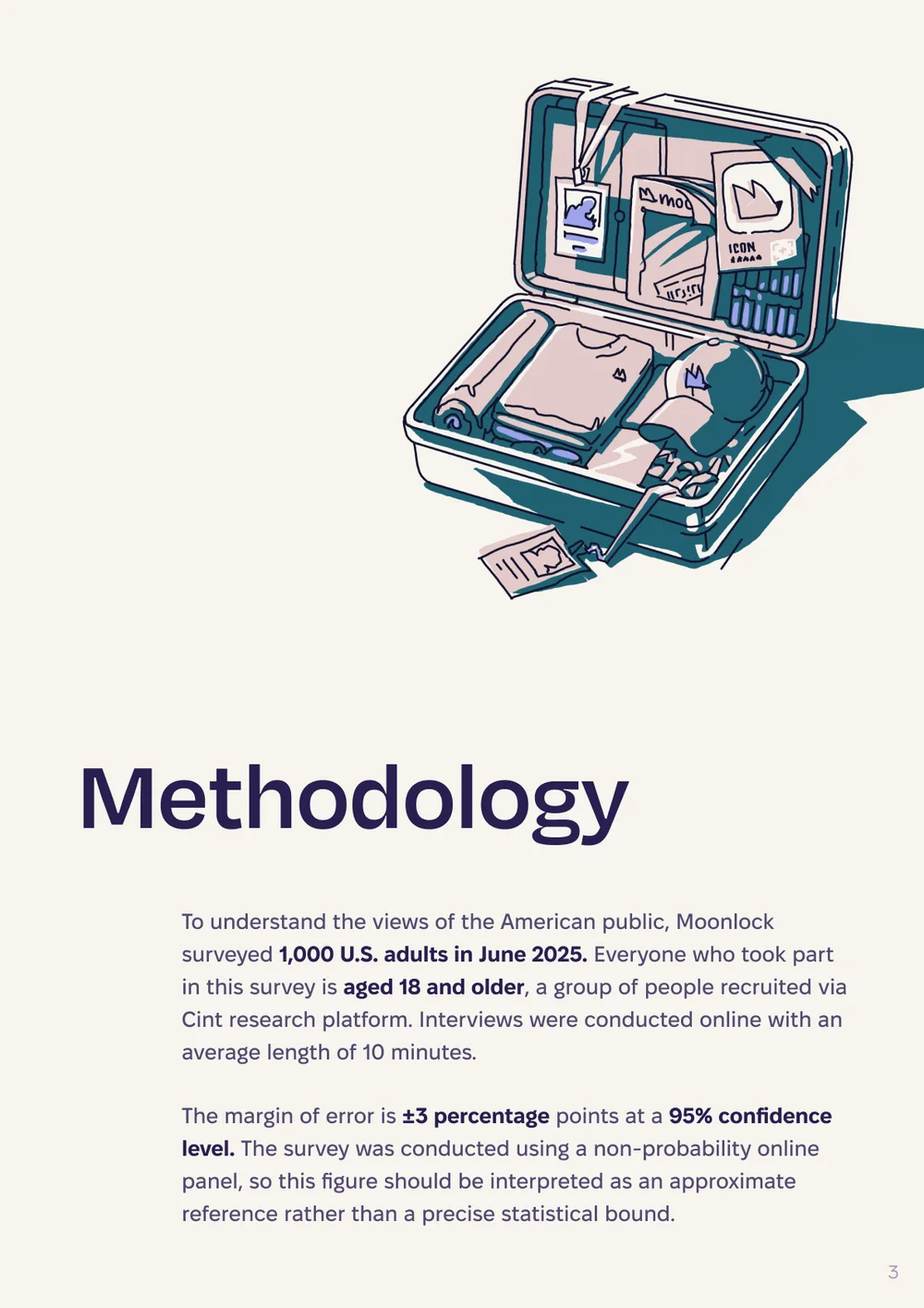
Report page 2 of 14: methodology
Report page 3 of 14: key findings, three numbered points
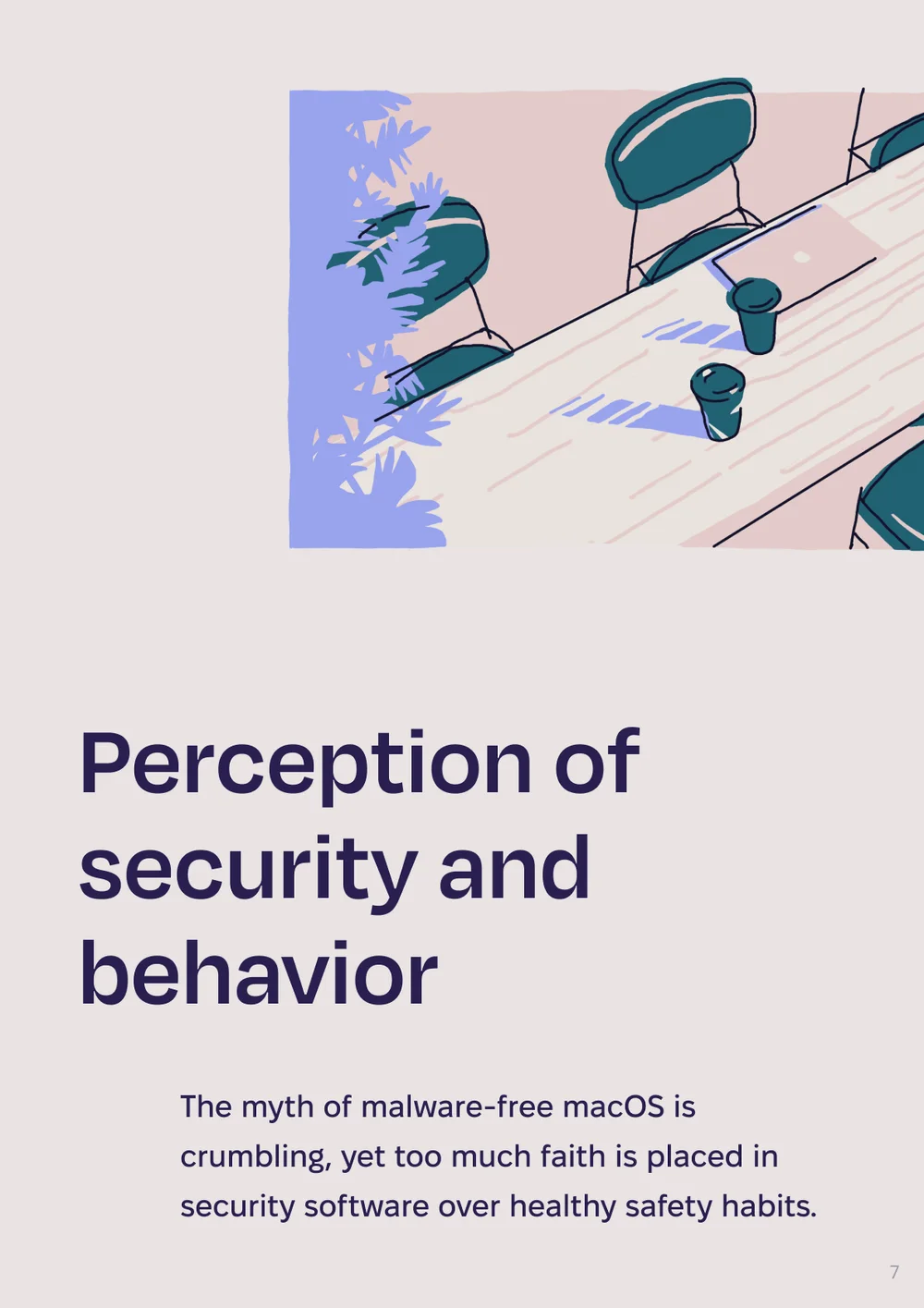
Report page 4 of 14: section opener: perception of security and behavior
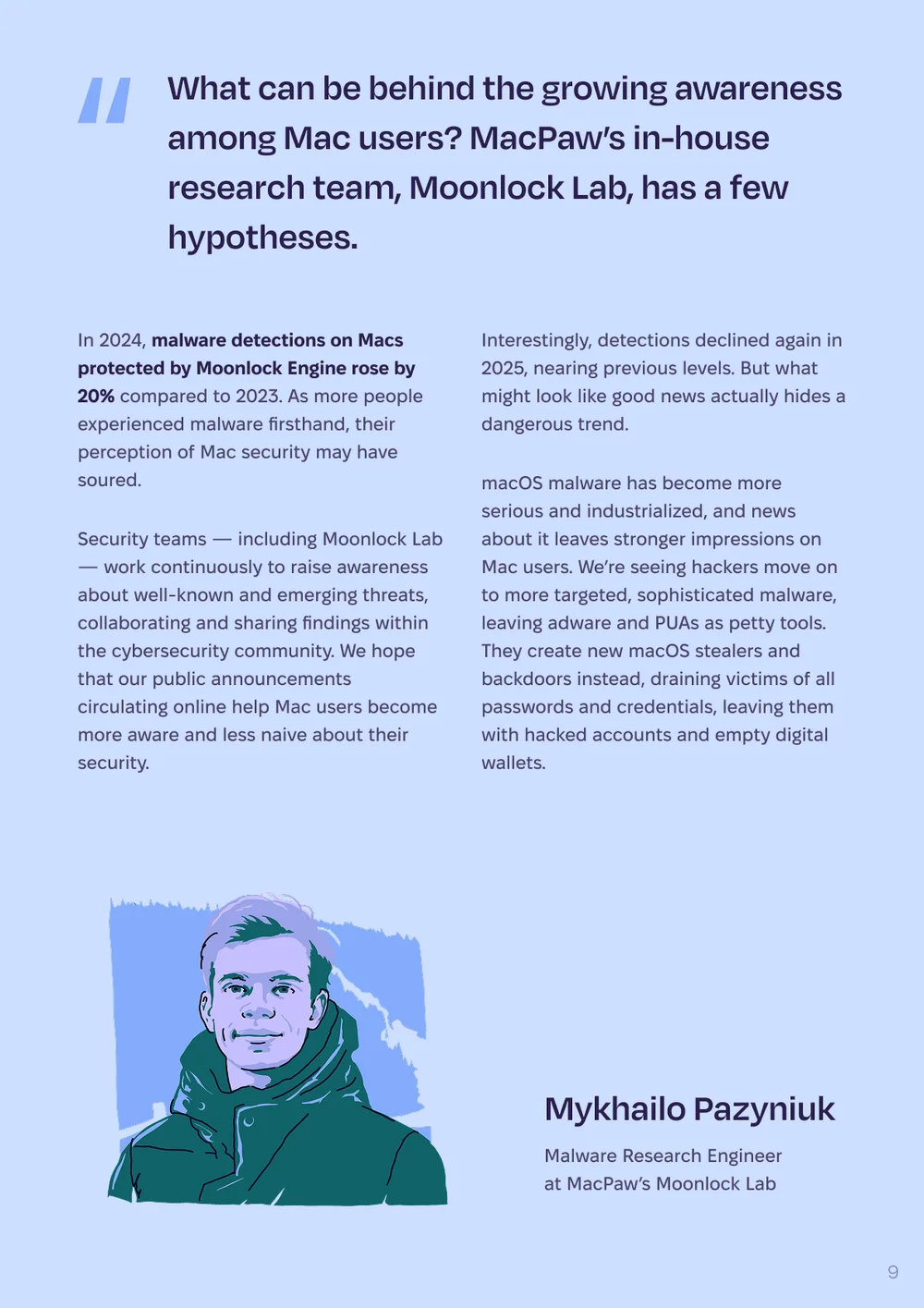
Report page 5 of 14: an expert quote from Mykhailo Pazyniuk of Moonlock Lab
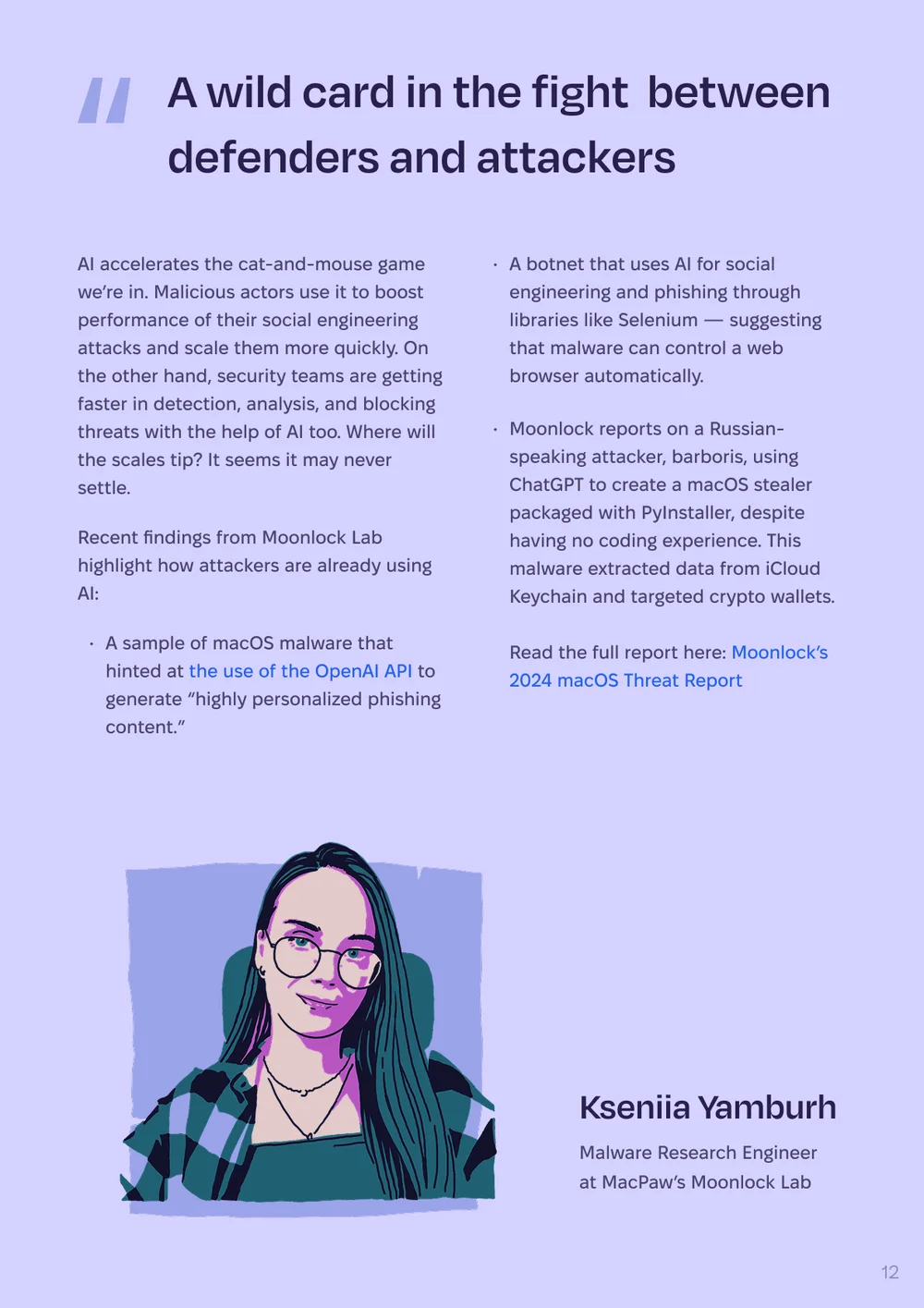
Report page 6 of 14: an expert quote from Kseniia Yamburh of Moonlock Lab
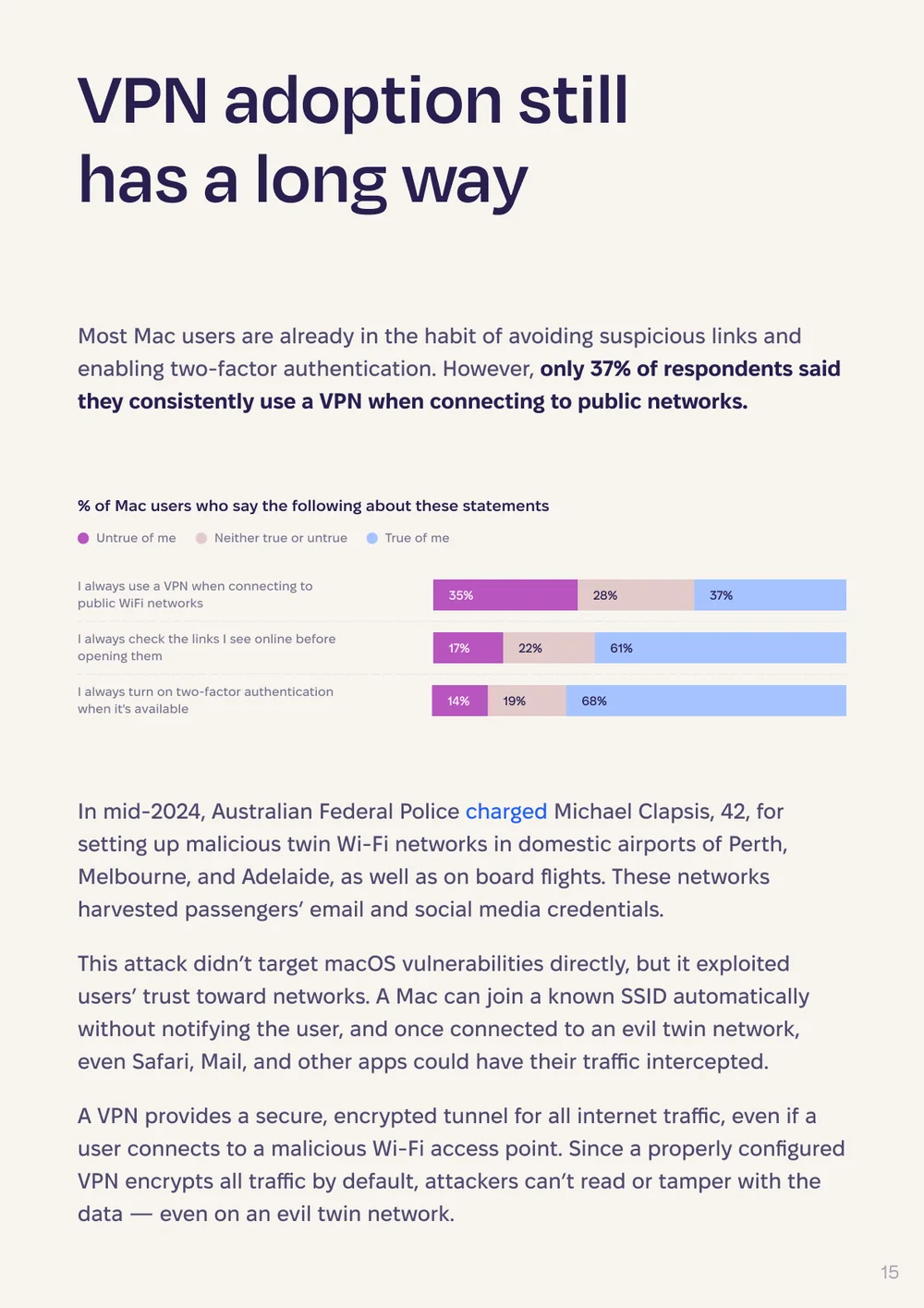
Report page 7 of 14: “VPN adoption still has a long way” with a bar chart
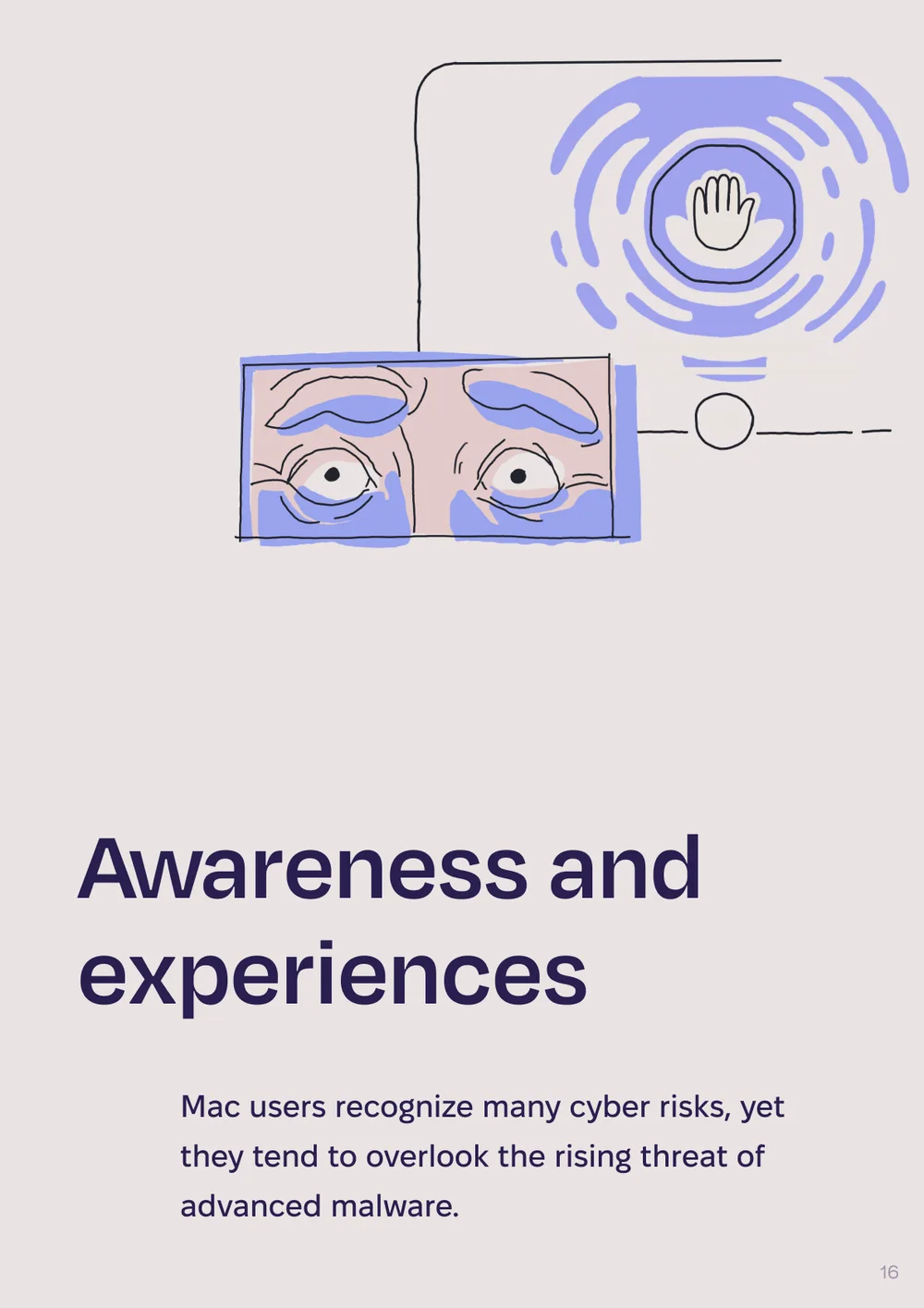
Report page 8 of 14: section opener: awareness and experiences
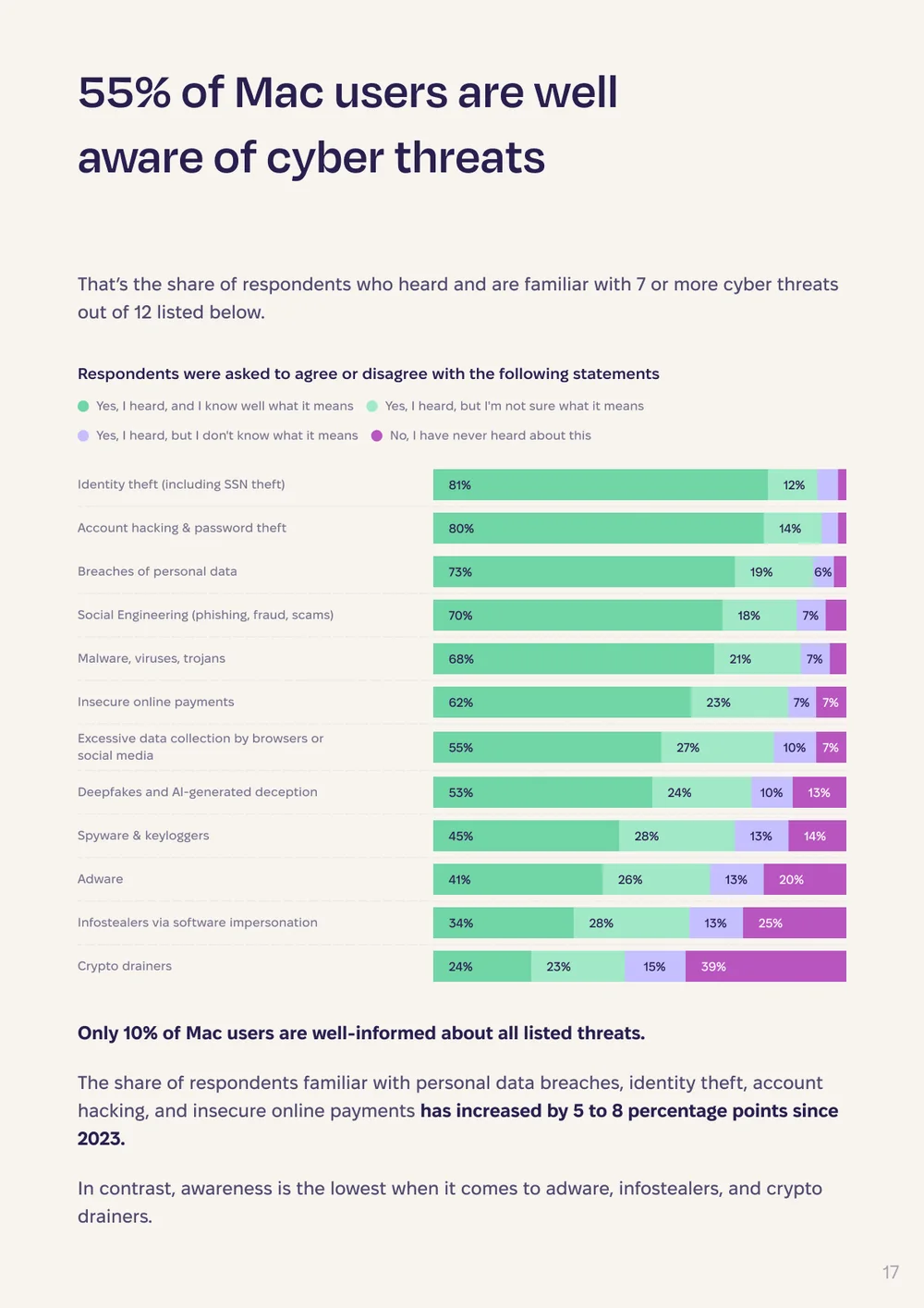
Report page 9 of 14: “55% of Mac users are well aware of cyber threats” with a bar chart
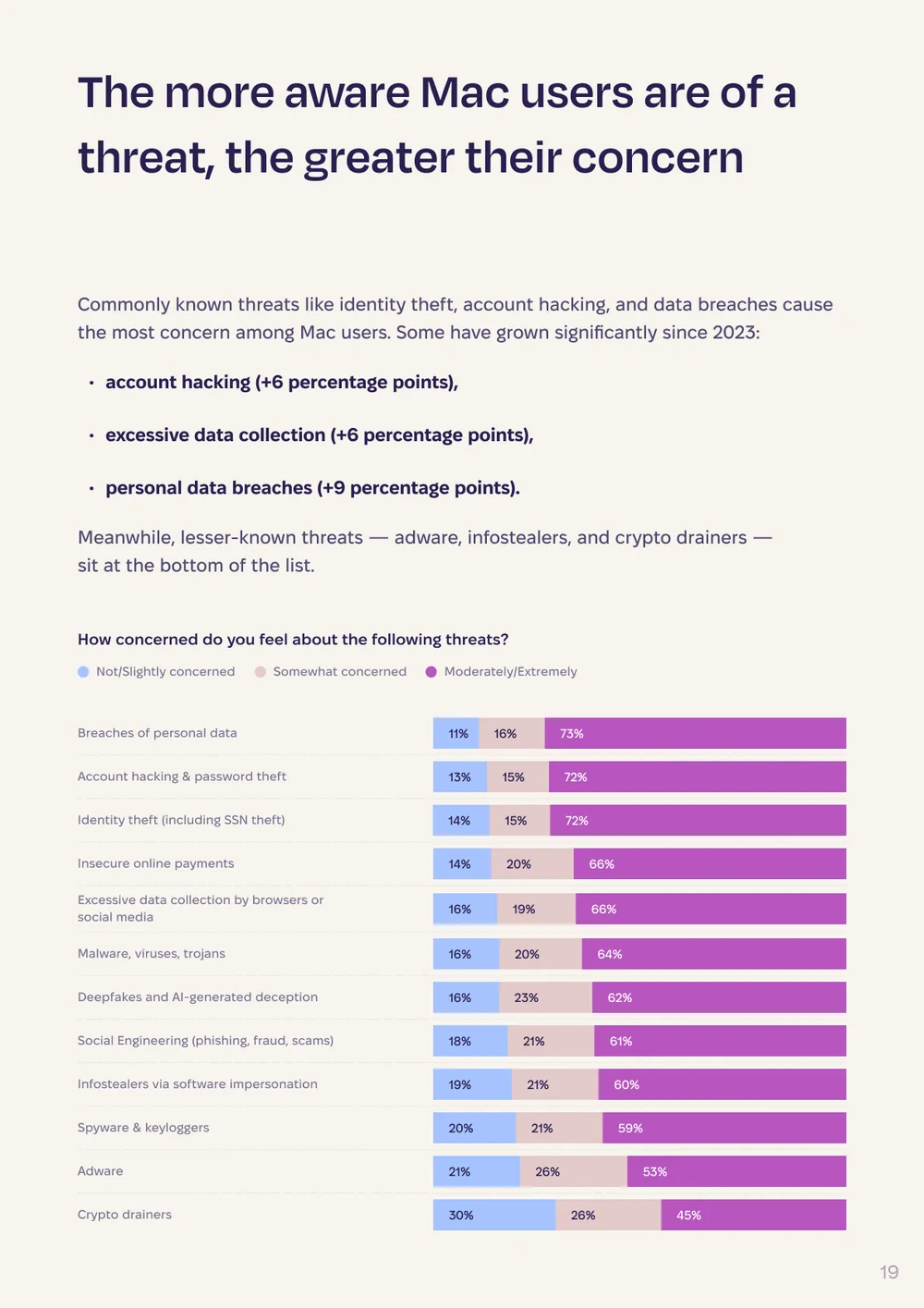
Report page 10 of 14: “The more aware Mac users are of a threat, the greater their concern” with a bar chart
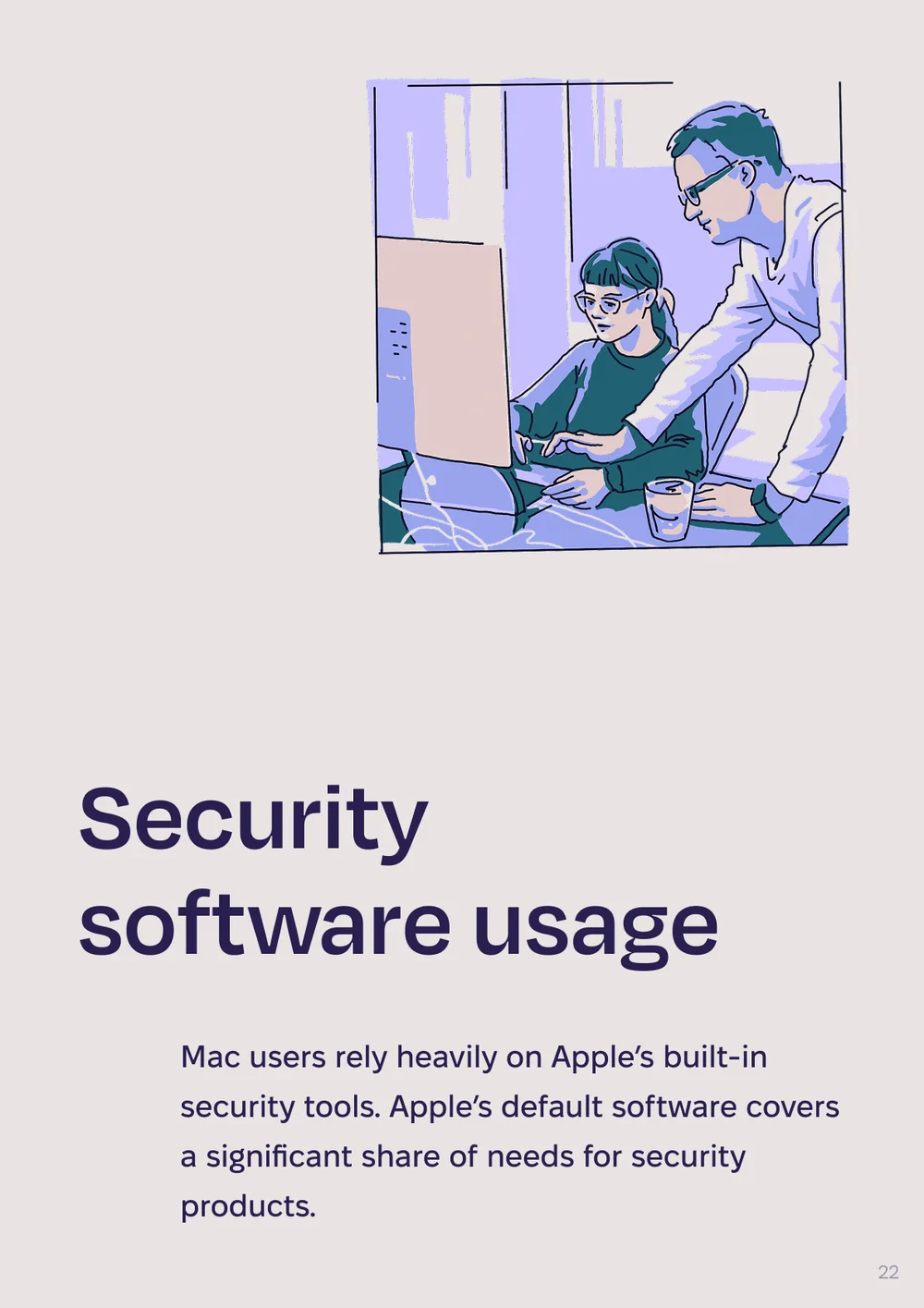
Report page 11 of 14: section opener: security software usage
Report page 12 of 14: section opener: guidance and support
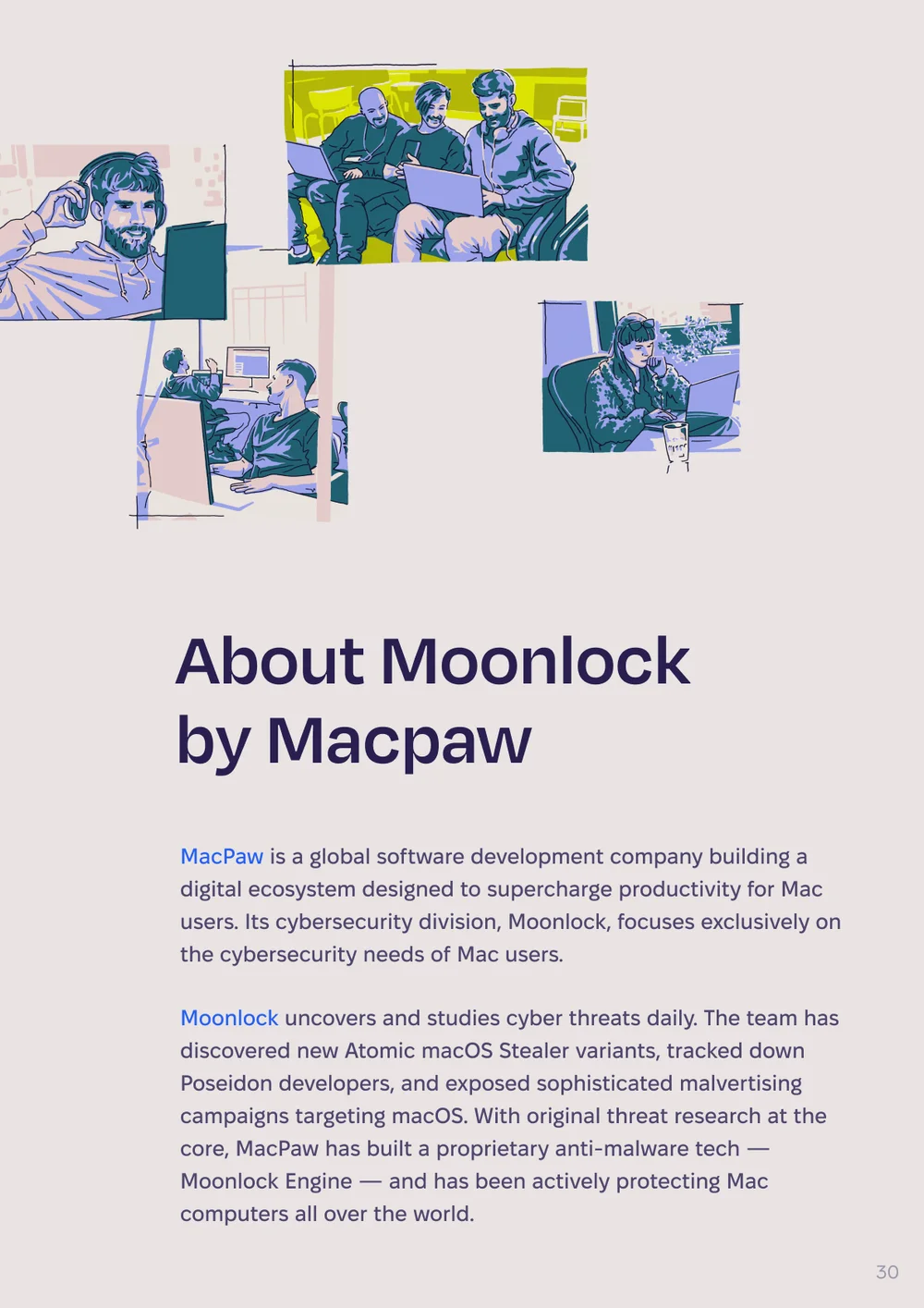
Report page 13 of 14: about Moonlock by MacPaw
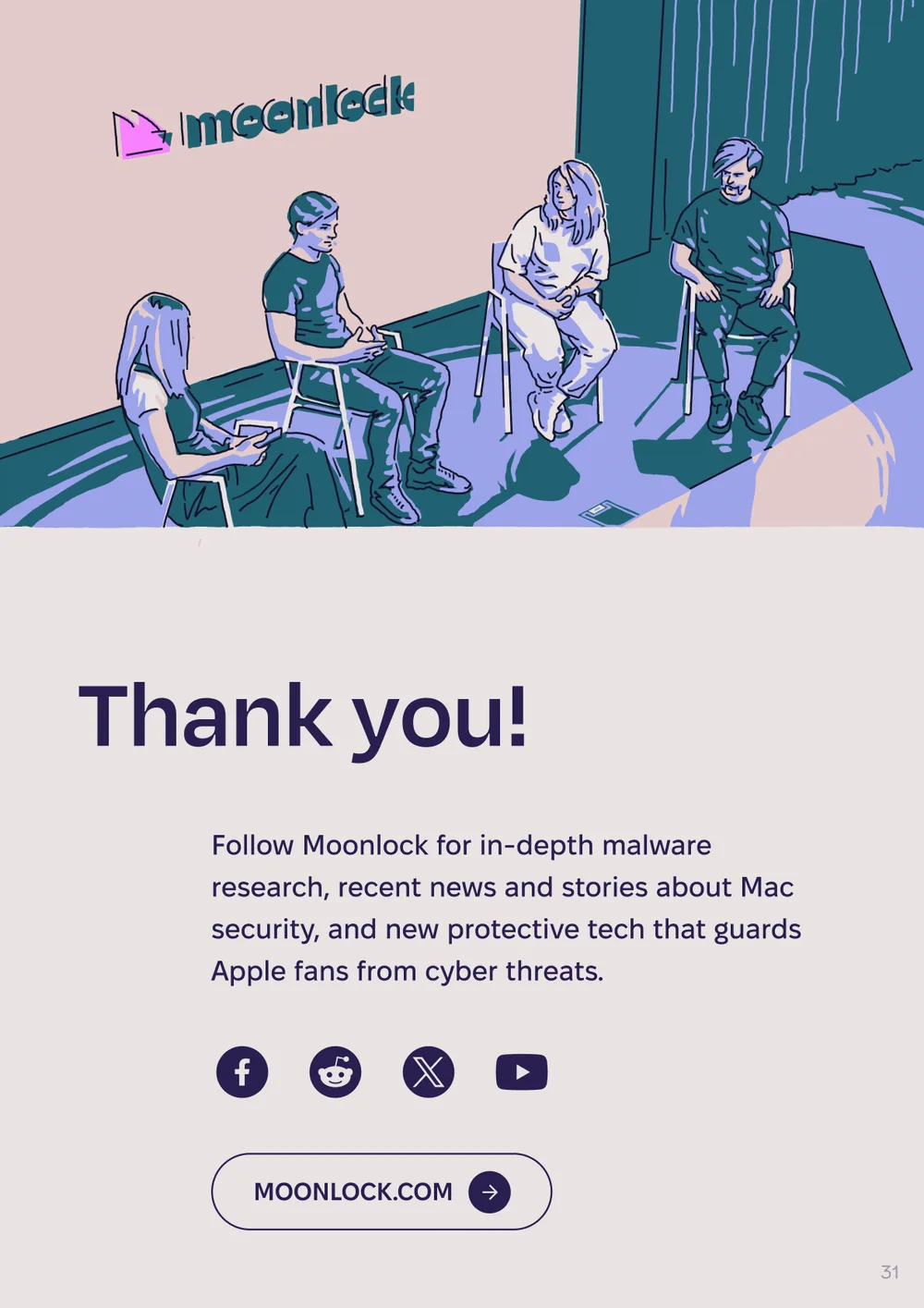
Report page 14 of 14: “Thank you!” with links to Moonlock
1 / 8

acquisition

One product, many ways in

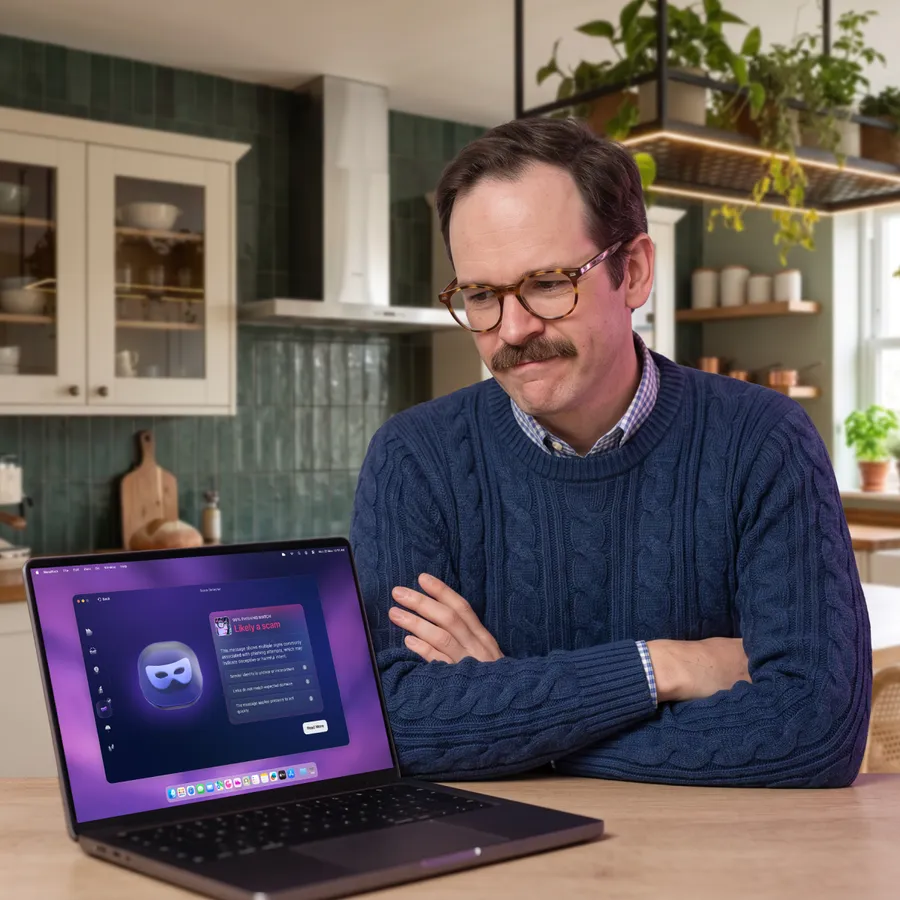
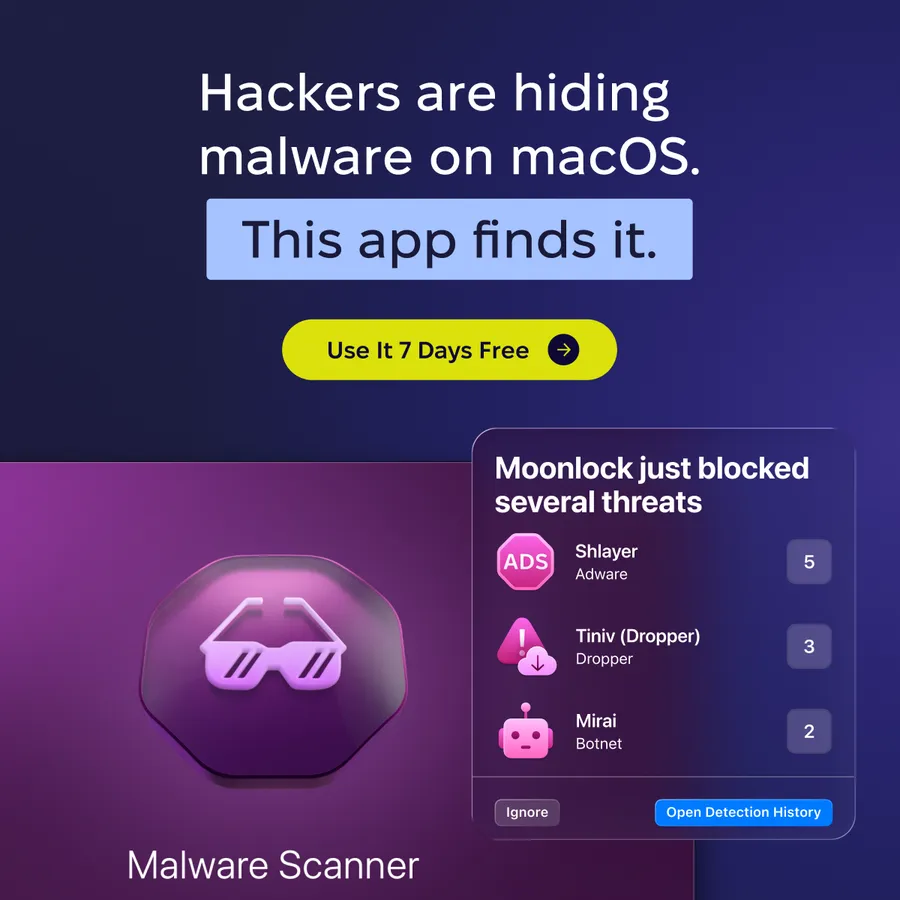
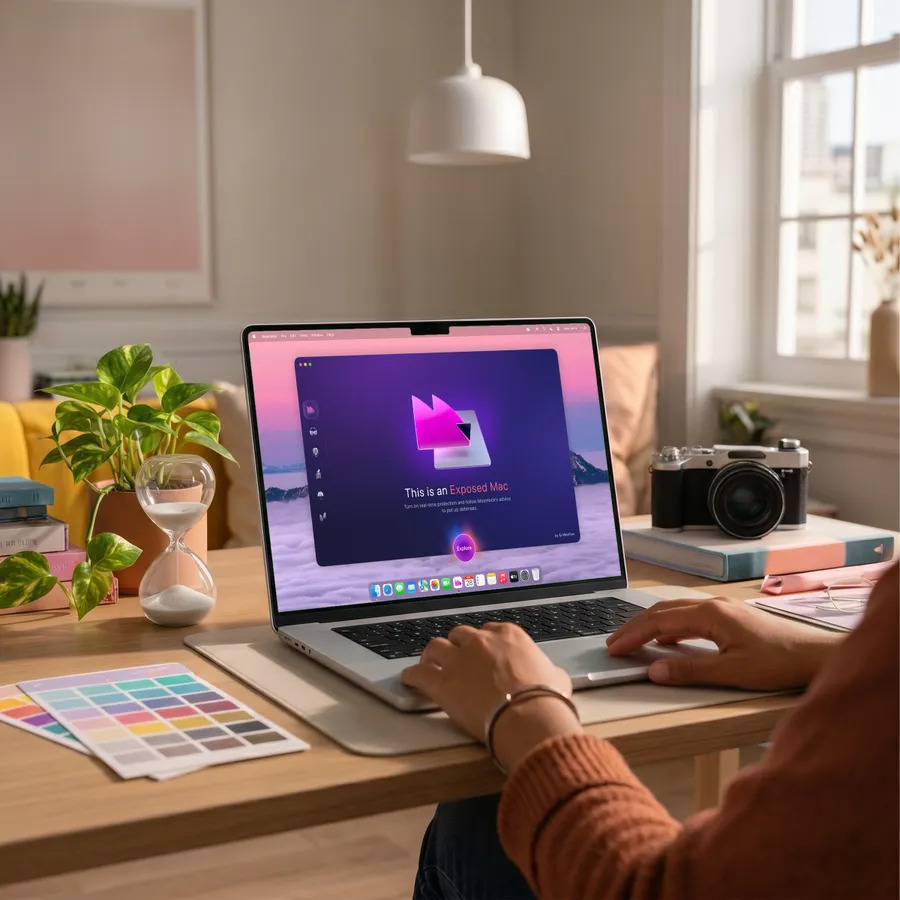
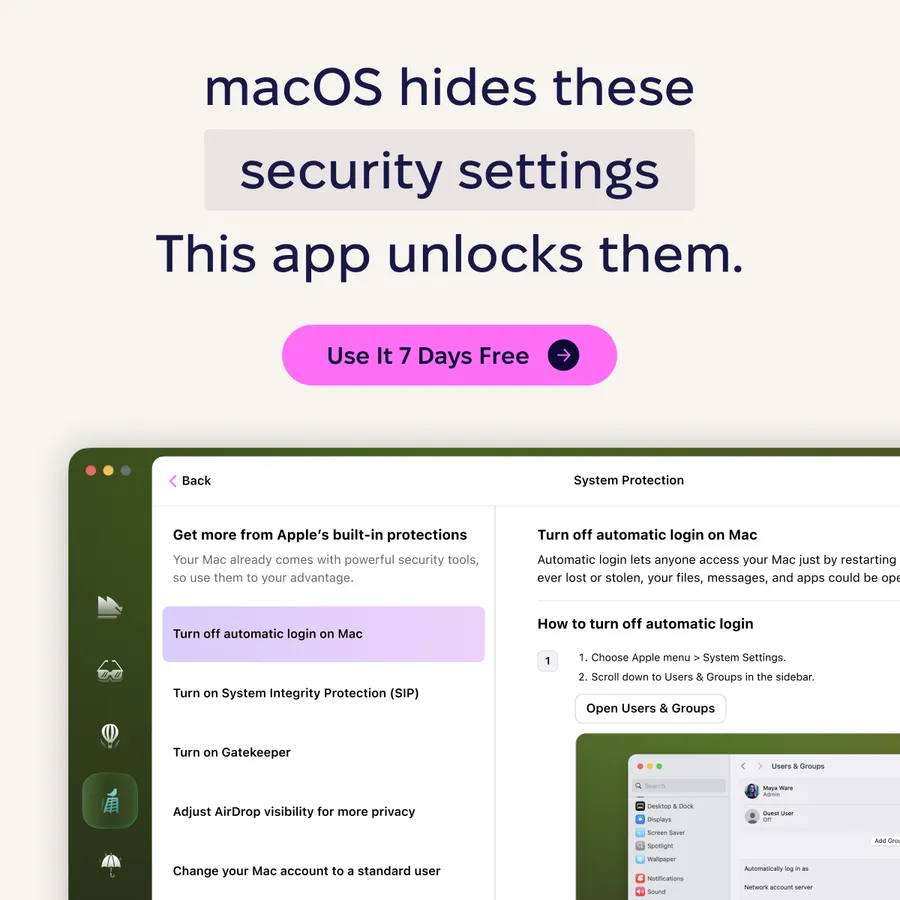
The app launched in October 2025, and the work turned outward. I made 200+ Meta ad creatives and designed and built the quiz funnels with Claude Code (see the quiz case), then added Performance Max and Demand Gen for Google, with creatives for each funnel and audience persona, iterated with the marketing team on campaign data.

Performance Max
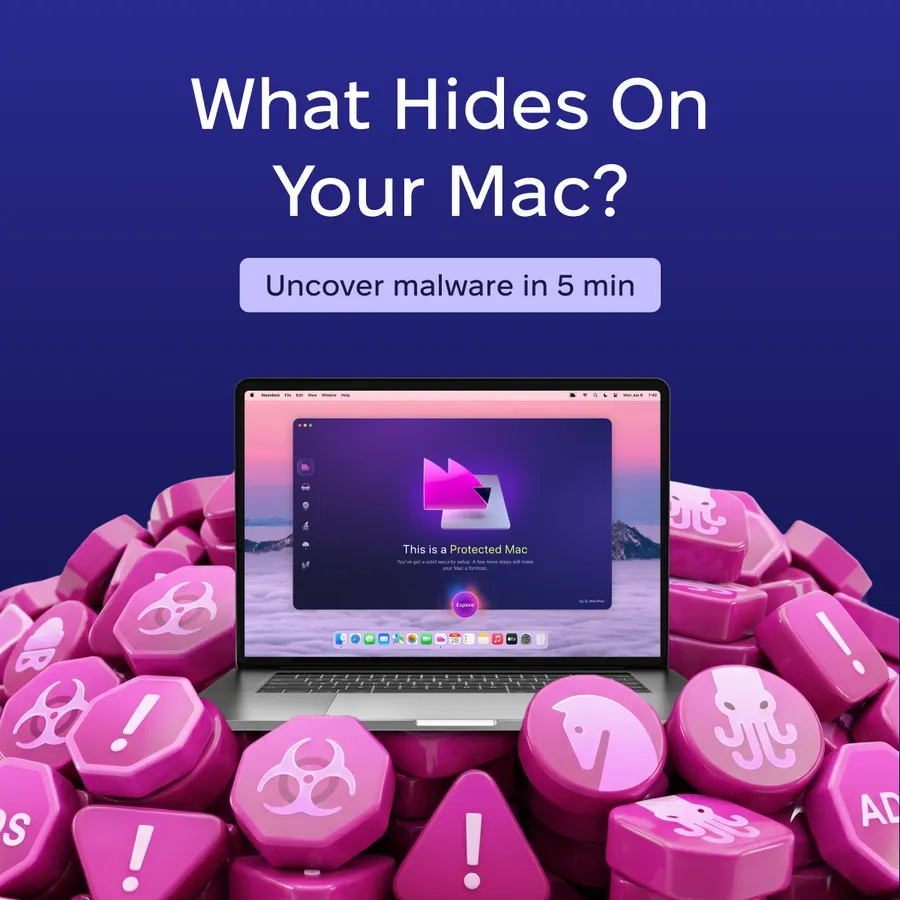
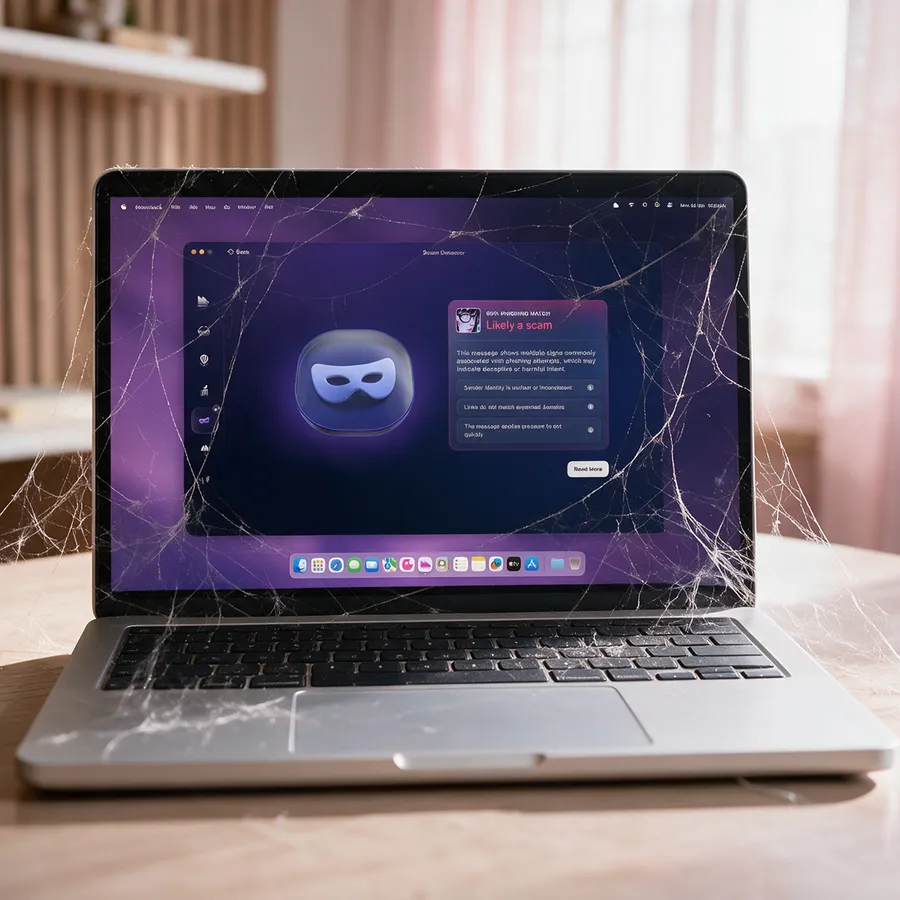
Performance Max creative 1 of 40: “What hides on your Mac?”, a laptop on a heap of malware icons
Performance Max creative 2 of 40: A smiling woman at her Mac in a kitchen
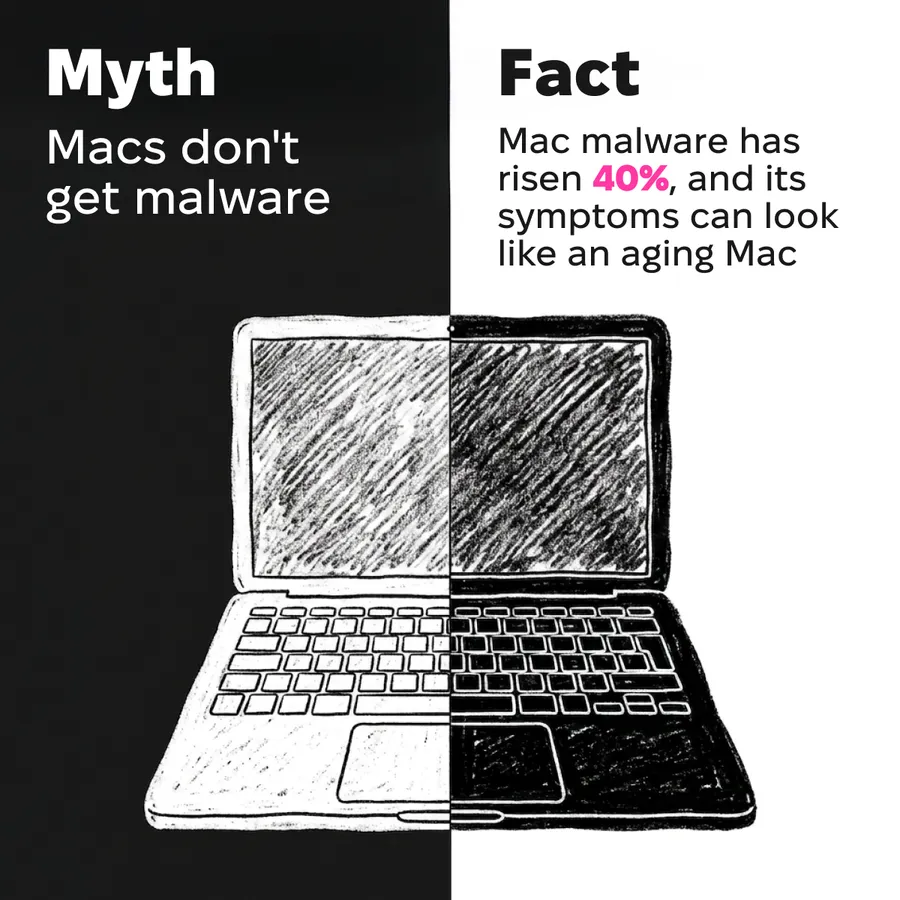
Performance Max creative 3 of 40: “Myth: Macs don’t get malware. Fact: Mac malware has risen 40%”
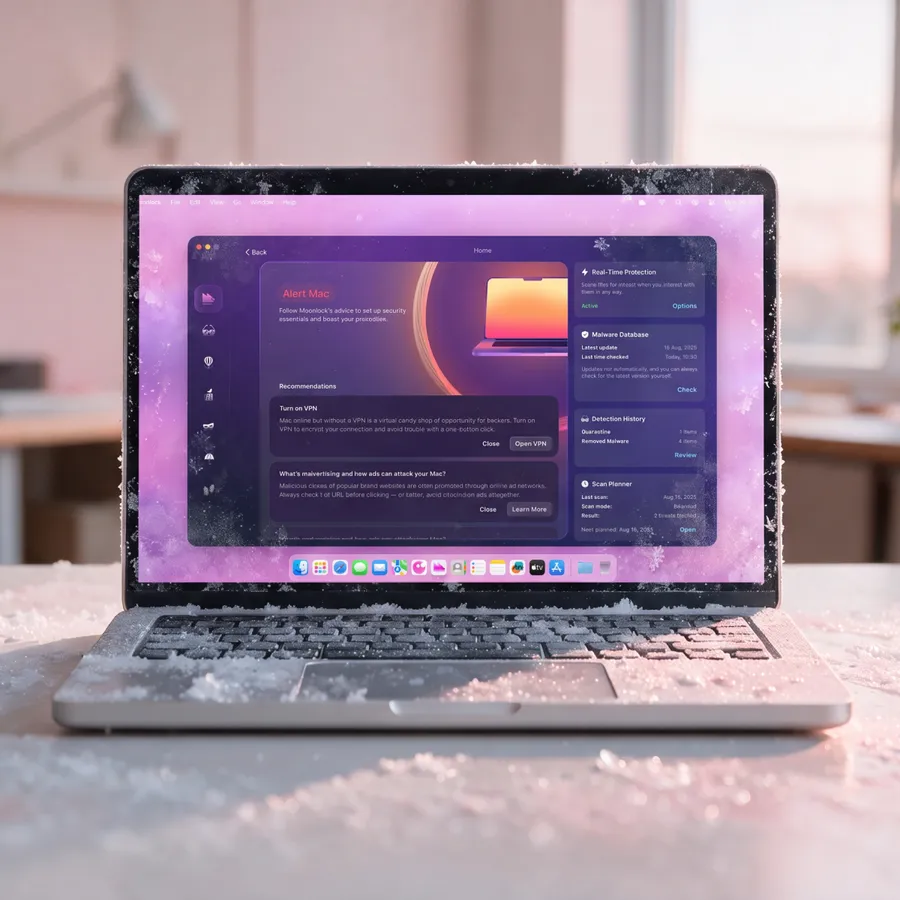
Performance Max creative 4 of 40: A Mac frozen in ice
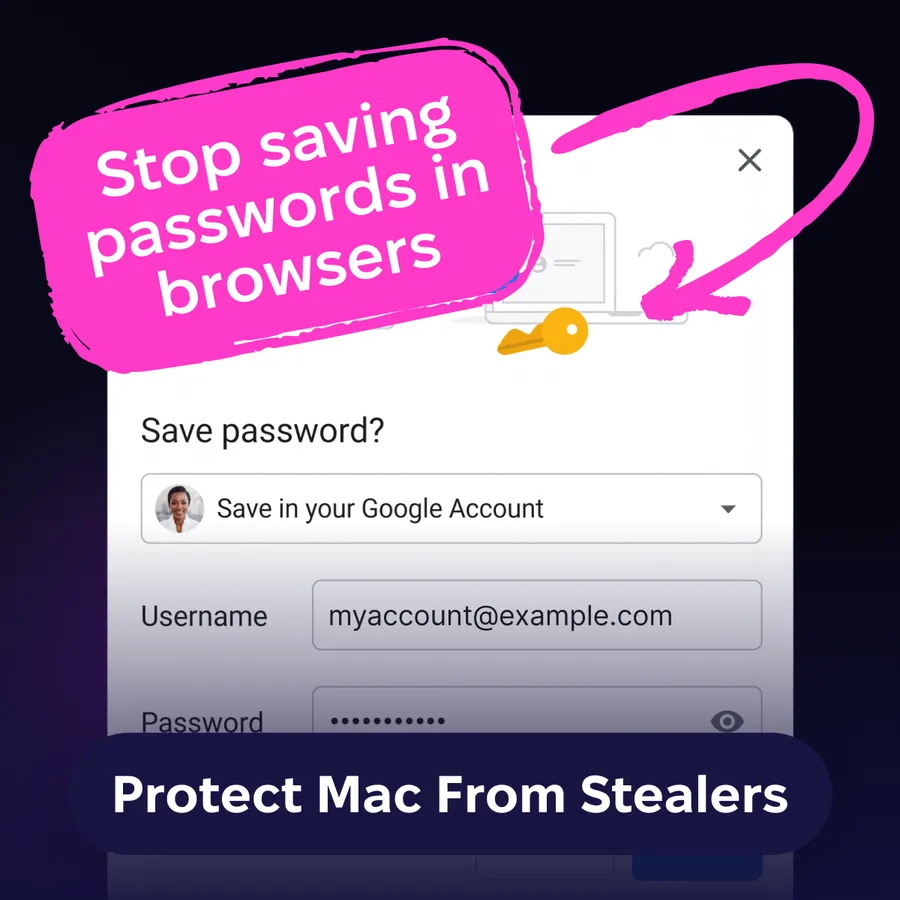
Performance Max creative 5 of 40: “Stop saving passwords in browsers”
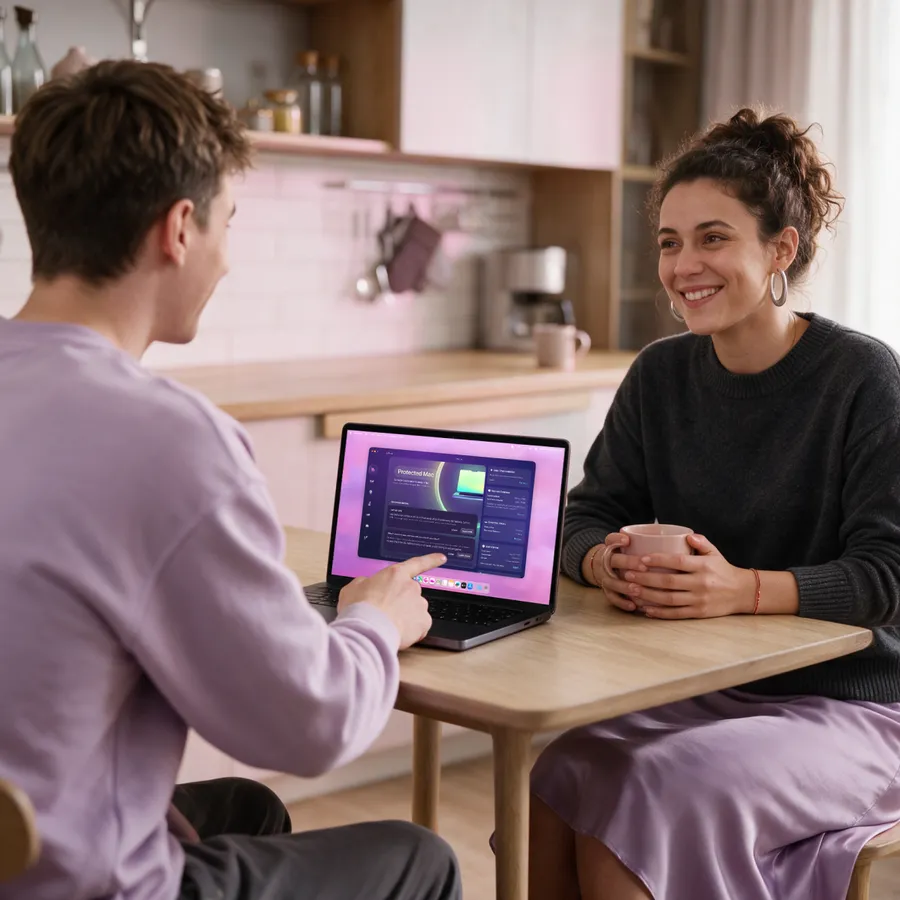
Performance Max creative 6 of 40: Two people at a table with a Mac running Moonlock
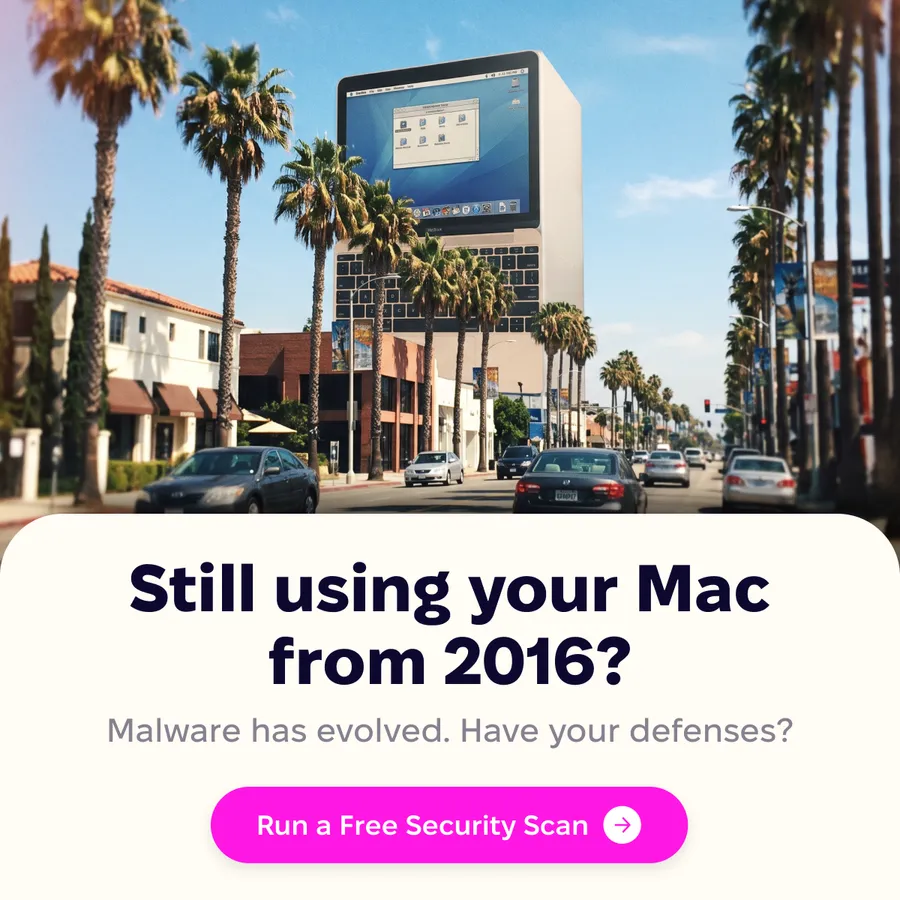
Performance Max creative 7 of 40: “Still using your Mac from 2016?”, an old computer as a billboard

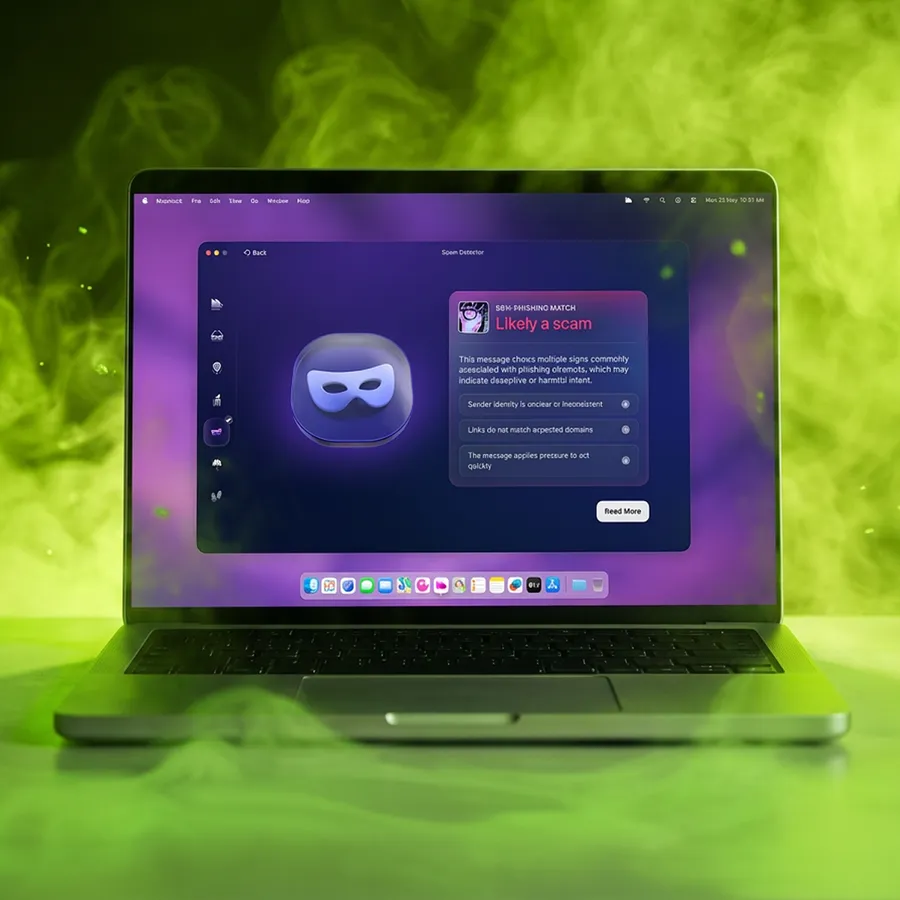
Performance Max creative 8 of 40: A Mac in a cloud of toxic green smoke
Performance Max creative 9 of 40: “Is your Mac infected?” with the list of removed malware
Performance Max creative 10 of 40: A worried man looking at his Mac in the kitchen
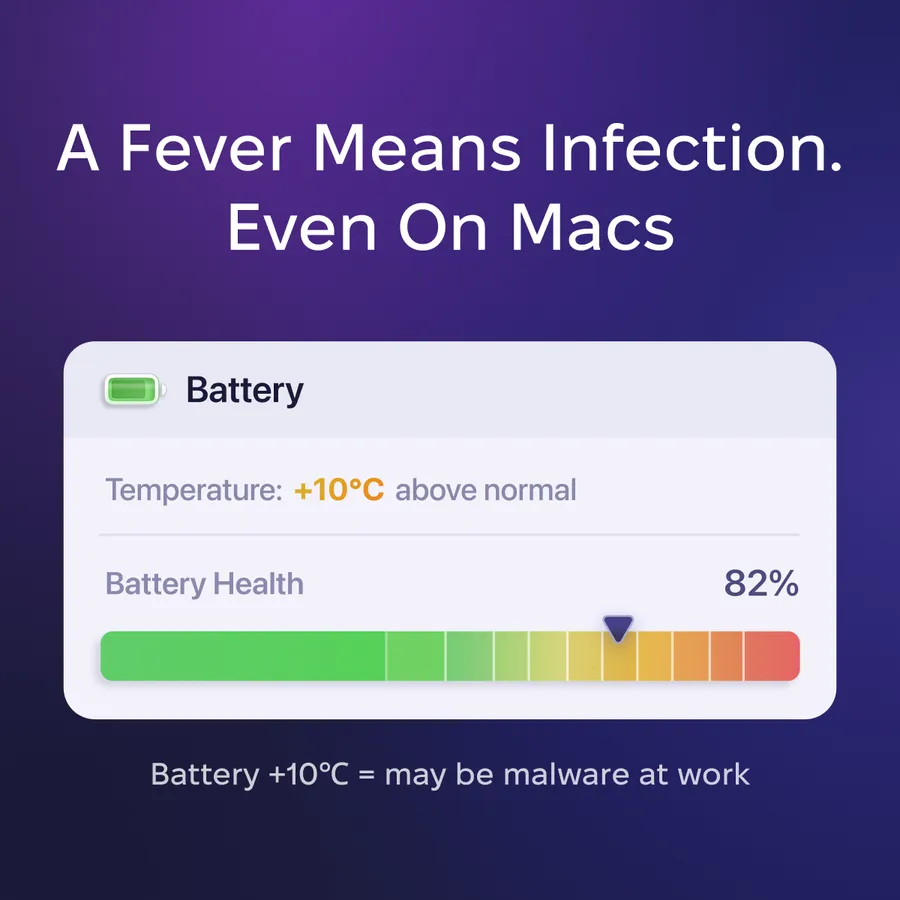
Performance Max creative 11 of 40: “A fever means infection. Even on Macs”, a battery temperature card

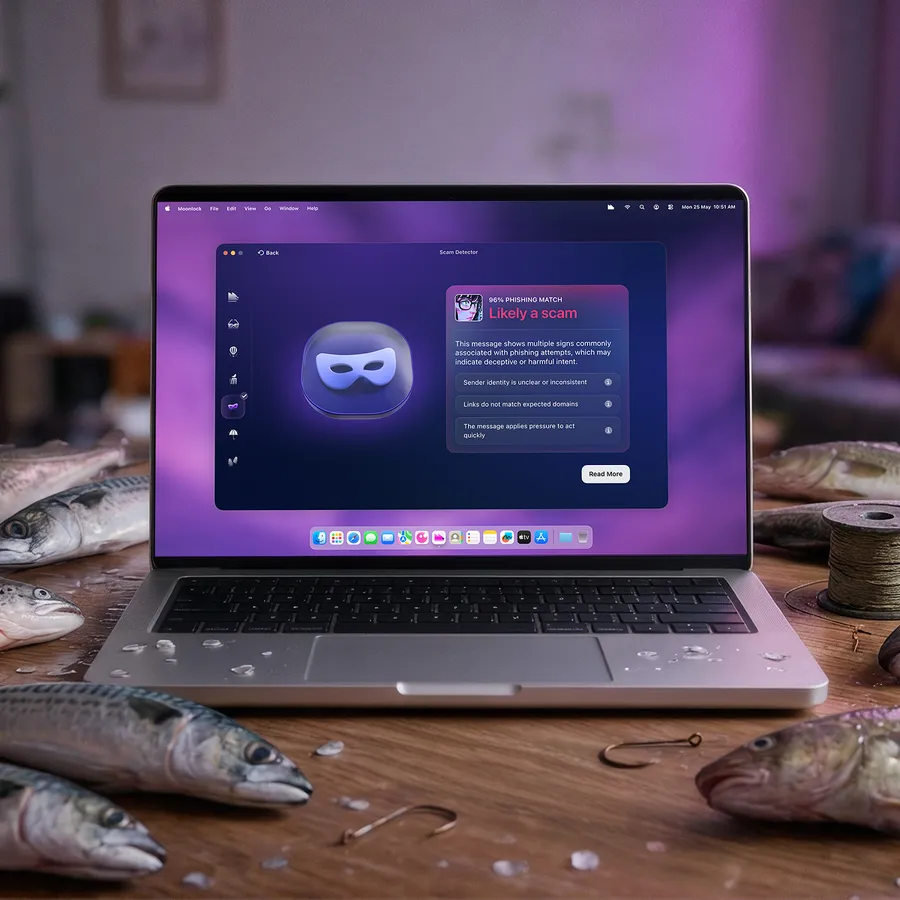
Performance Max creative 12 of 40: A Mac running Moonlock next to fish, a picture about phishing
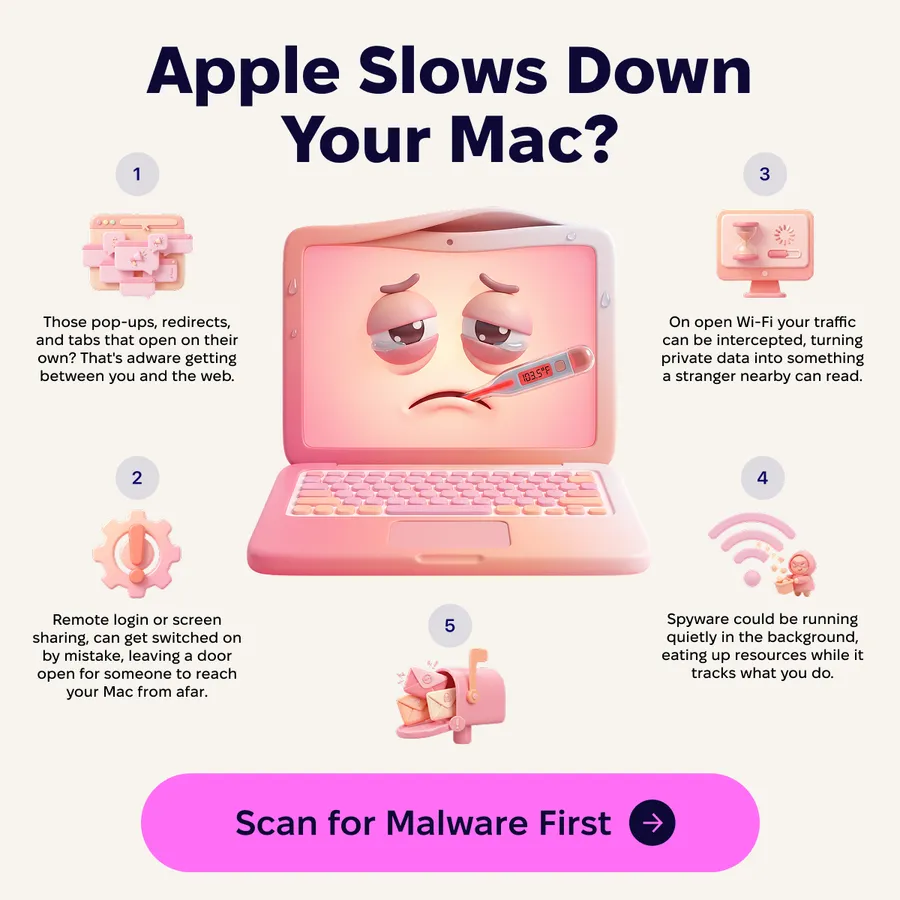
Performance Max creative 13 of 40: “Apple slows down your Mac?” with a sick-looking laptop and five causes
Performance Max creative 14 of 40: A woman talking with her Mac on her lap on a sofa
Performance Max creative 15 of 40: “Your browser remembers your passwords. So can hackers.”
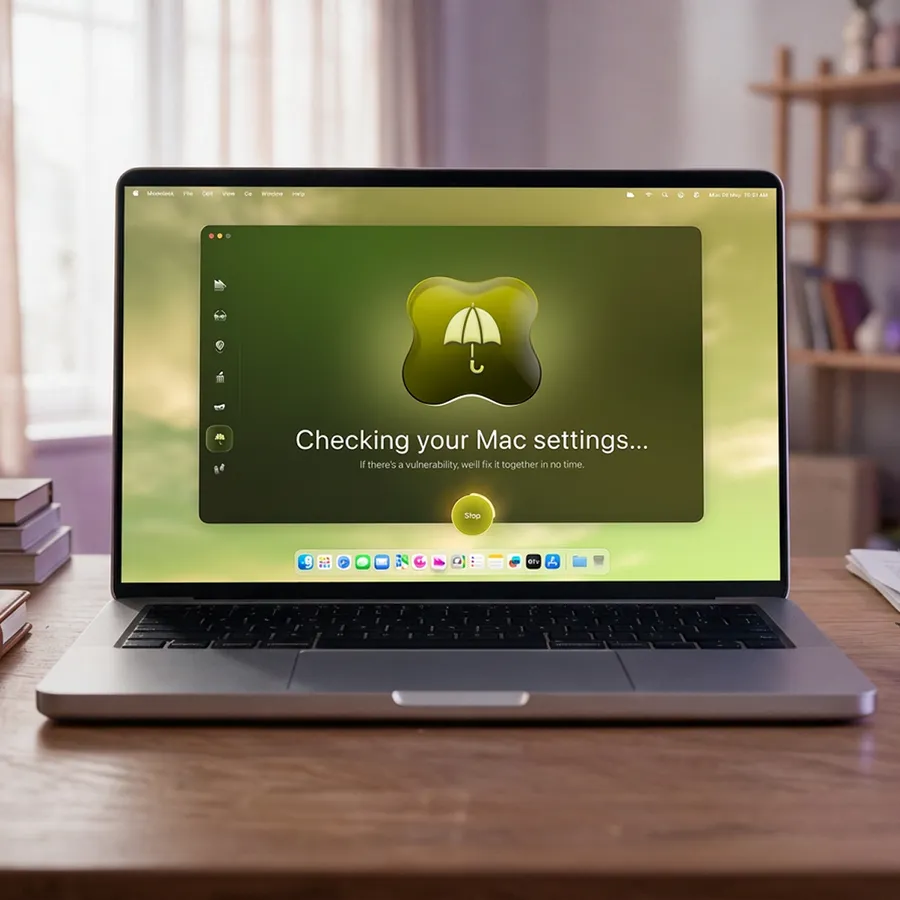
Performance Max creative 16 of 40: A Mac checking its security settings on a desk
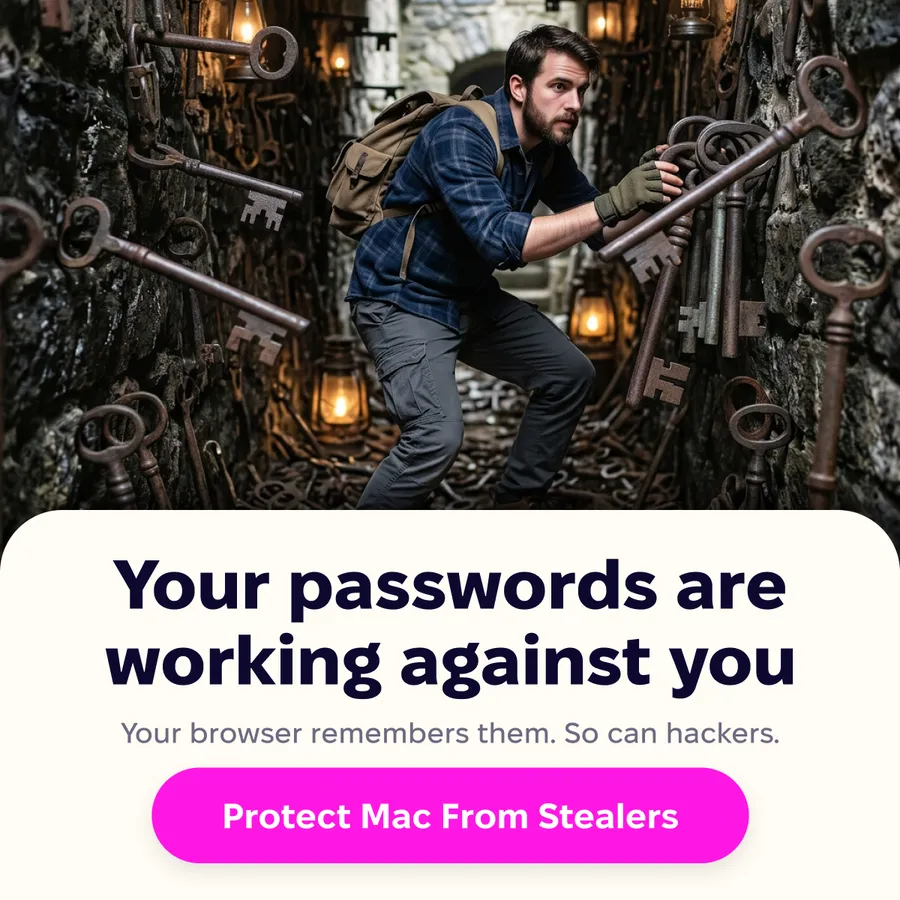
Performance Max creative 17 of 40: “Your passwords are working against you”, a man among giant keys
Performance Max creative 18 of 40: A man and a woman looking at Moonlock on a Mac at the table
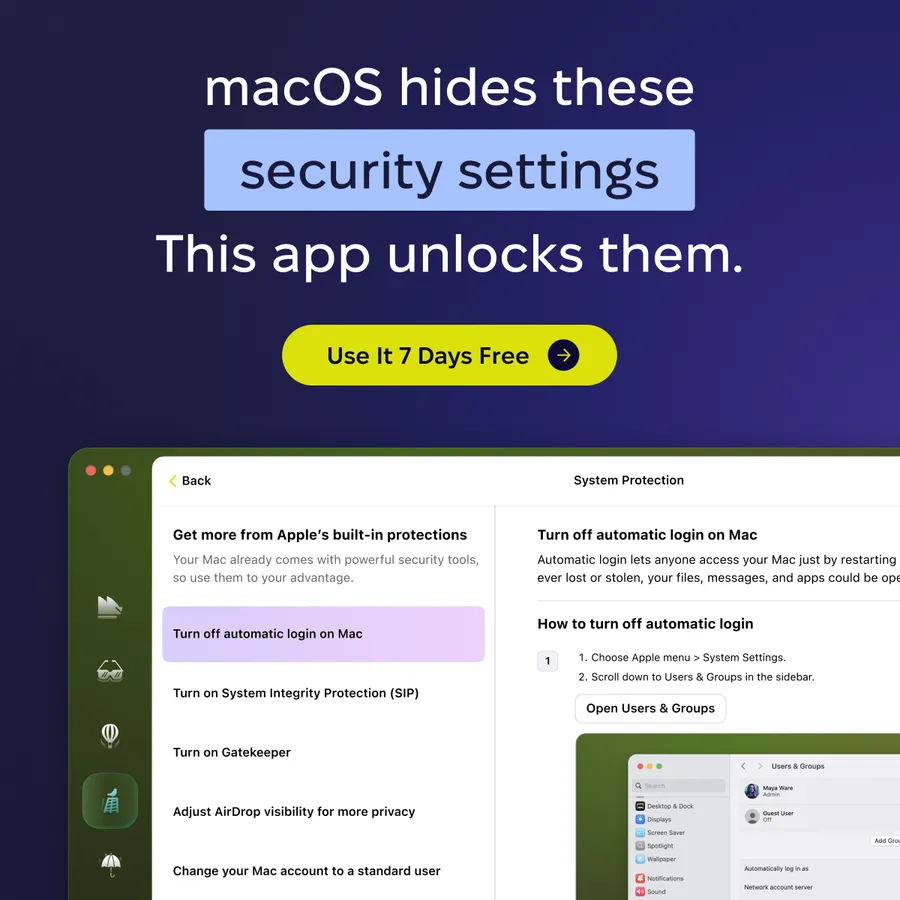
Performance Max creative 19 of 40: “macOS hides these security settings. This app unlocks them.” on dark
Performance Max creative 20 of 40: A Mac with a cracked screen
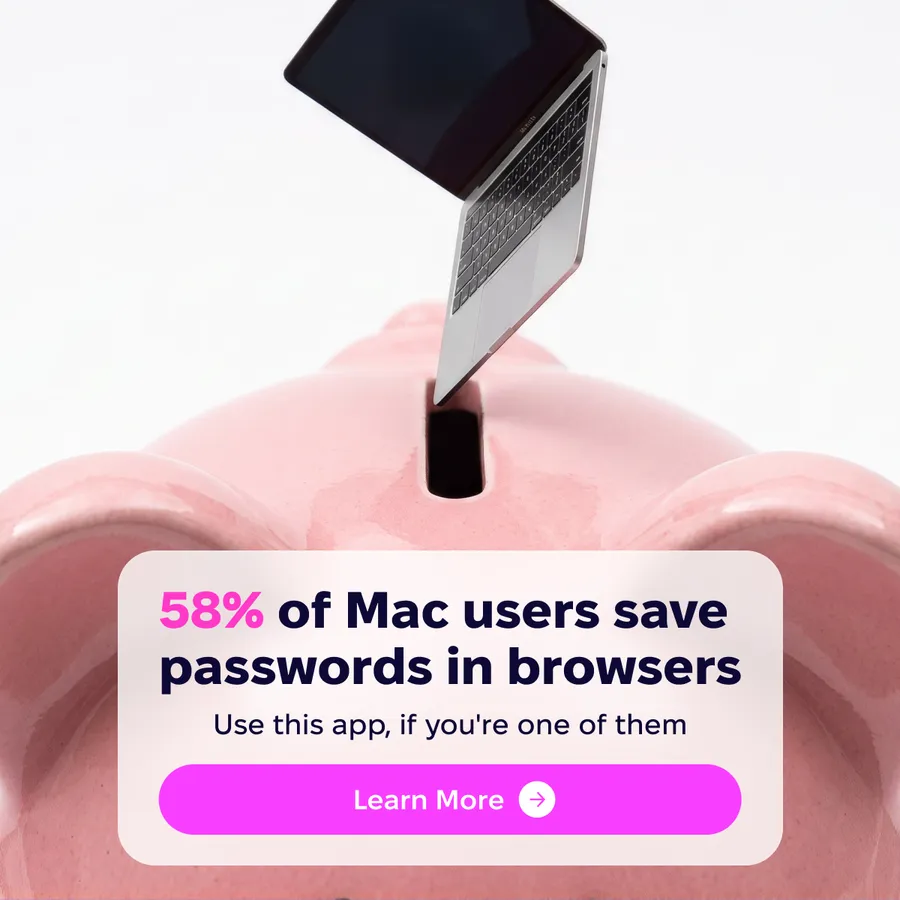
Performance Max creative 21 of 40: “58% of Mac users save passwords in browsers”, a laptop dropped into a piggy bank
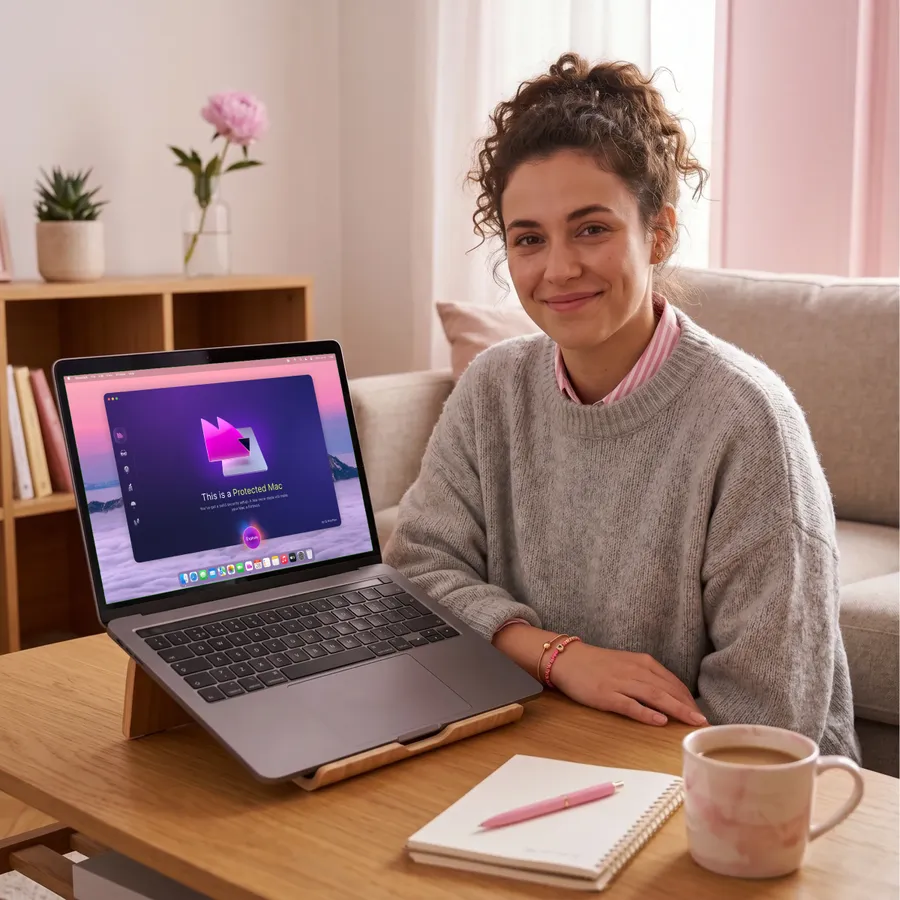
Performance Max creative 22 of 40: A woman smiling at the camera next to a protected Mac
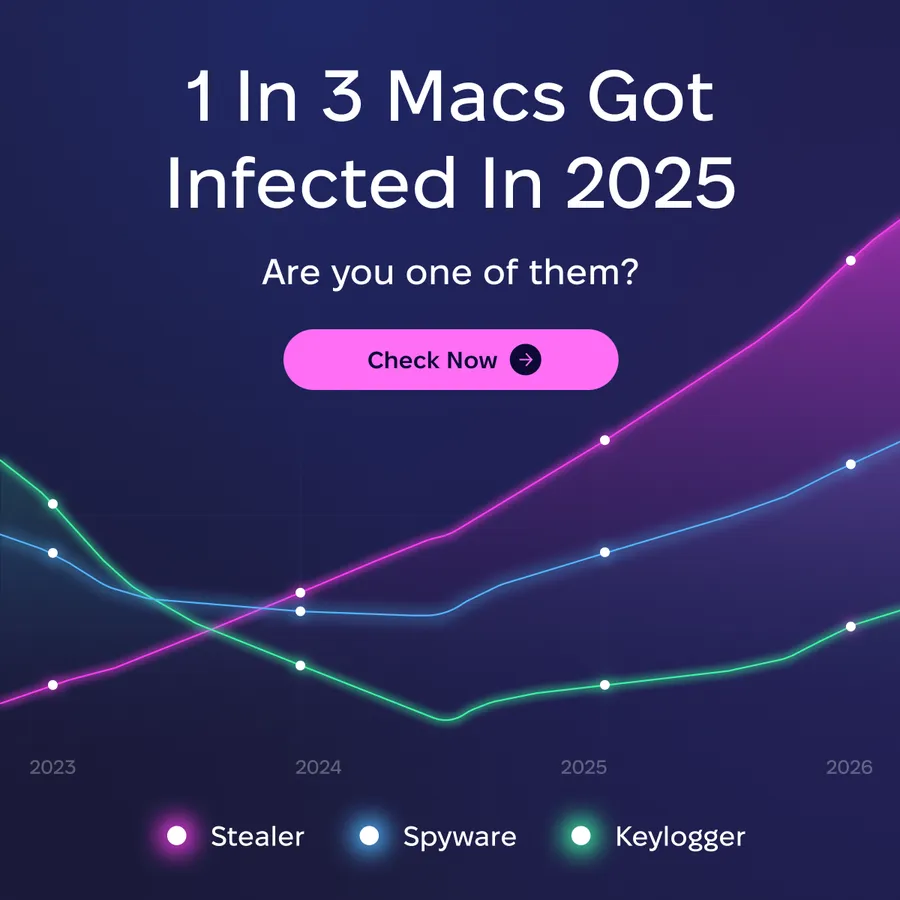
Performance Max creative 23 of 40: “1 in 3 Macs got infected in 2025”, a chart of three threat types
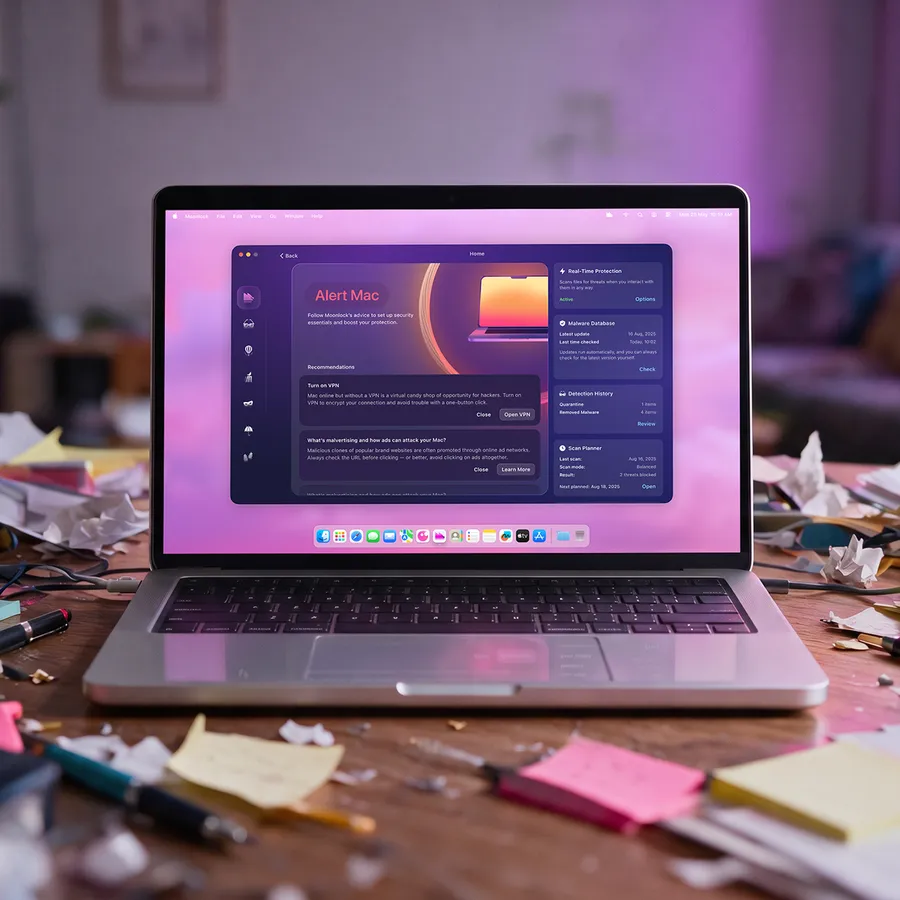
Performance Max creative 24 of 40: A Mac among scraps of paper and mess
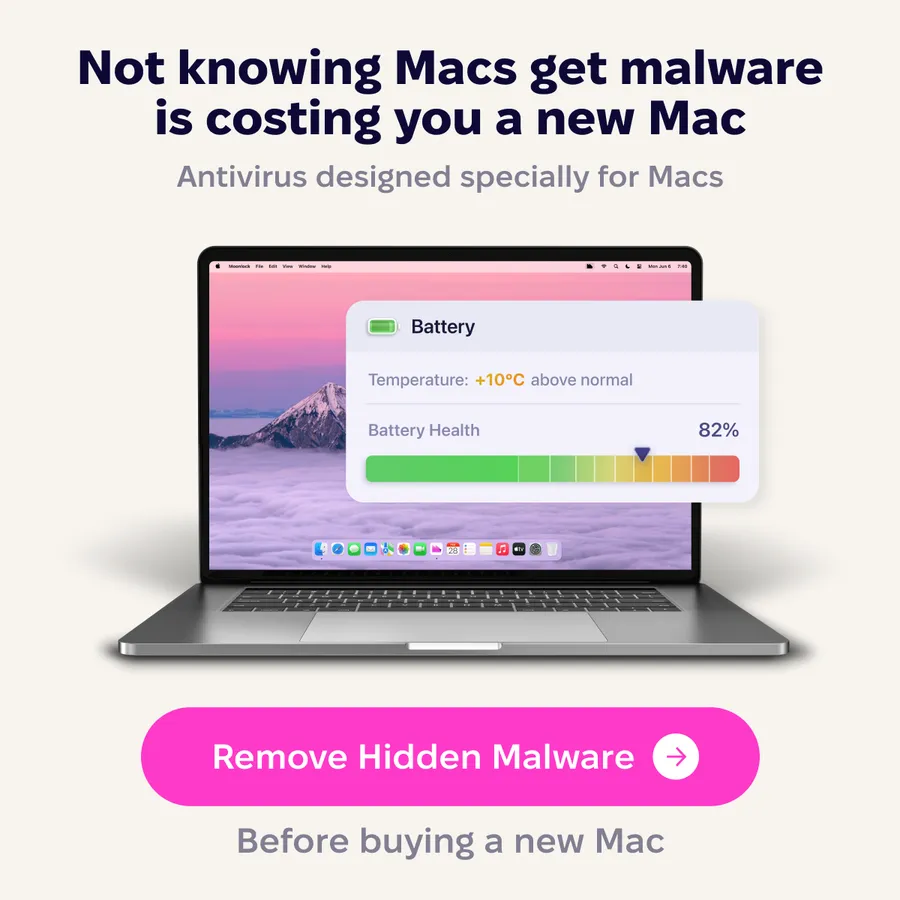
Performance Max creative 25 of 40: “Not knowing Macs get malware is costing you a new Mac”
Performance Max creative 26 of 40: A man with folded arms behind a Mac running Moonlock
Performance Max creative 27 of 40: “Hackers are hiding malware on macOS. This app finds it.”
Performance Max creative 28 of 40: Hands on a Mac showing an exposed status at a home desk
Performance Max creative 29 of 40: “macOS hides these security settings. This app unlocks them.” on light
Performance Max creative 30 of 40: Two people looking at one laptop, one of them puzzled
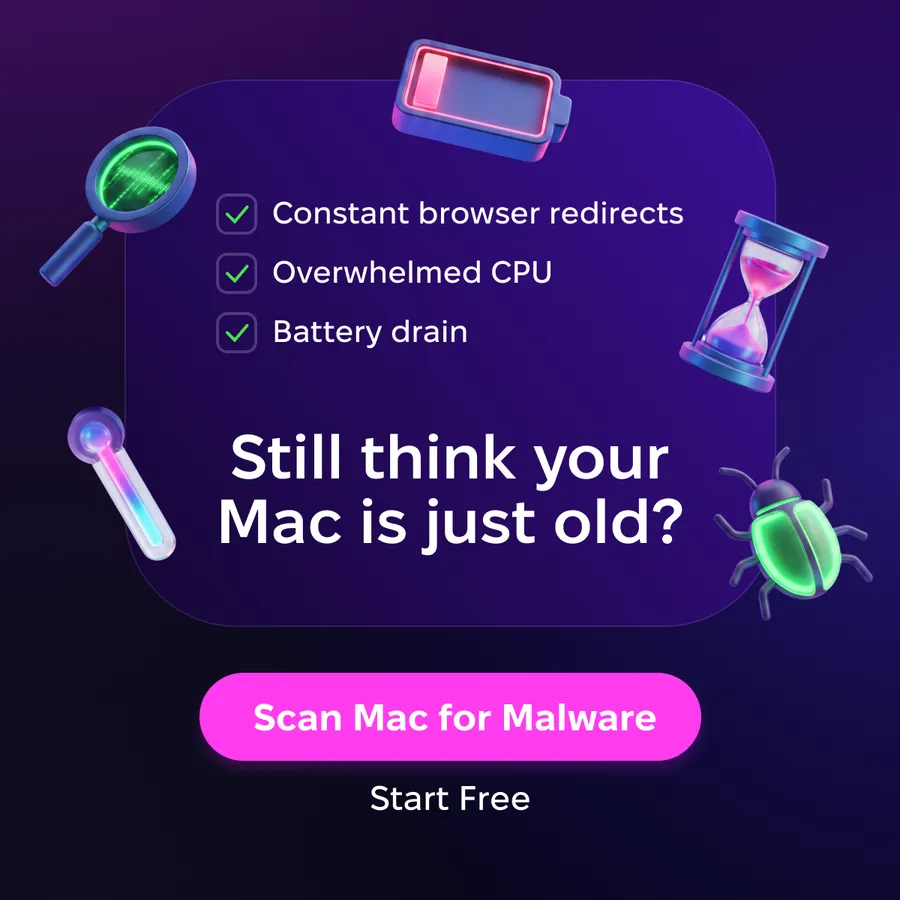
Performance Max creative 31 of 40: “Still think your Mac is just old?” with a checklist of symptoms
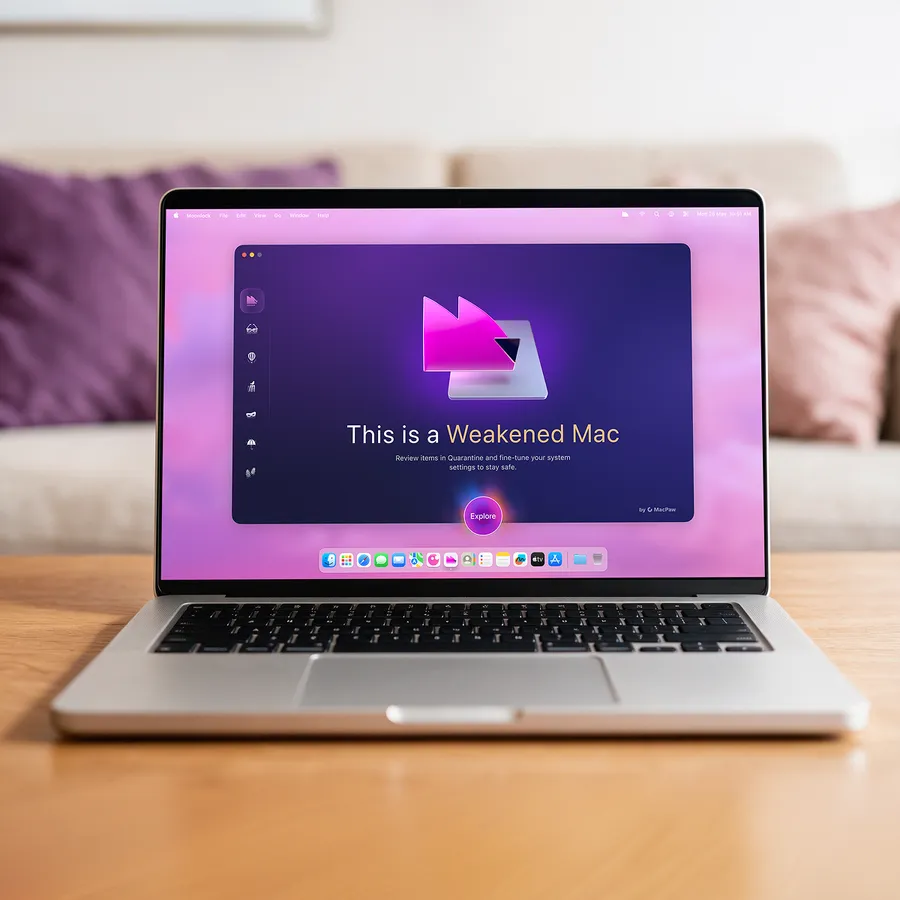
Performance Max creative 32 of 40: A Mac on a table with a “weakened Mac” status
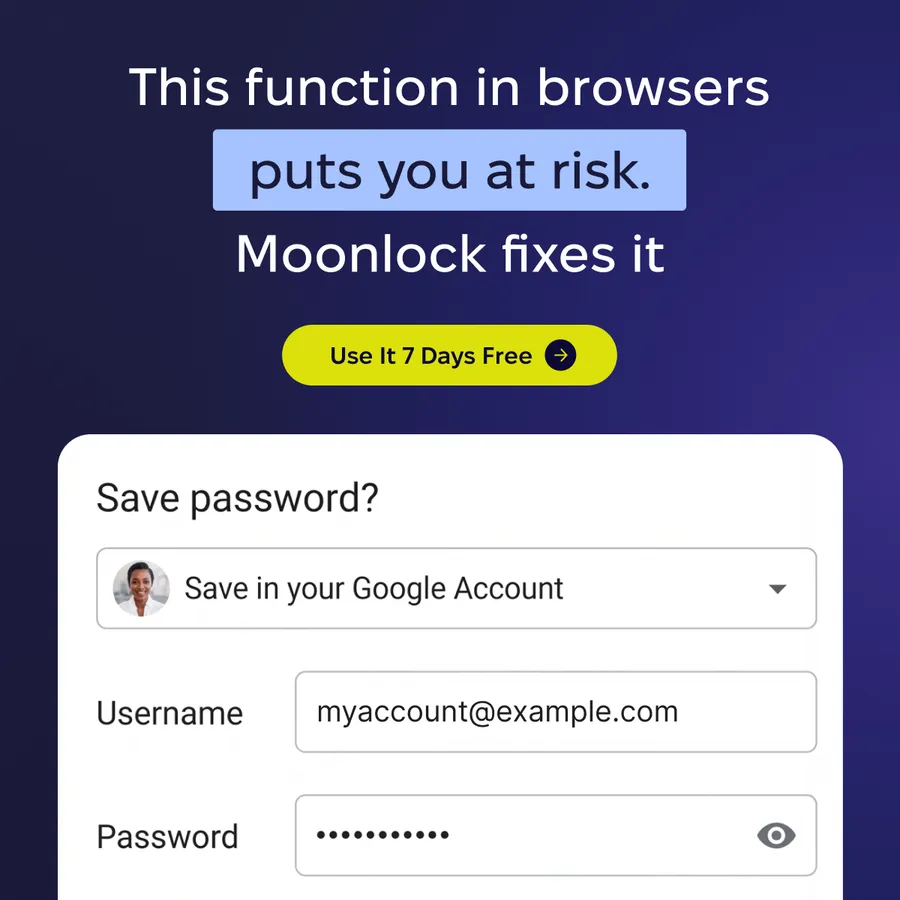
Performance Max creative 33 of 40: “This function in browsers puts you at risk. Moonlock fixes it”
Performance Max creative 34 of 40: A woman with folded arms behind a Mac running Moonlock
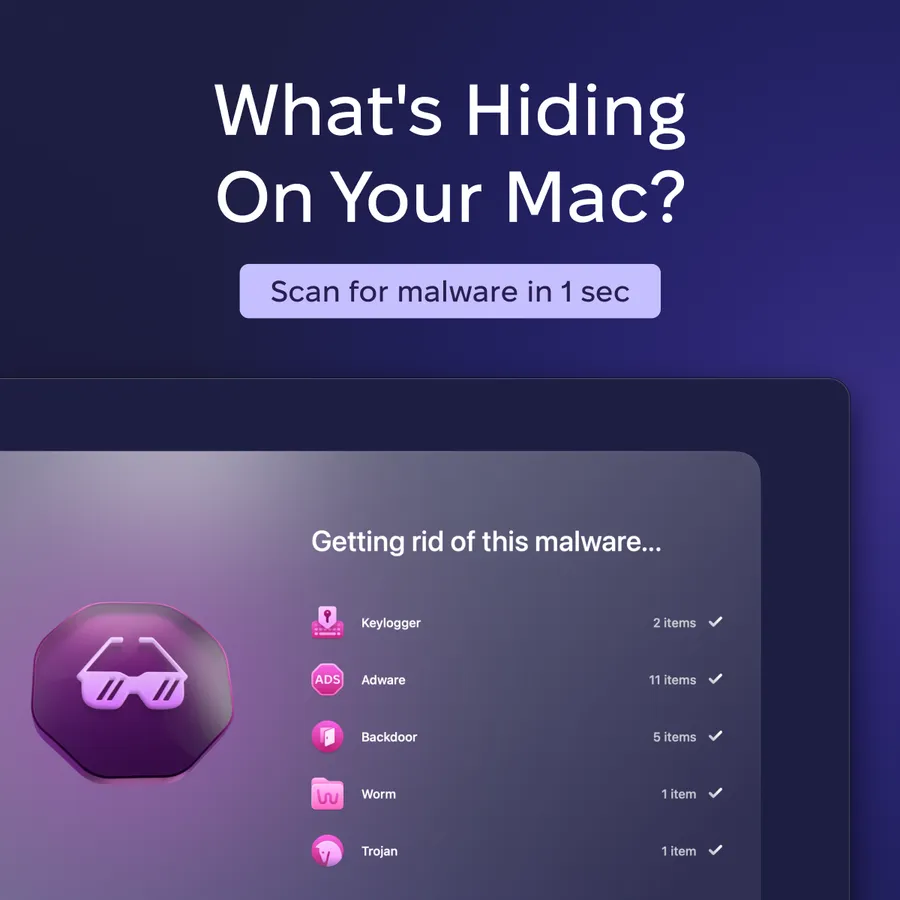
Performance Max creative 35 of 40: “What’s hiding on your Mac?” with the malware removal screen
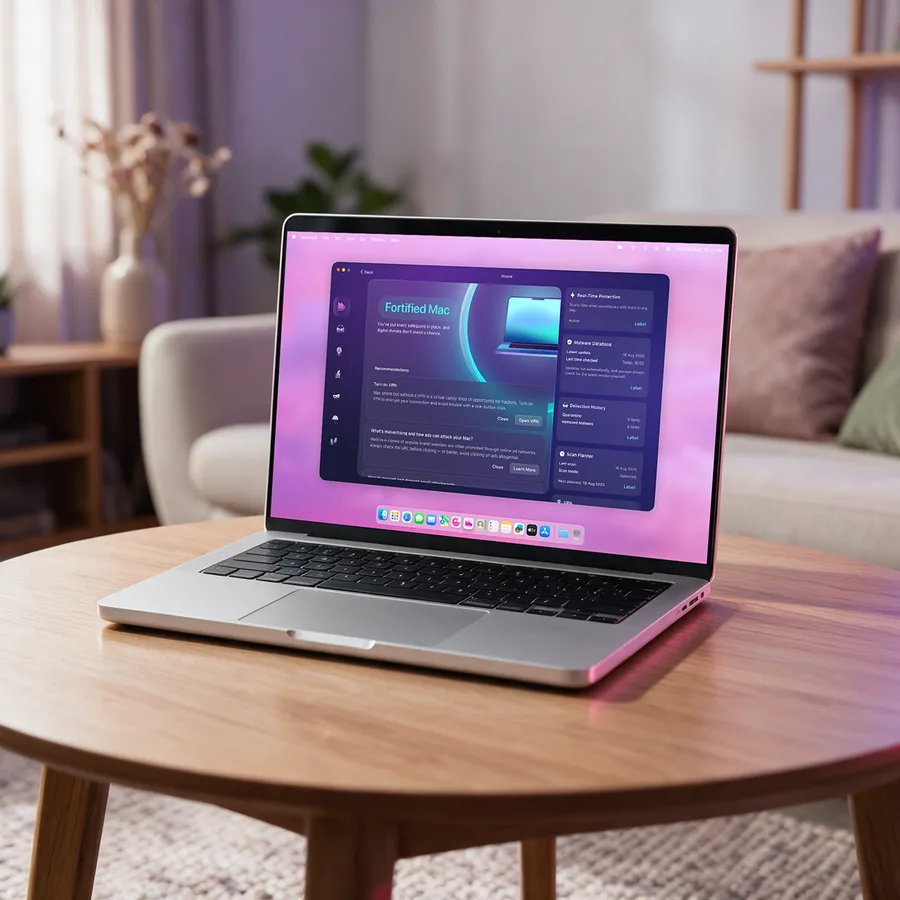
Performance Max creative 36 of 40: A Mac running Moonlock on a round wooden table
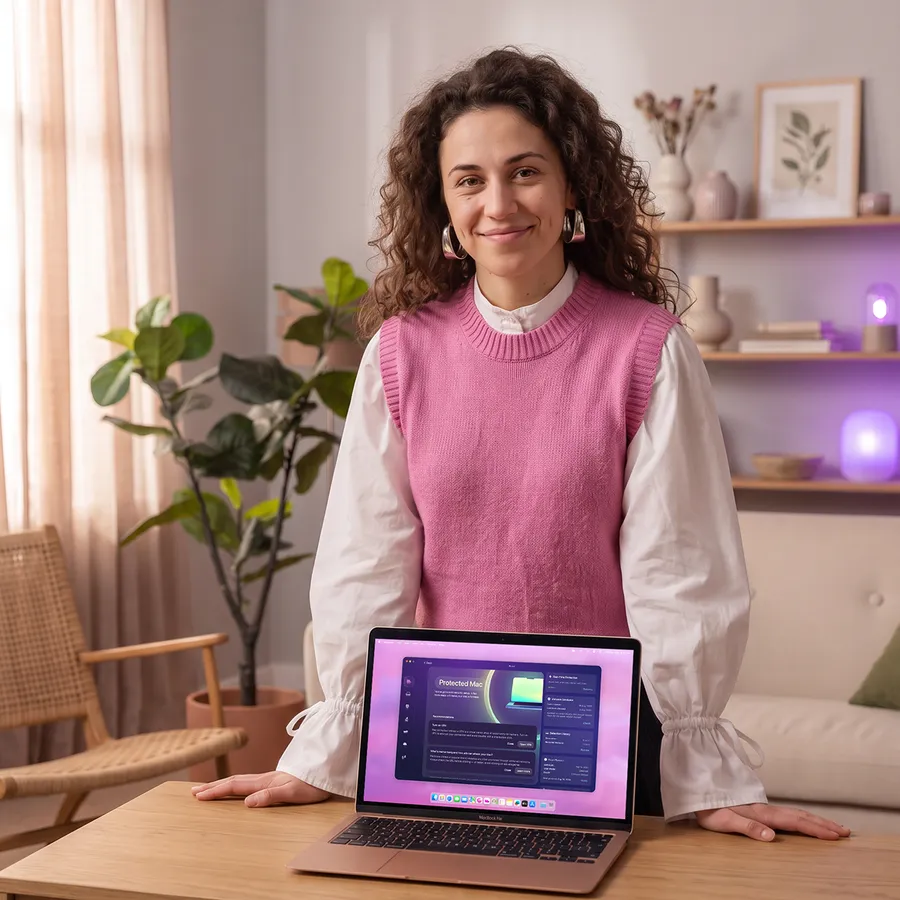
Performance Max creative 37 of 40: A woman standing behind a Mac running Moonlock
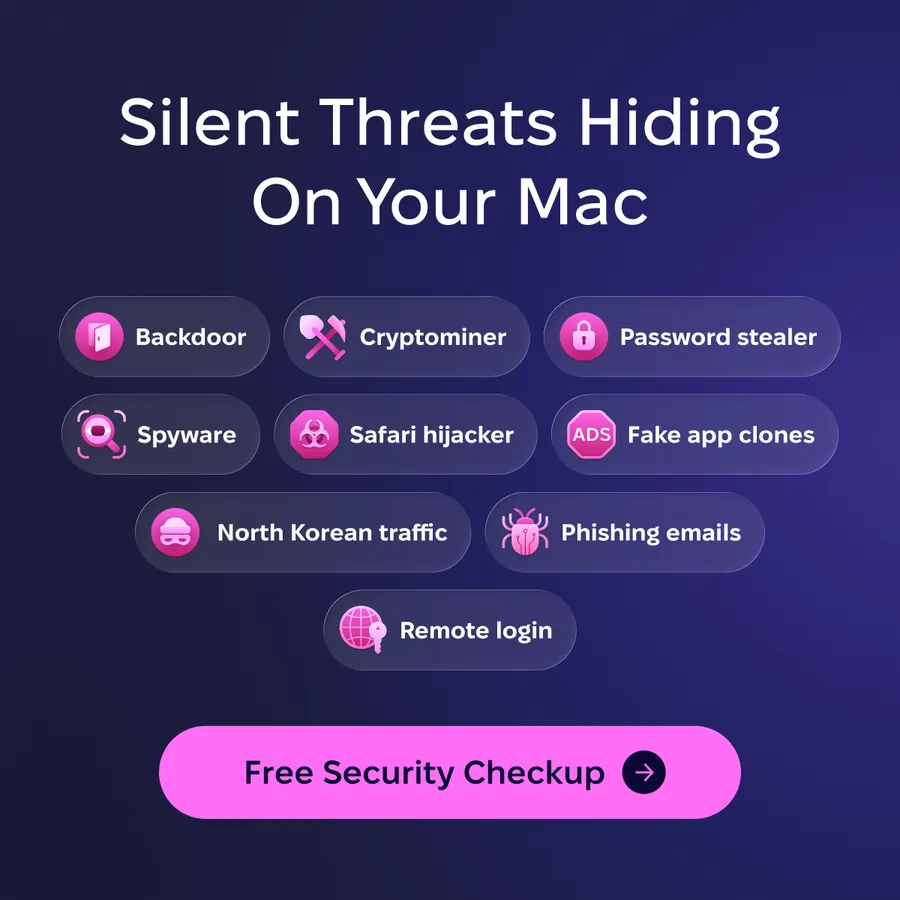
Performance Max creative 38 of 40: “Silent threats hiding on your Mac”, a set of threat labels
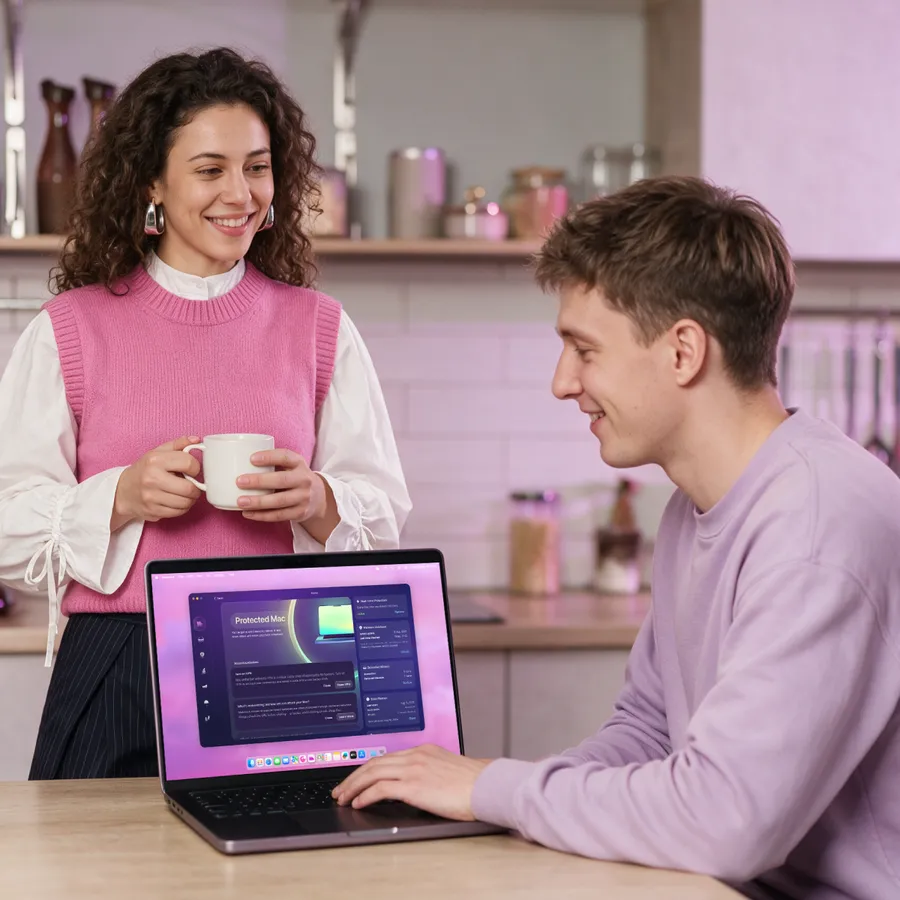
Performance Max creative 39 of 40: A woman with a cup and a man using Moonlock on a Mac
Performance Max creative 40 of 40: A man drinking coffee and using his Mac in the kitchen
1 / 40

Demand Gen
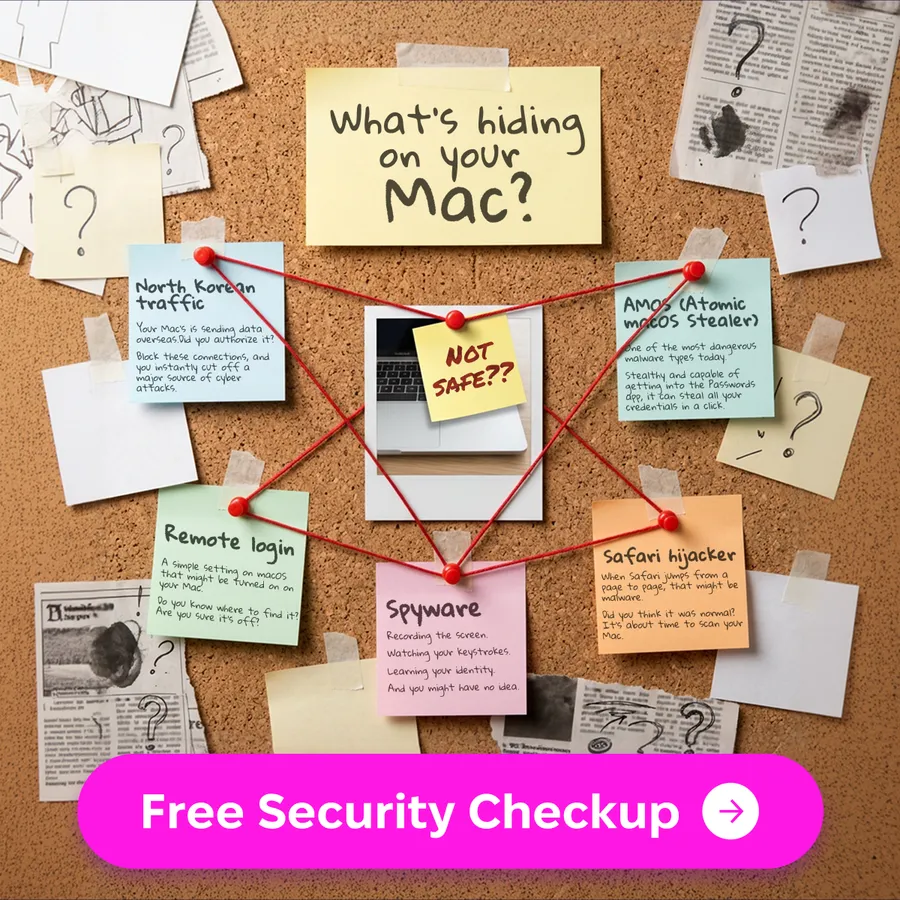
Demand Gen creative 1 of 9: “What’s hiding on your Mac?” as a detective board of pinned threats
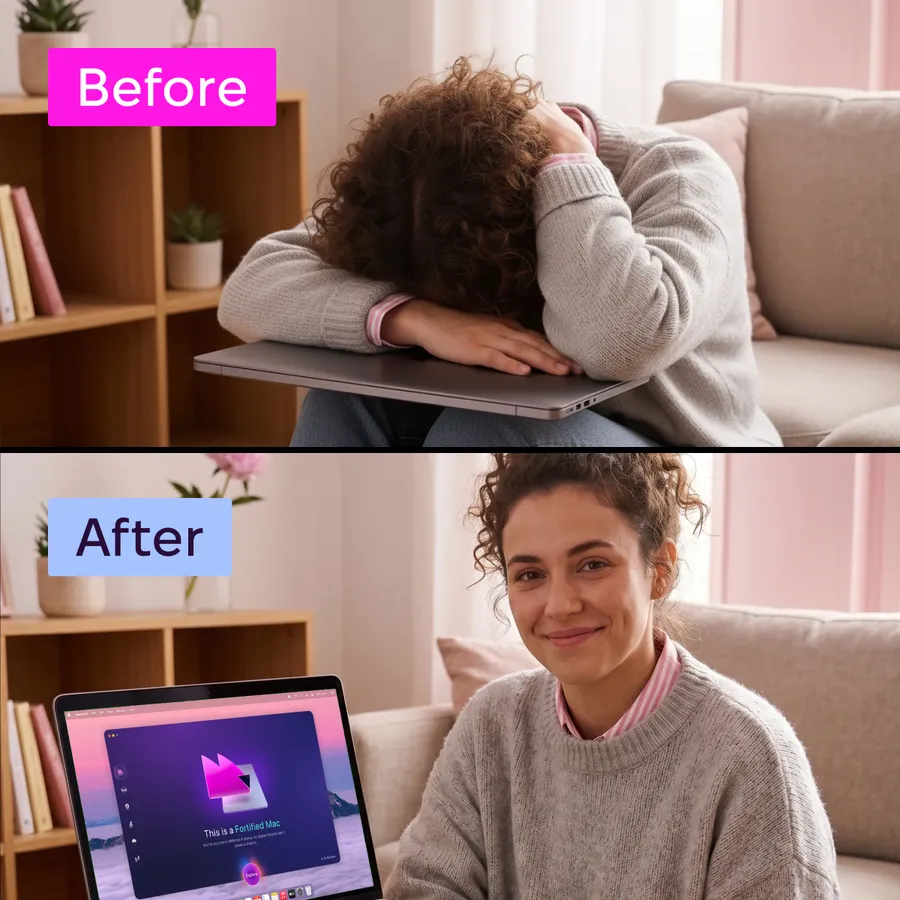
Demand Gen creative 2 of 9: Before and after: a woman hiding her face in her hands, then smiling next to a protected Mac
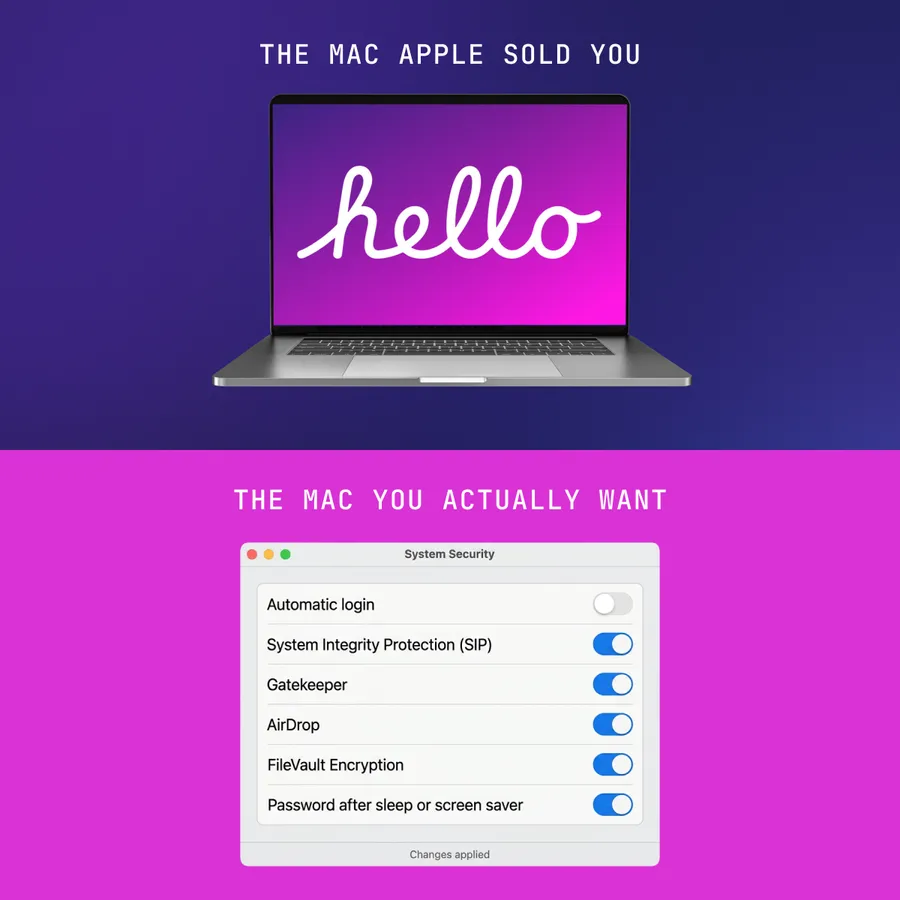
Demand Gen creative 3 of 9: “The Mac Apple sold you” and “the Mac you actually want” with security settings switched on

Demand Gen creative 4 of 9: “macOS hides security settings. This app unlocks them.”, a woman next to a Mac

Demand Gen creative 5 of 9: “Do you have a $2,000 Mac with a $0 security setup?”
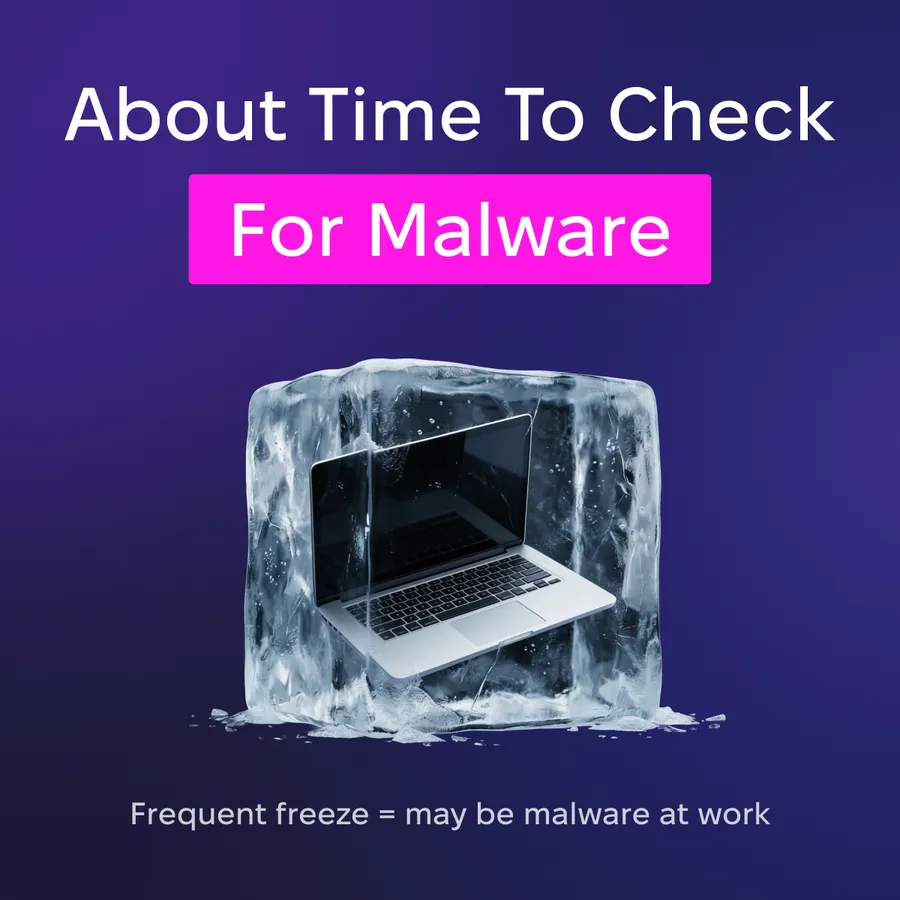
Demand Gen creative 6 of 9: “About time to check for malware”, a laptop frozen in a block of ice
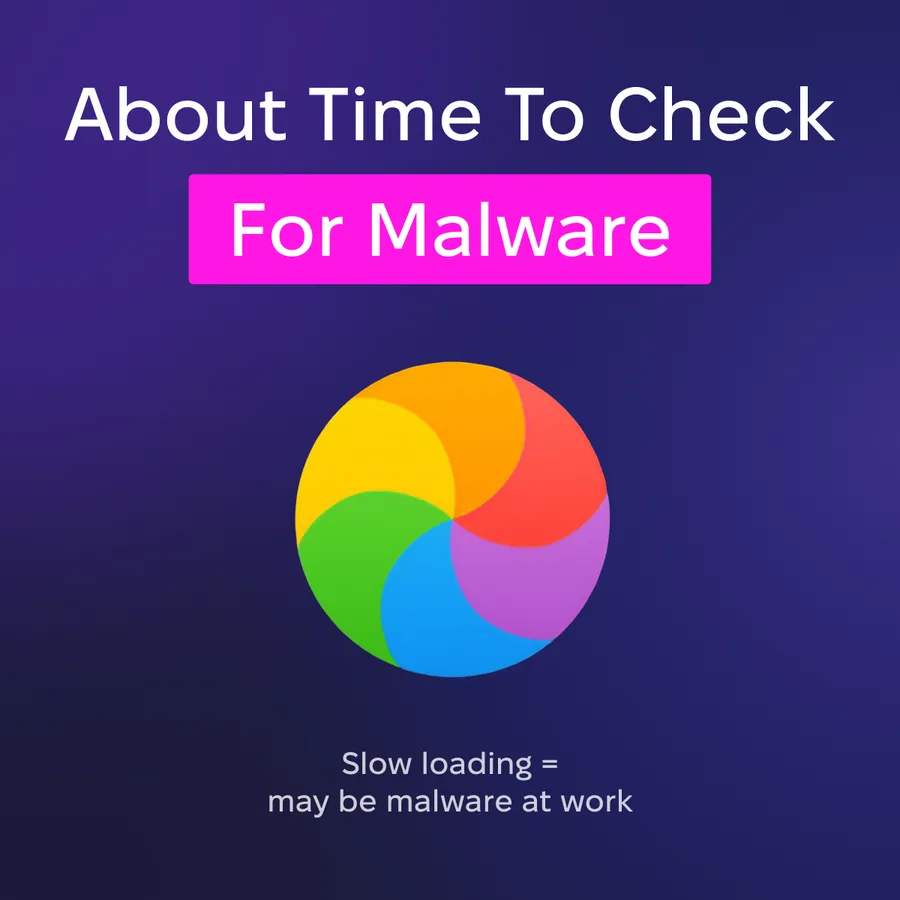
Demand Gen creative 7 of 9: “About time to check for malware” with the spinning loading wheel
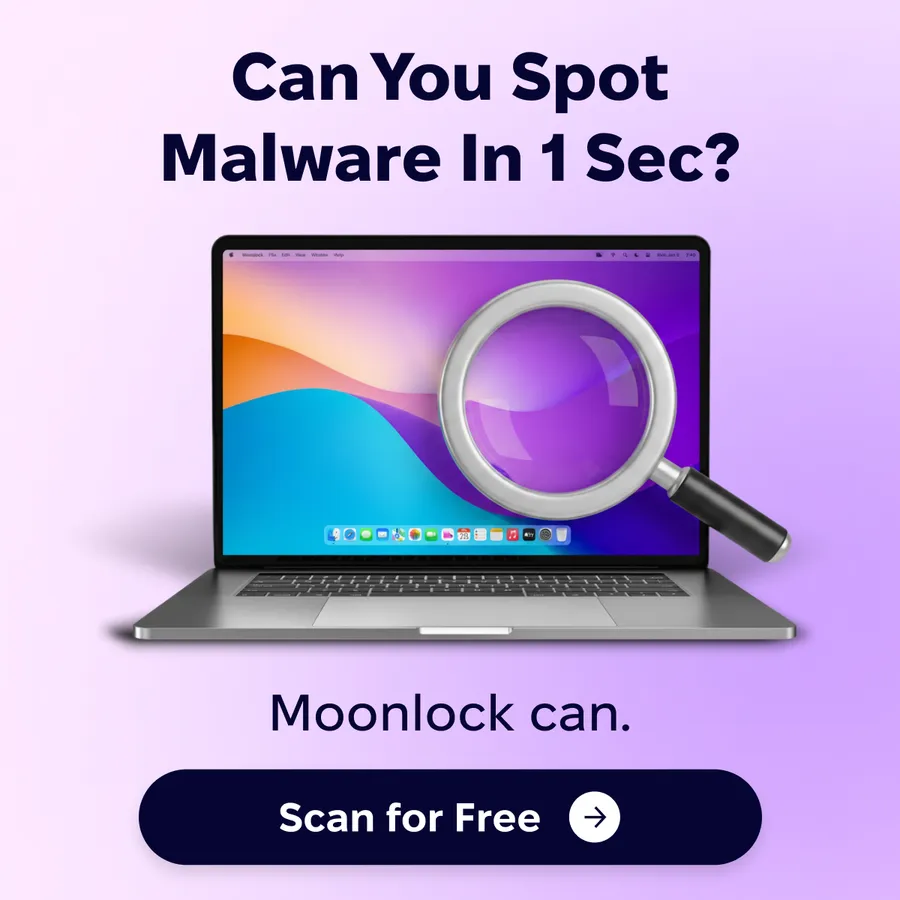
Demand Gen creative 8 of 9: “Can you spot malware in 1 sec?”, a magnifying glass over a Mac
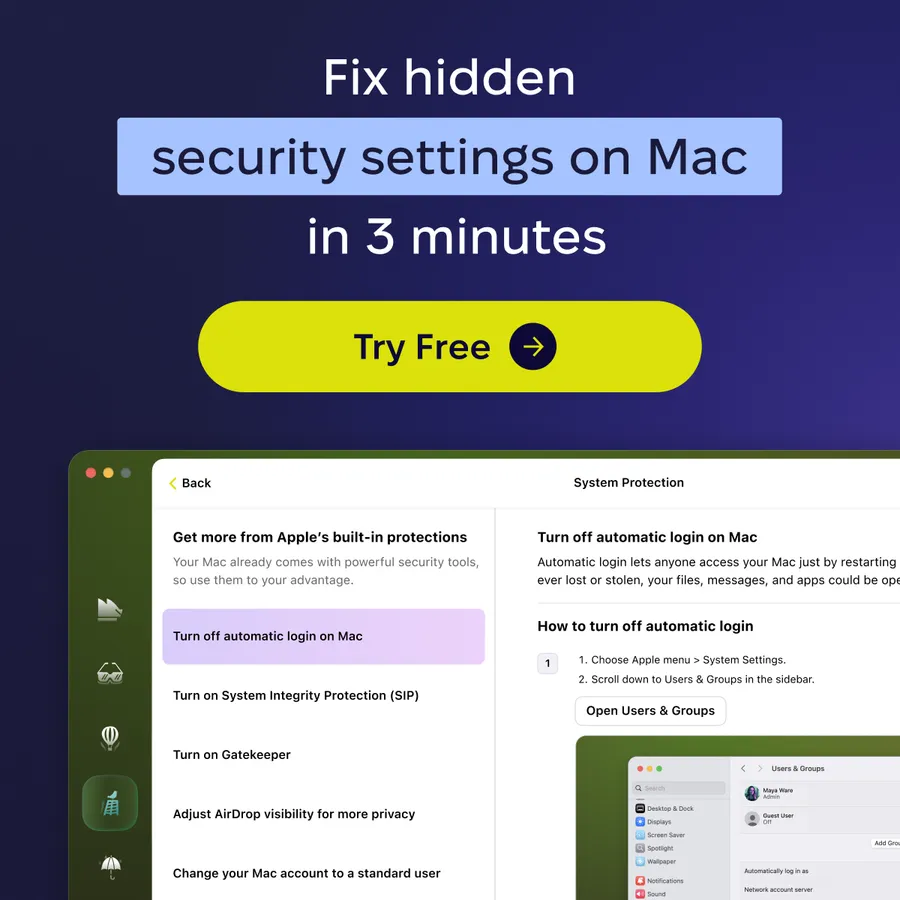
Demand Gen creative 9 of 9: “Fix hidden security settings on Mac in 3 minutes”
1 / 9

more work

And a few more things

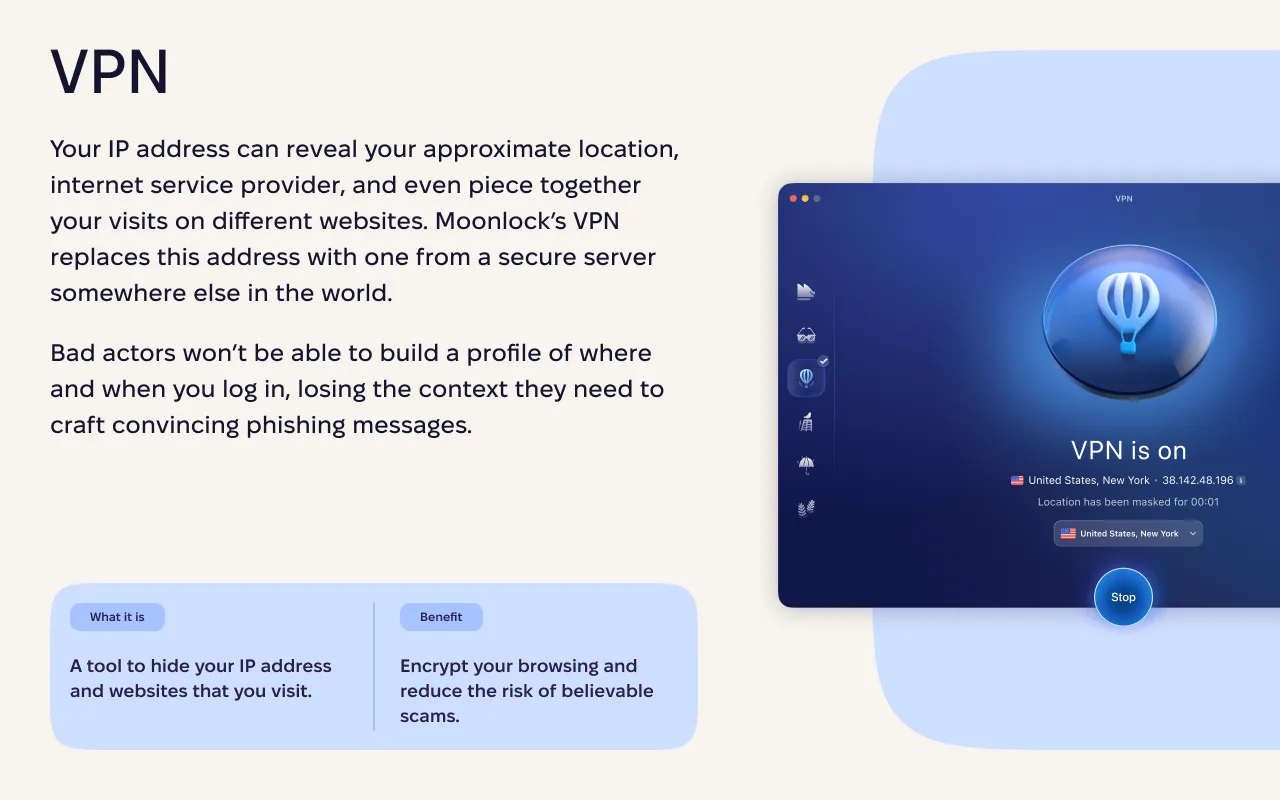
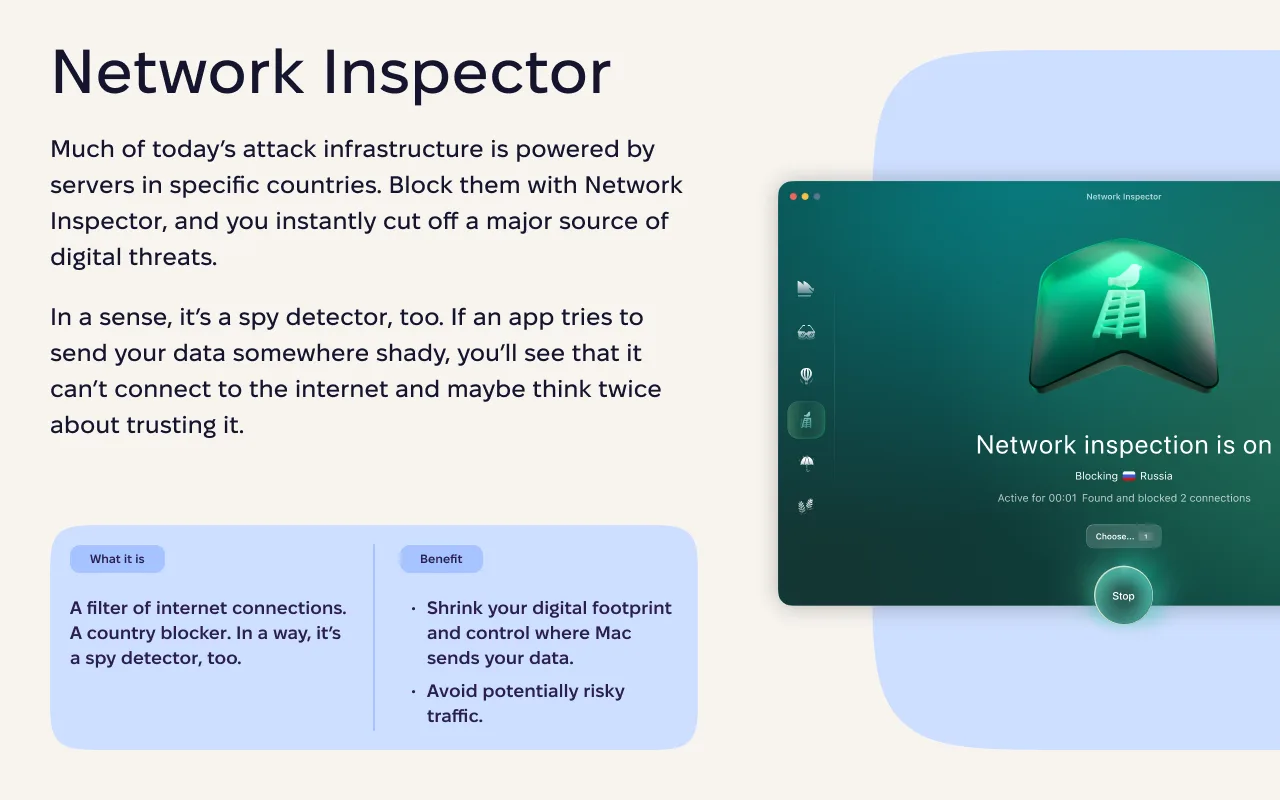
Around the product there was plenty more to design, from the launch kit and the App Store page to social campaigns.
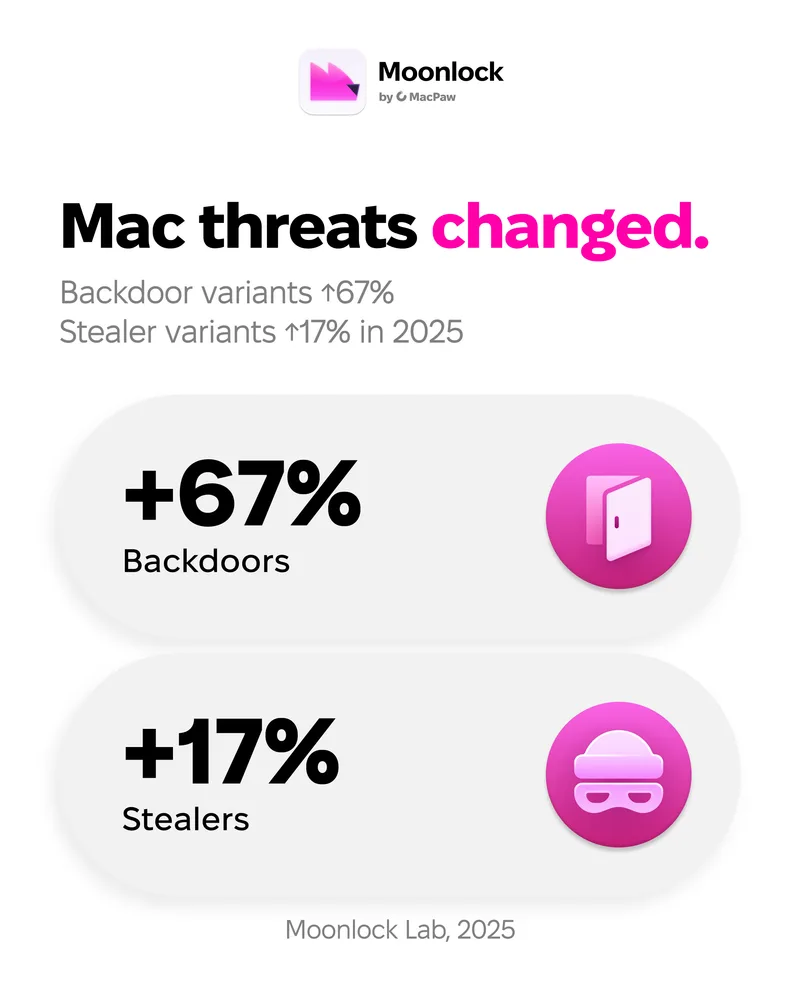
Awareness Month post 1 of 26: Mac threats changed
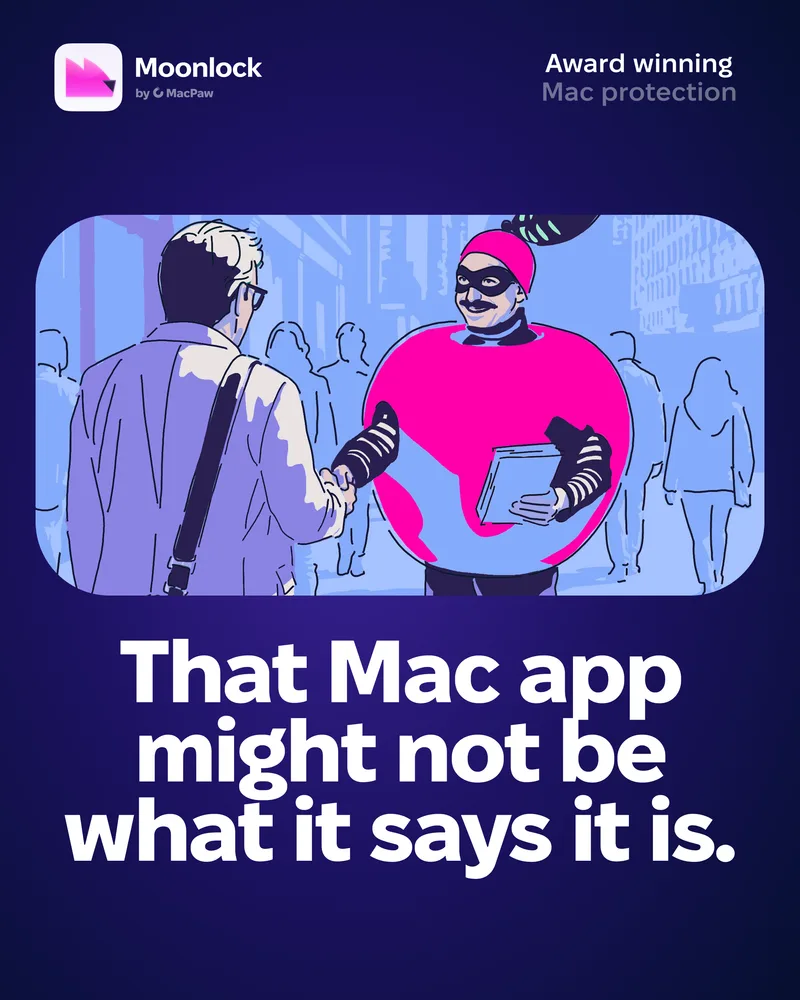
Awareness Month post 2 of 26: That Mac app might not be what it says it is
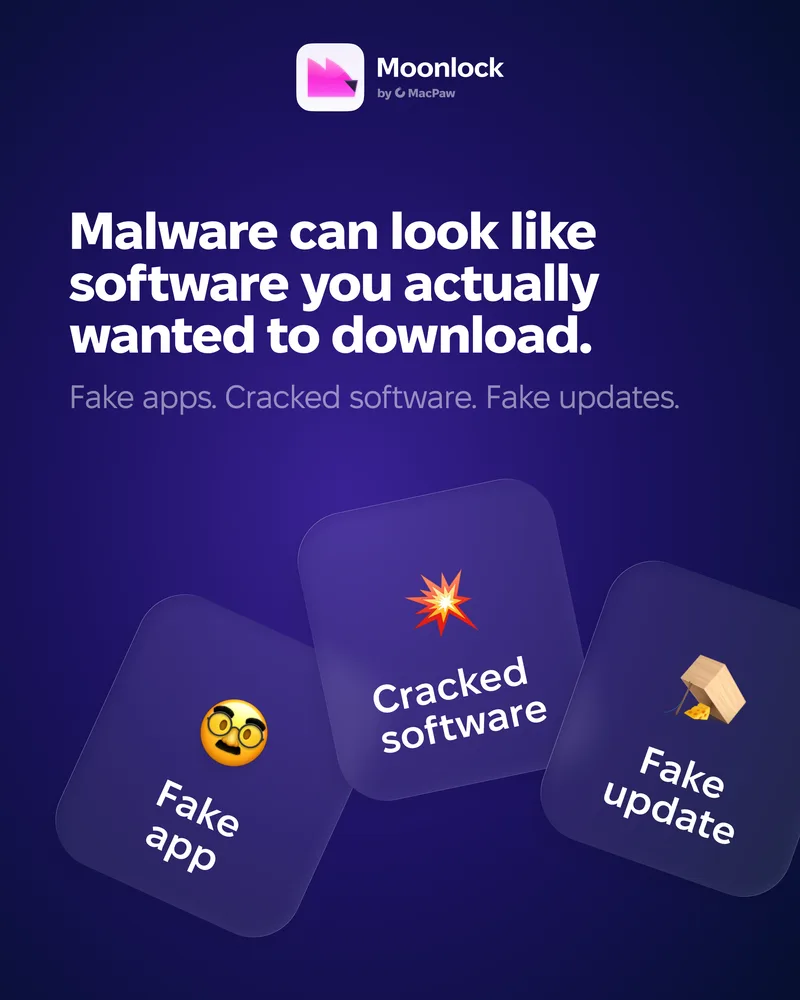
Awareness Month post 3 of 26: Malware can look like software you wanted
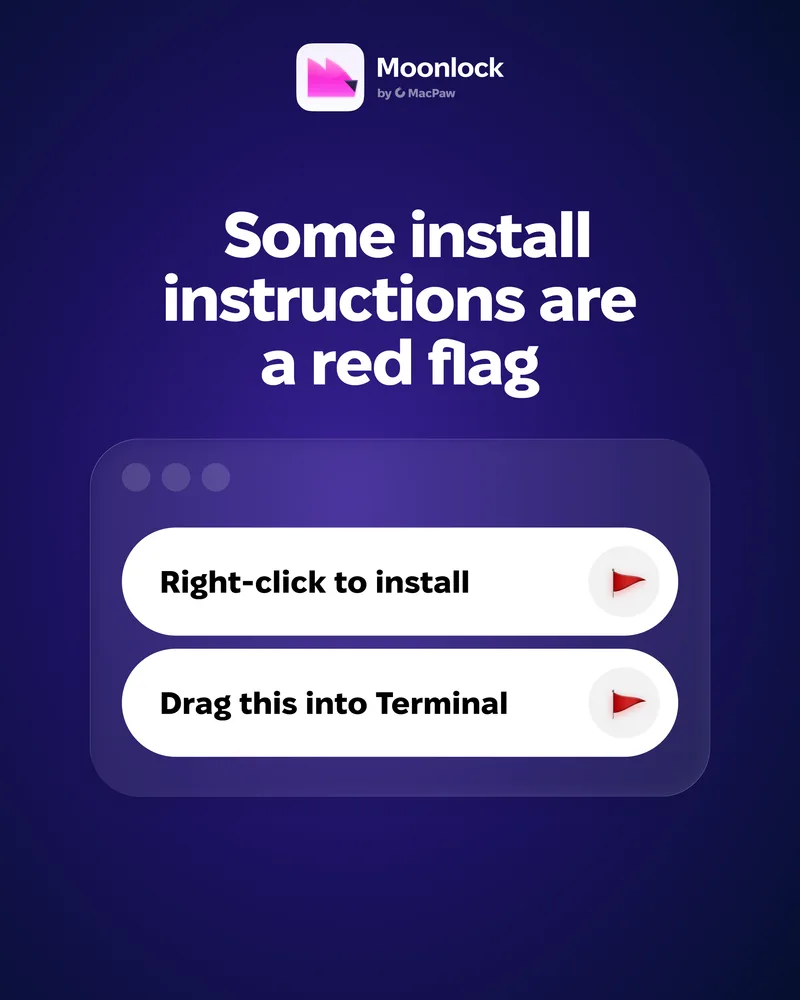
Awareness Month post 4 of 26: Some install instructions are a red flag
Awareness Month post 5 of 26: Read the full story
Awareness Month post 6 of 26: Not every VPN protects your privacy
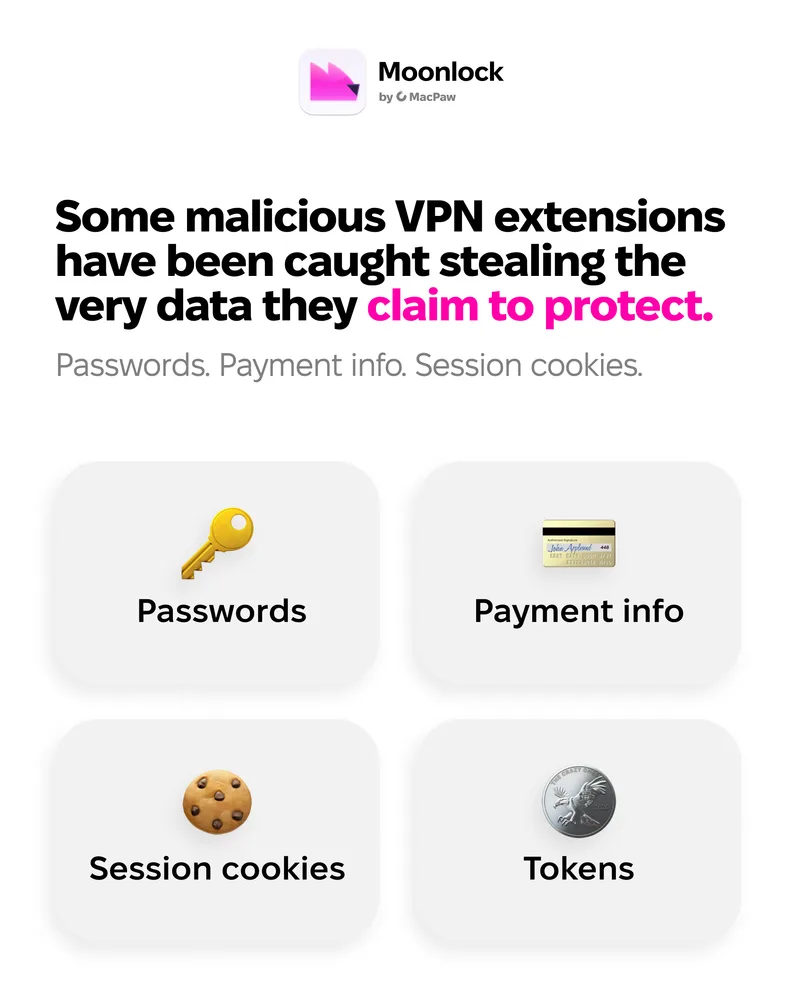
Awareness Month post 7 of 26: Malicious VPN extensions
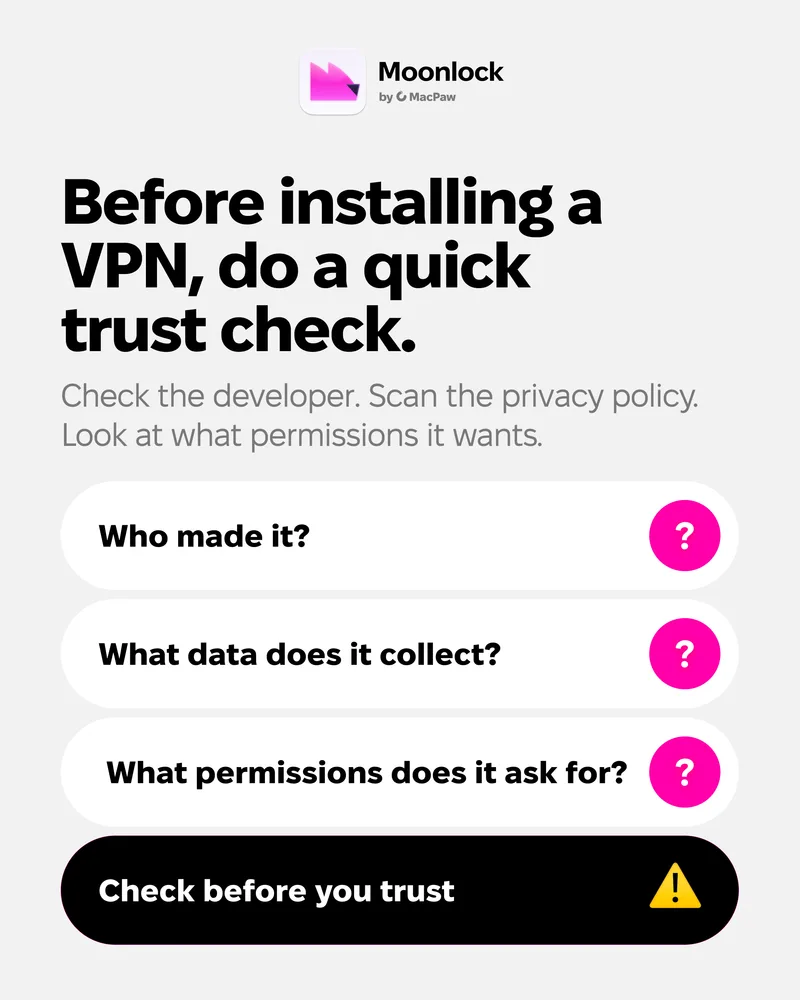
Awareness Month post 8 of 26: A quick trust check before installing a VPN
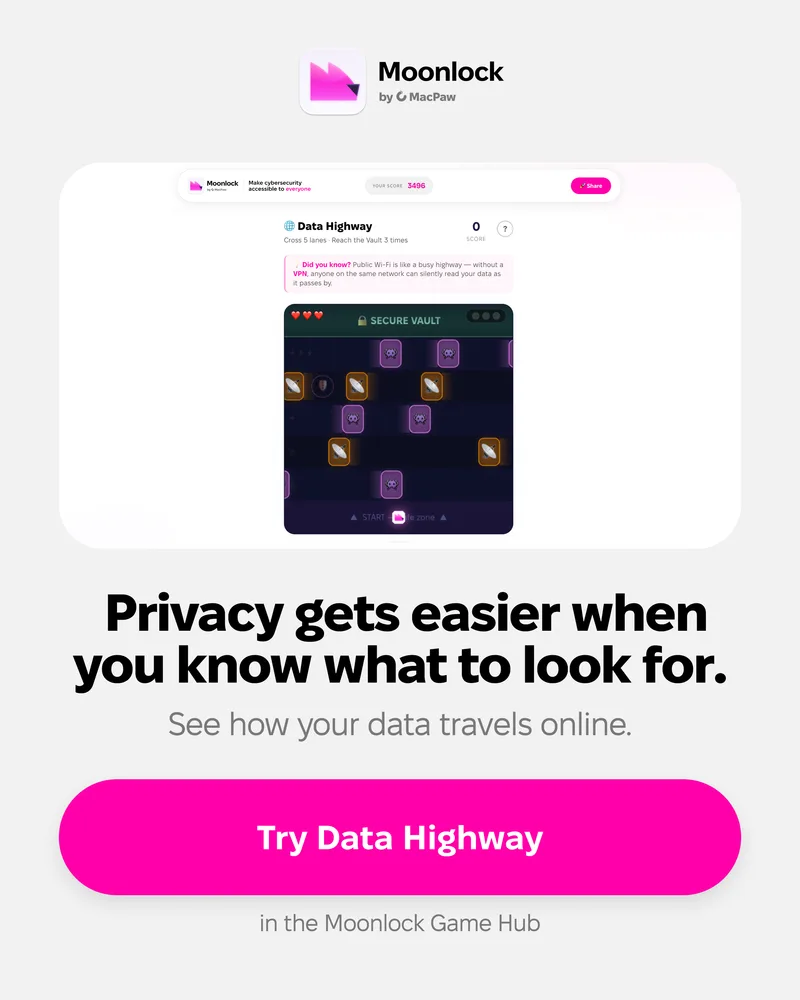
Awareness Month post 9 of 26: Privacy gets easier when you know what to look for
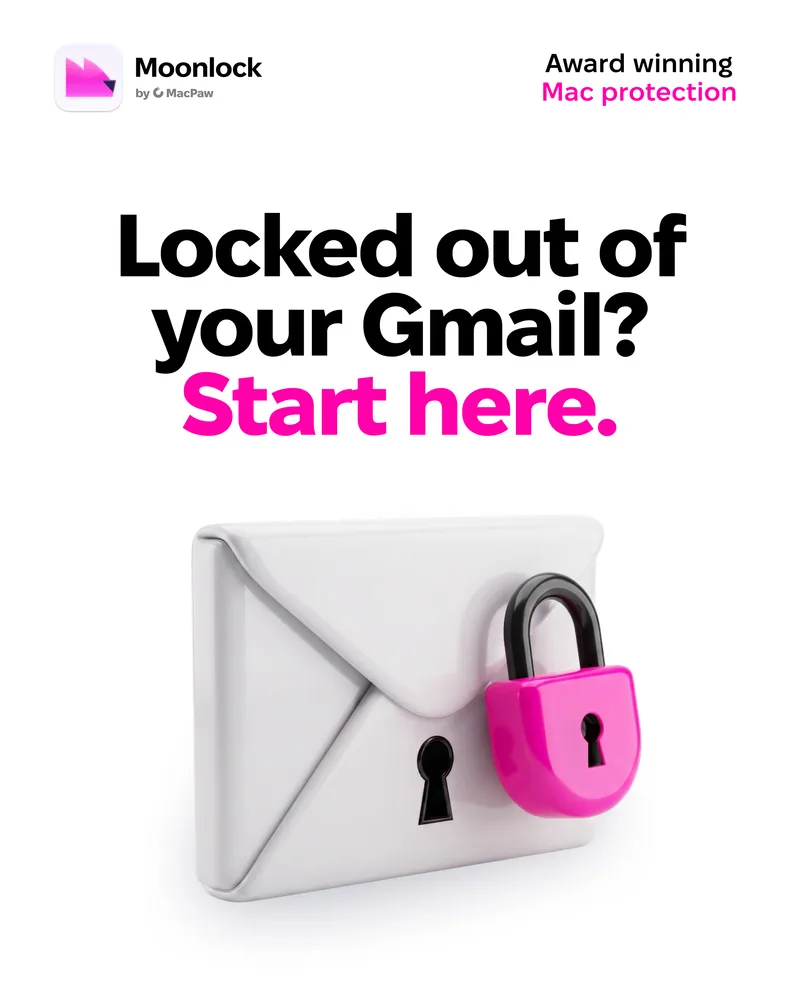
Awareness Month post 10 of 26: Locked out of your Gmail? Start here
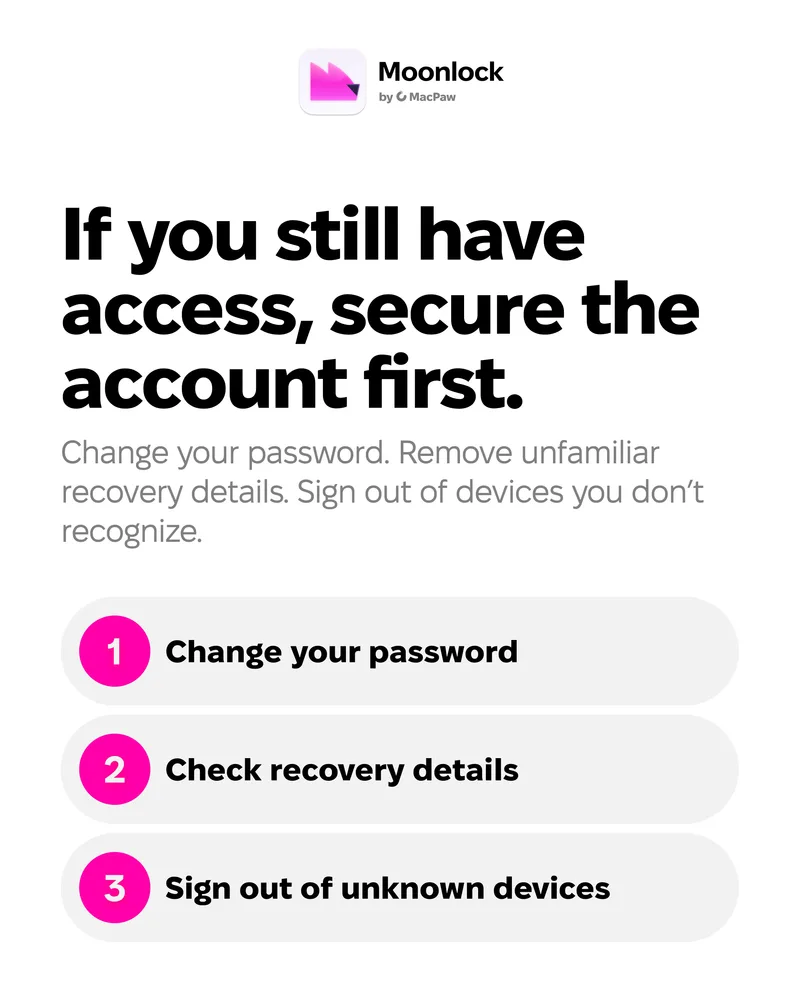
Awareness Month post 11 of 26: Secure the account first
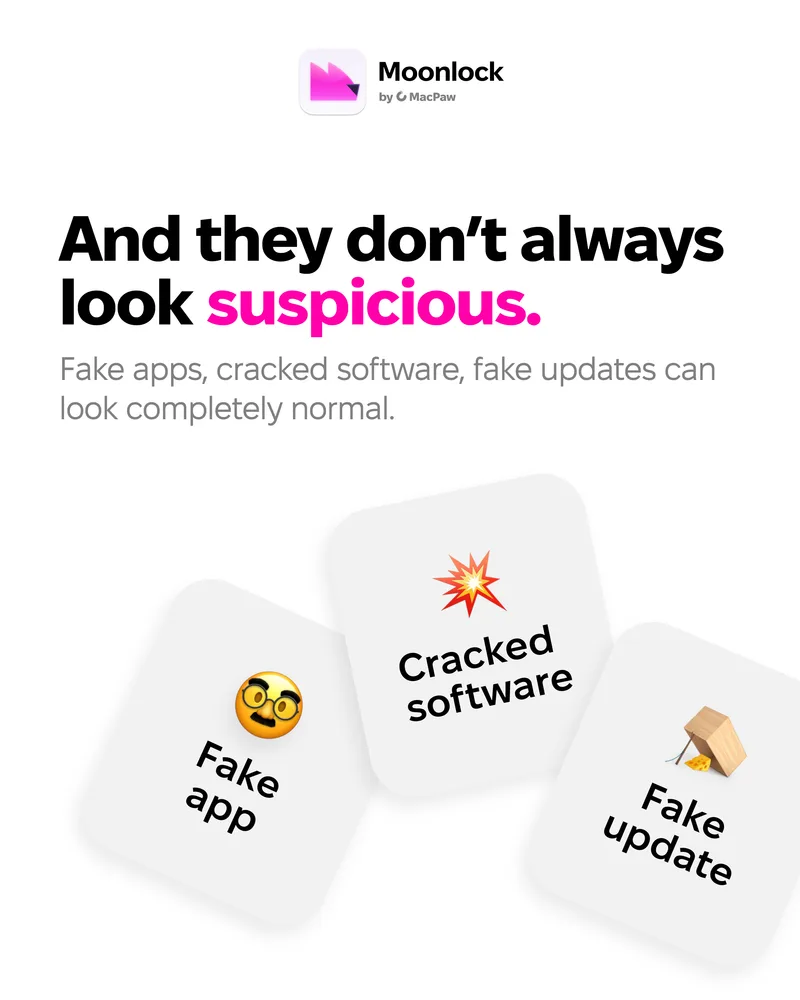
Awareness Month post 12 of 26: They don’t always look suspicious
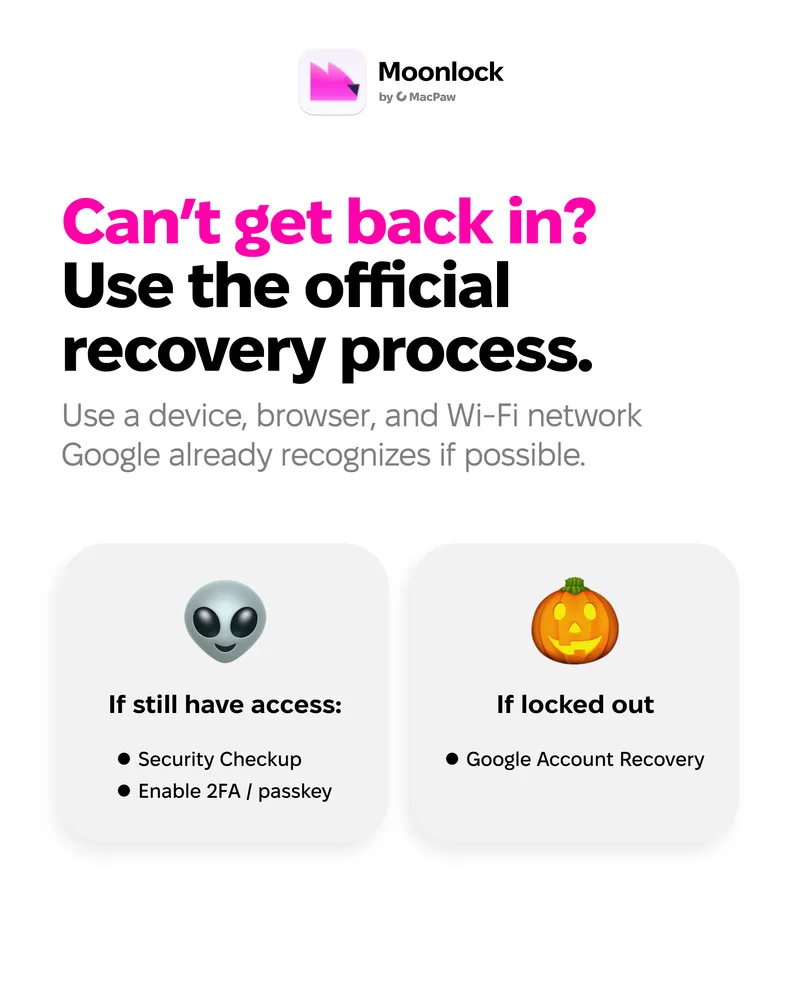
Awareness Month post 13 of 26: Use the official recovery process
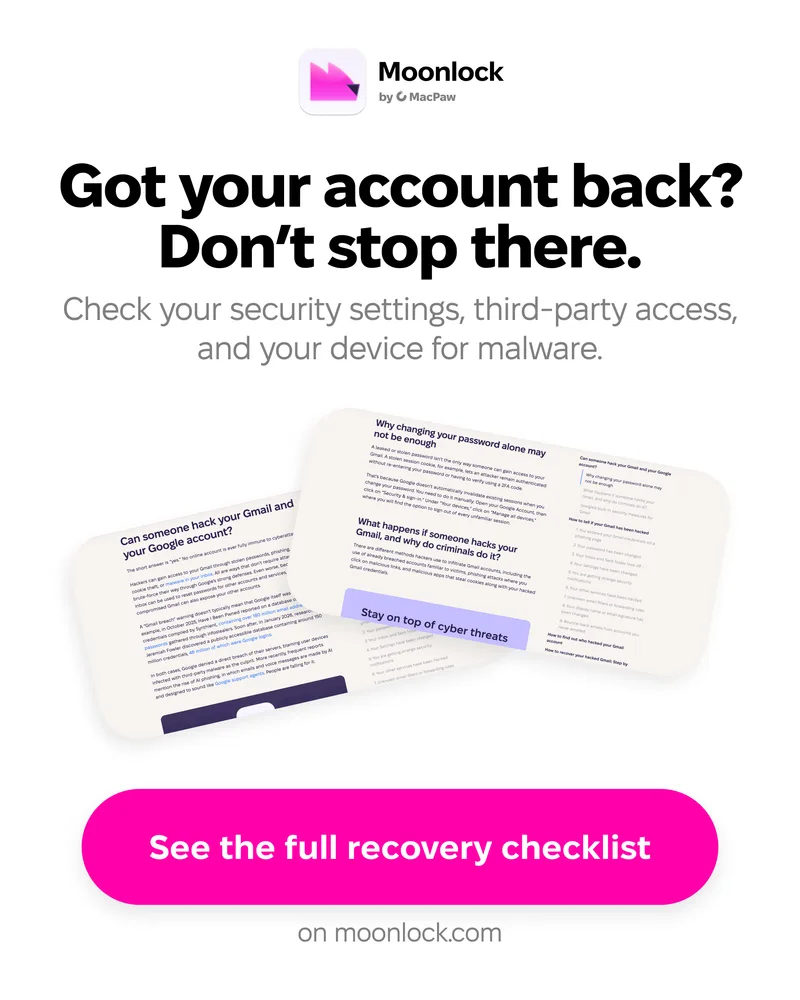
Awareness Month post 14 of 26: Got your account back? Don’t stop there
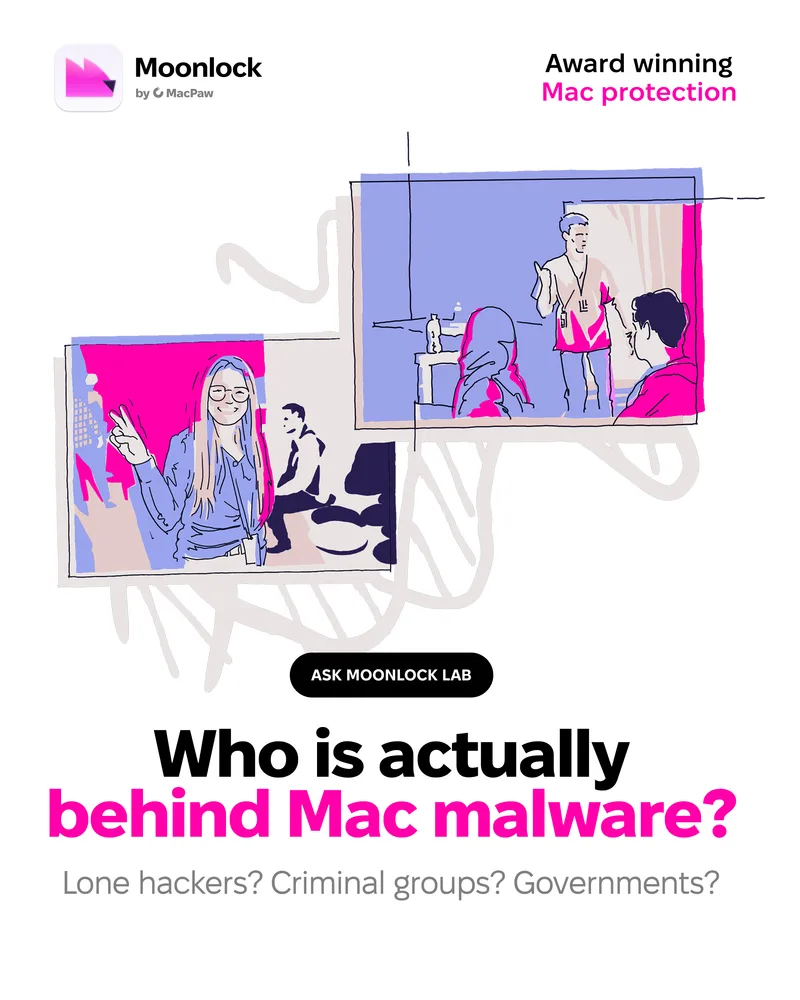
Awareness Month post 15 of 26: Who is actually behind Mac malware?
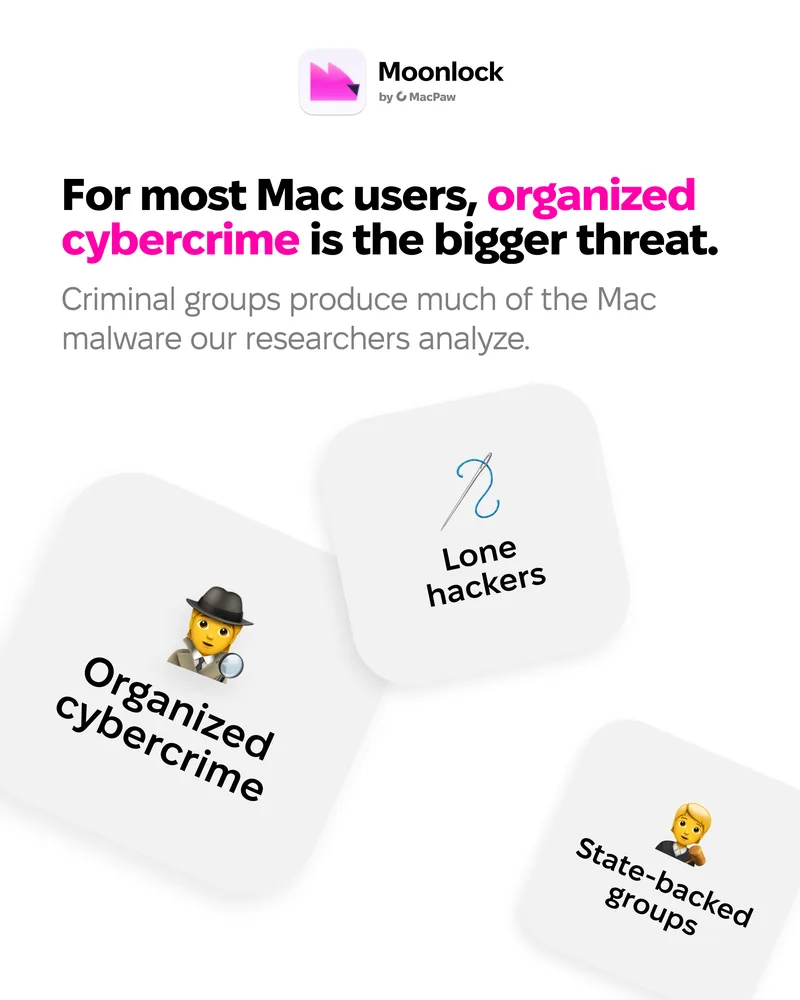
Awareness Month post 16 of 26: Organized cybercrime is the bigger threat
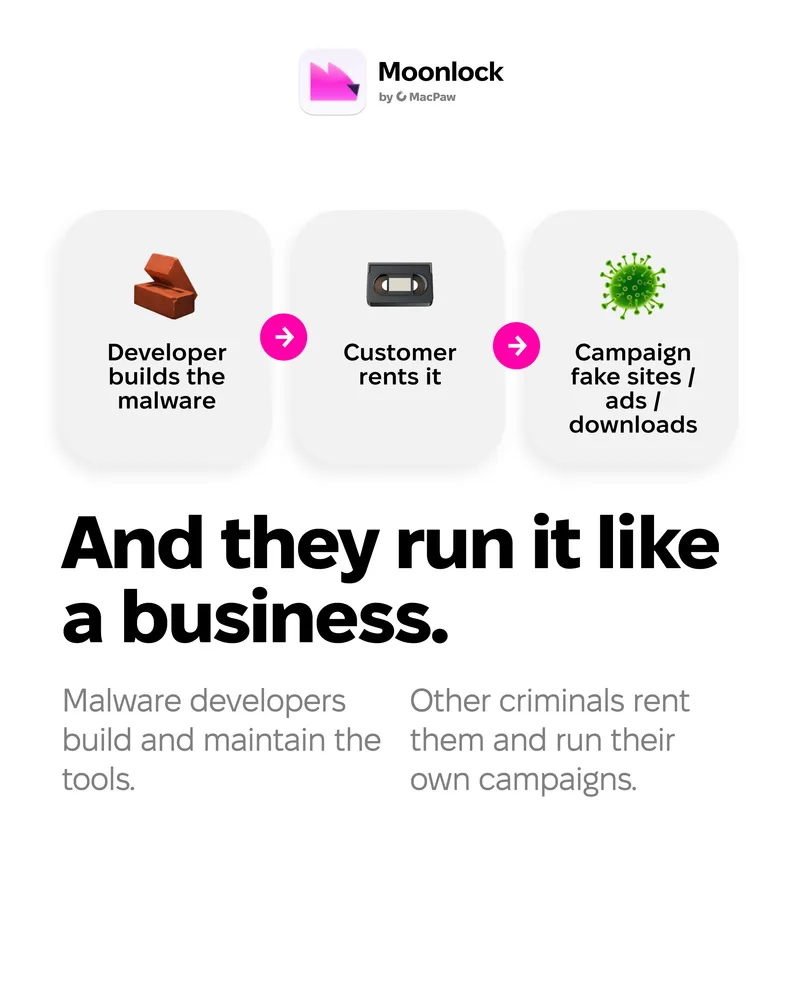
Awareness Month post 17 of 26: They run it like a business
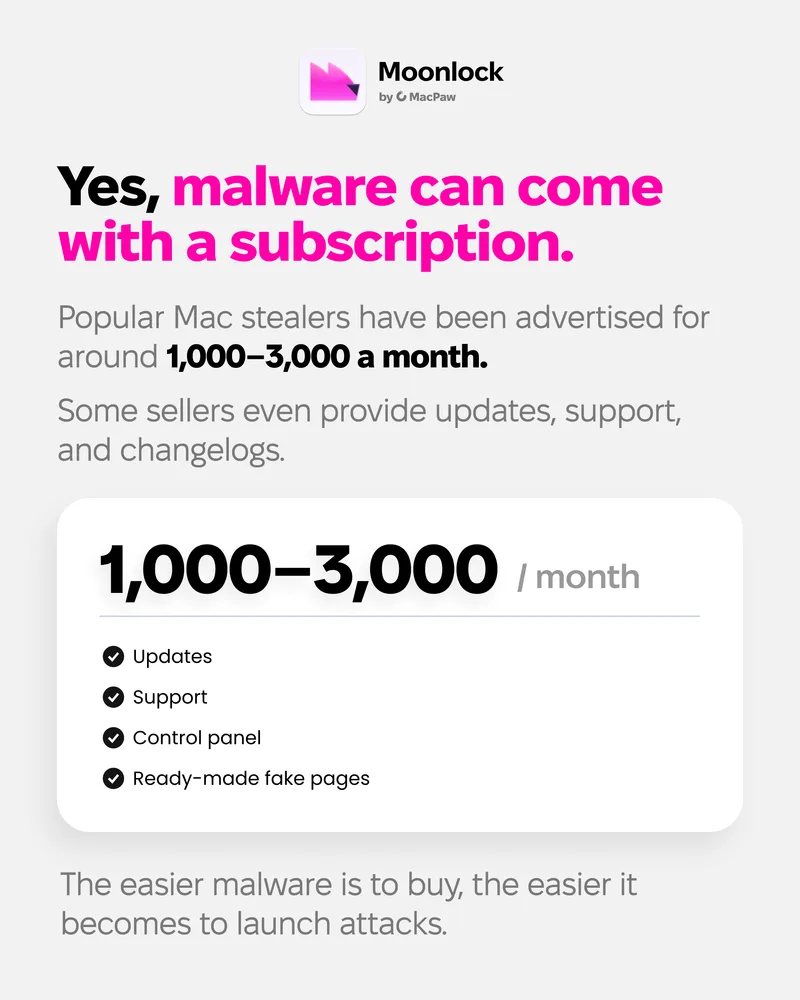
Awareness Month post 18 of 26: Malware can come with a subscription
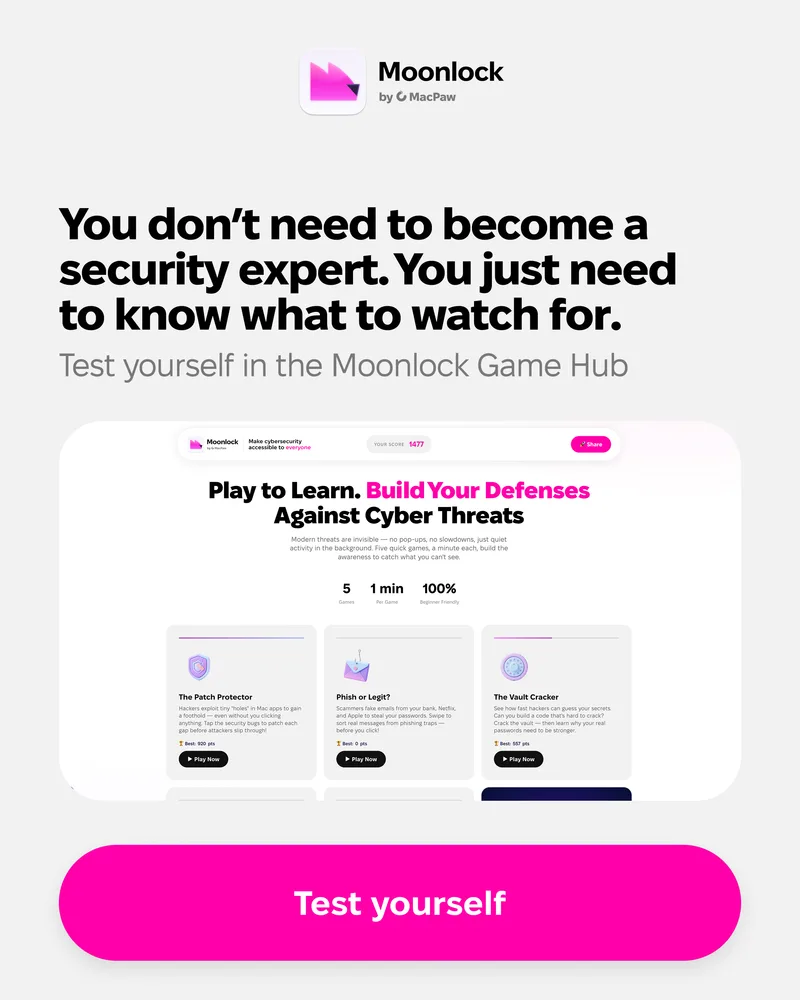
Awareness Month post 19 of 26: You just need to know what to watch for
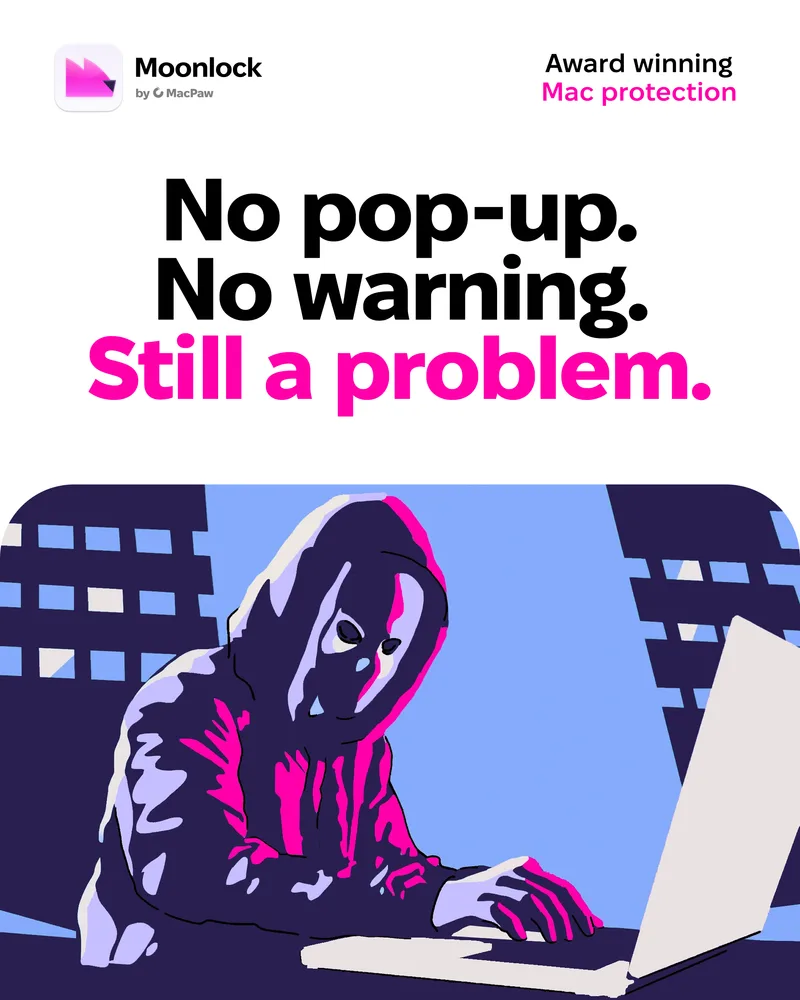
Awareness Month post 20 of 26: No pop-up. No warning. Still a problem
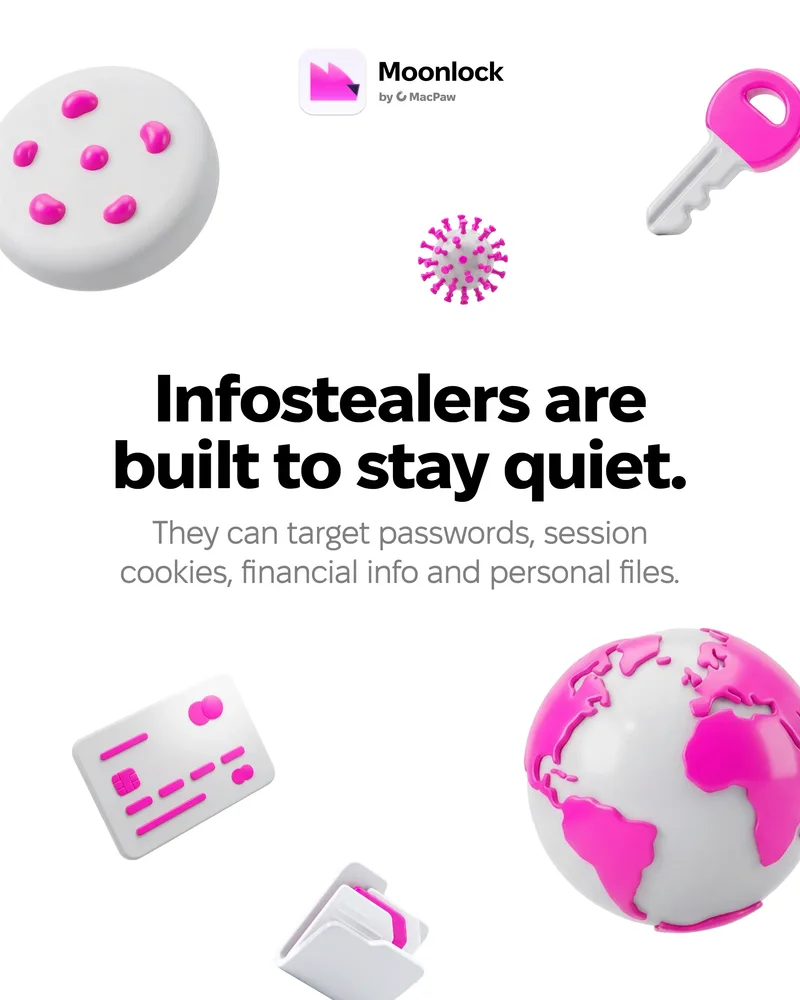
Awareness Month post 21 of 26: Infostealers are built to stay quiet
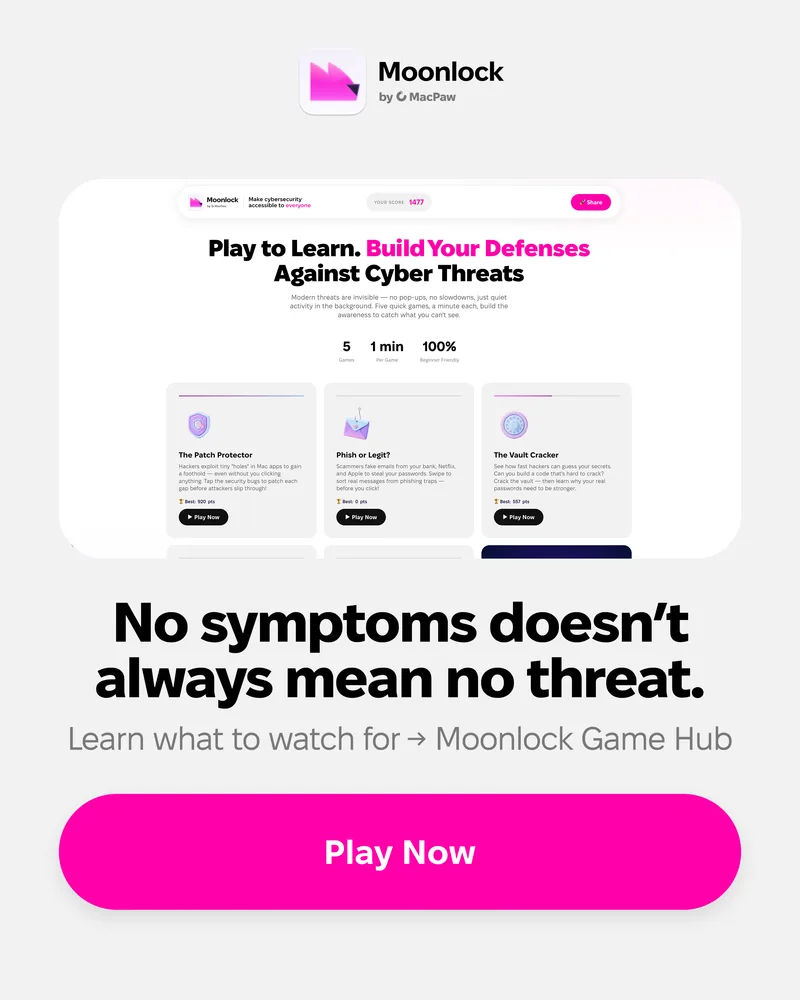
Awareness Month post 22 of 26: No symptoms doesn’t always mean no threat
Awareness Month post 23 of 26: Is it phishing?
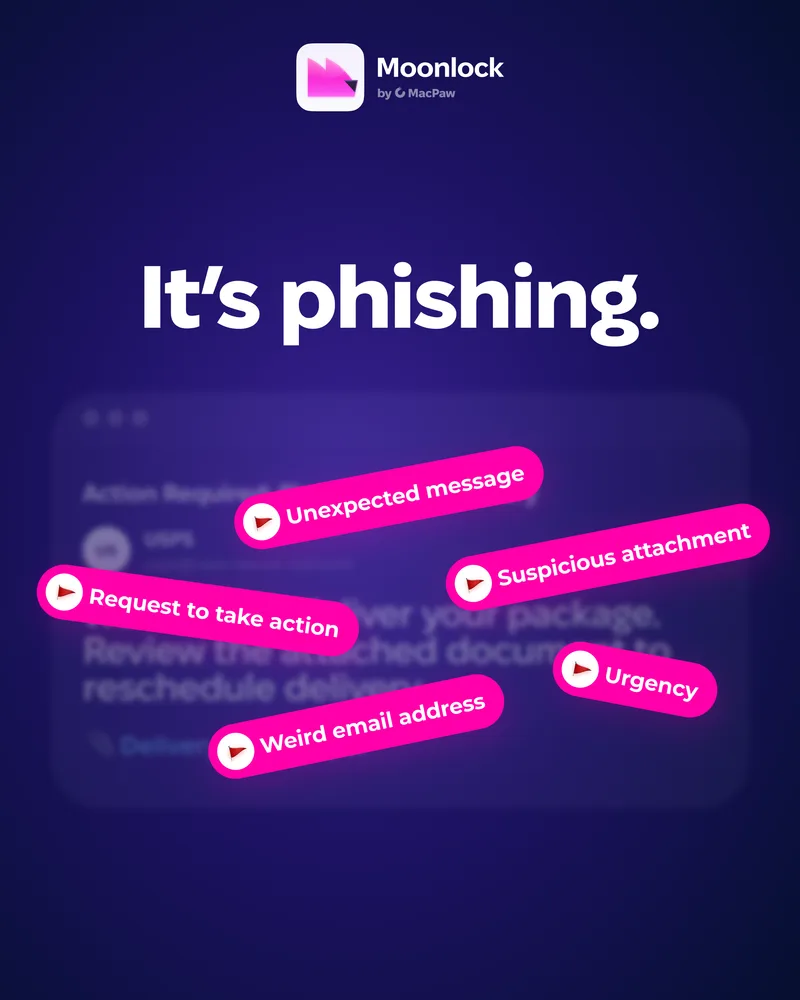
Awareness Month post 24 of 26: It’s phishing
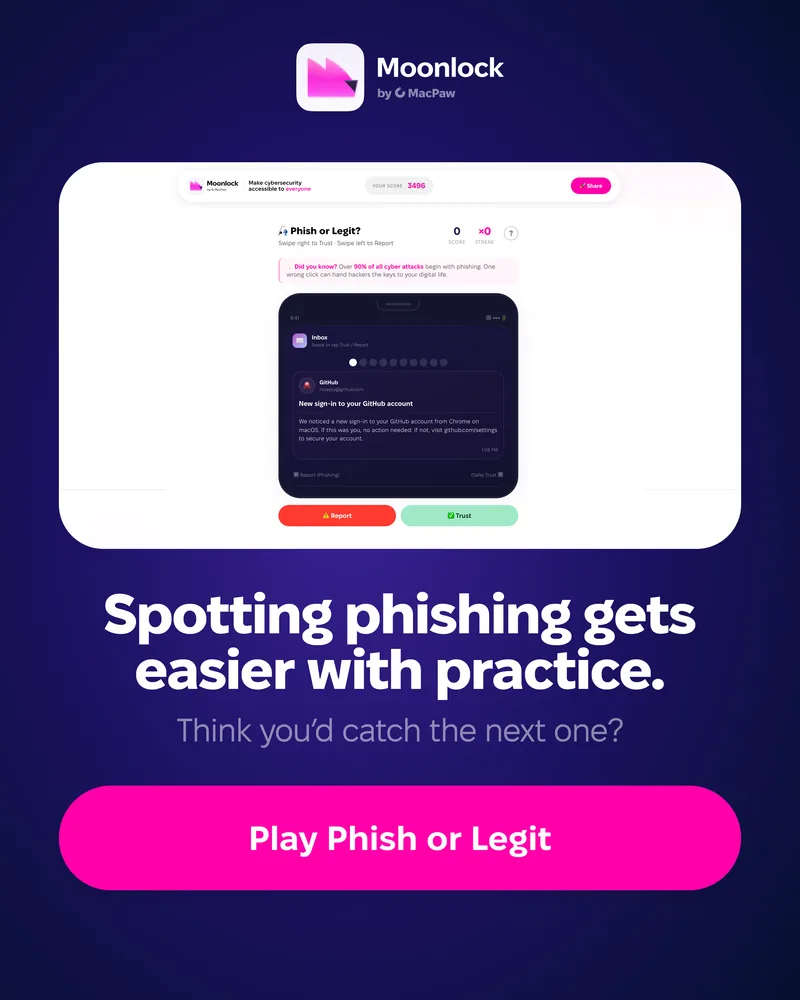
Awareness Month post 25 of 26: Spotting phishing gets easier with practice
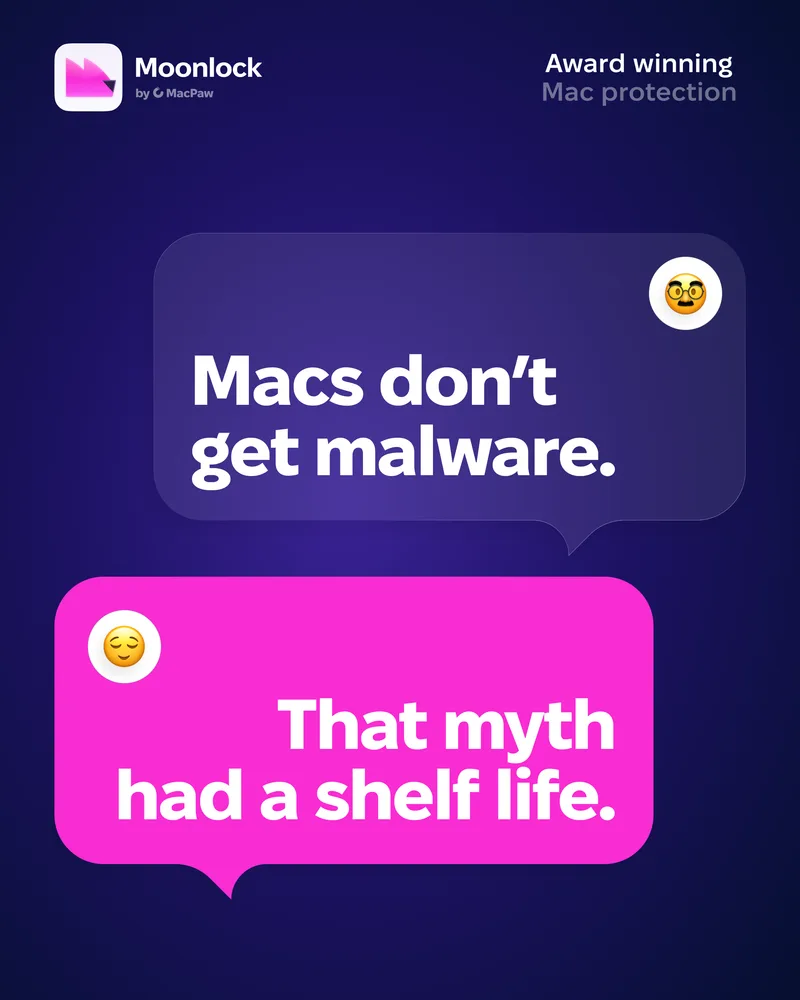
Awareness Month post 26 of 26: Macs don’t get malware. That myth had a shelf life
1 / 26

Cybersecurity Awareness Month, October 2026.
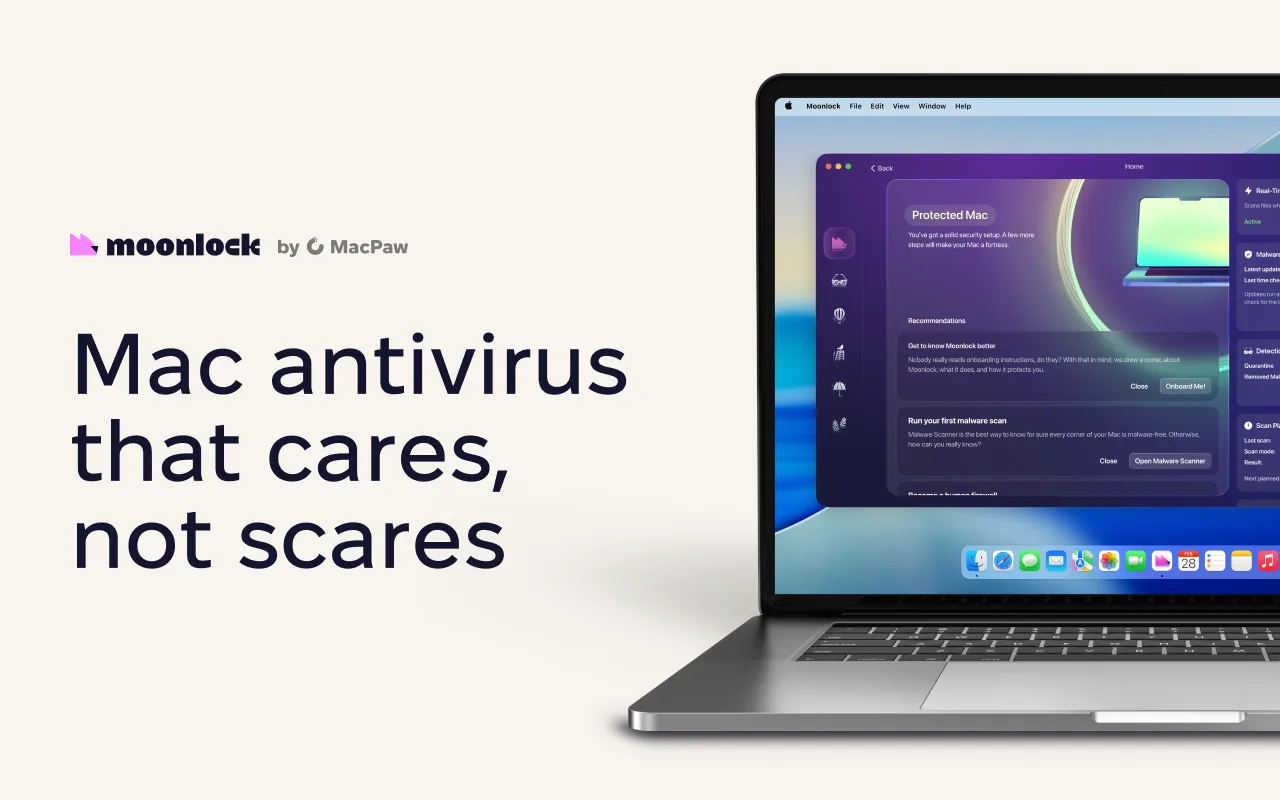
Product presentation slide 1 of 16: Mac antivirus that cares, not scares
Product presentation slide 2 of 16: about Moonlock
Product presentation slide 3 of 16: Cybersecurity guidance
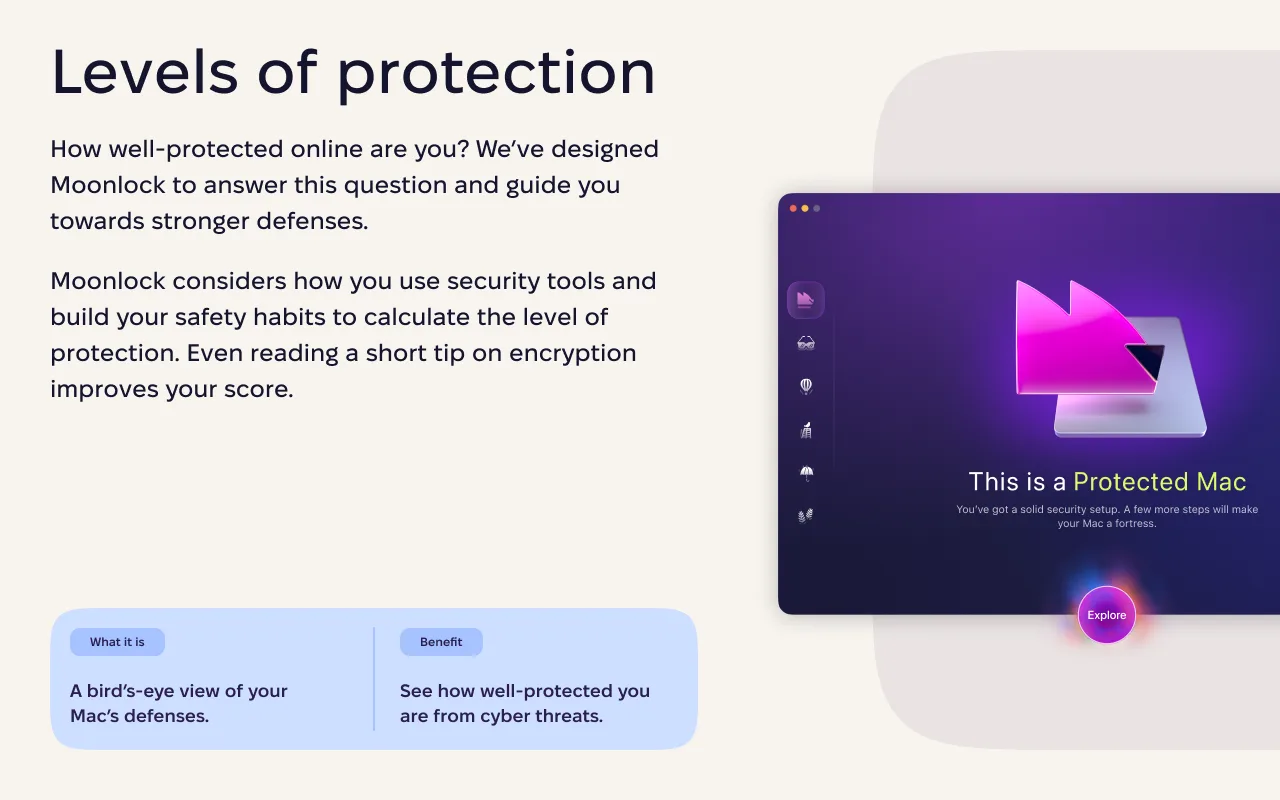
Product presentation slide 4 of 16: Levels of protection
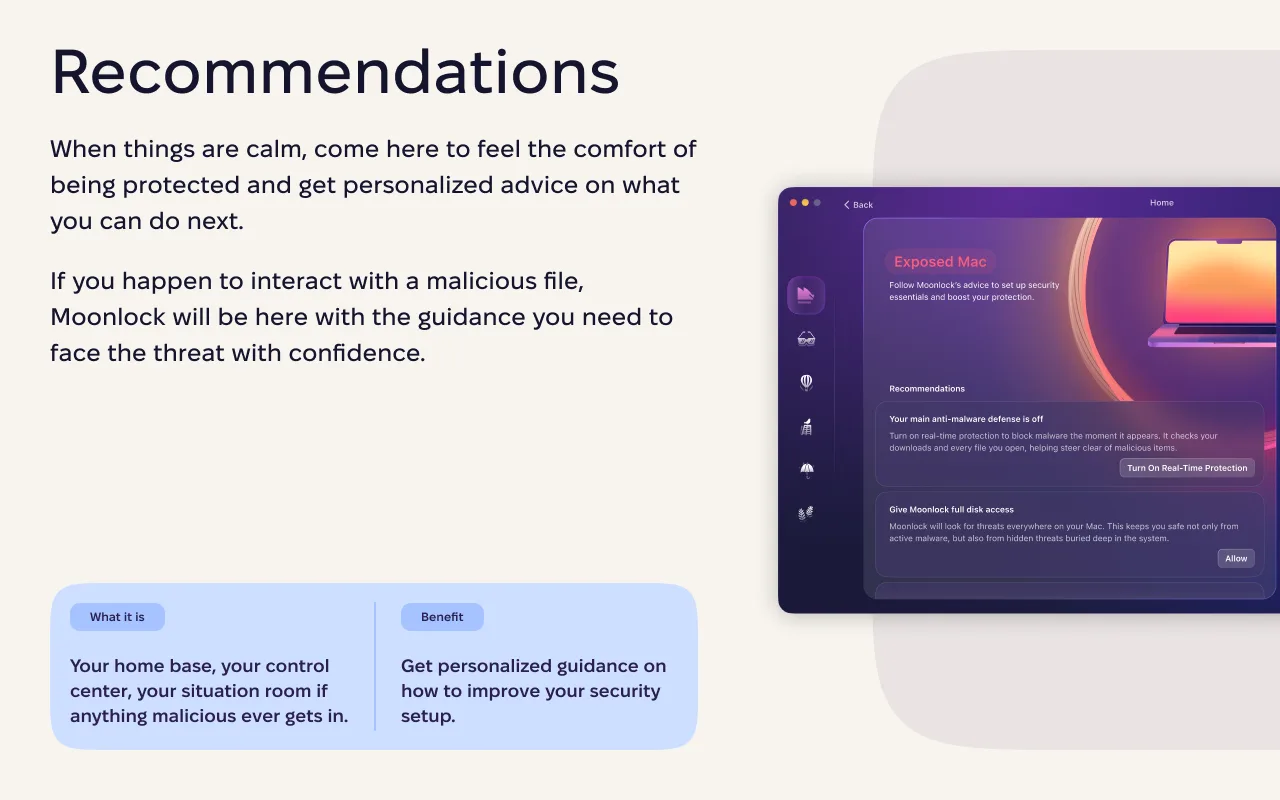
Product presentation slide 5 of 16: Recommendations
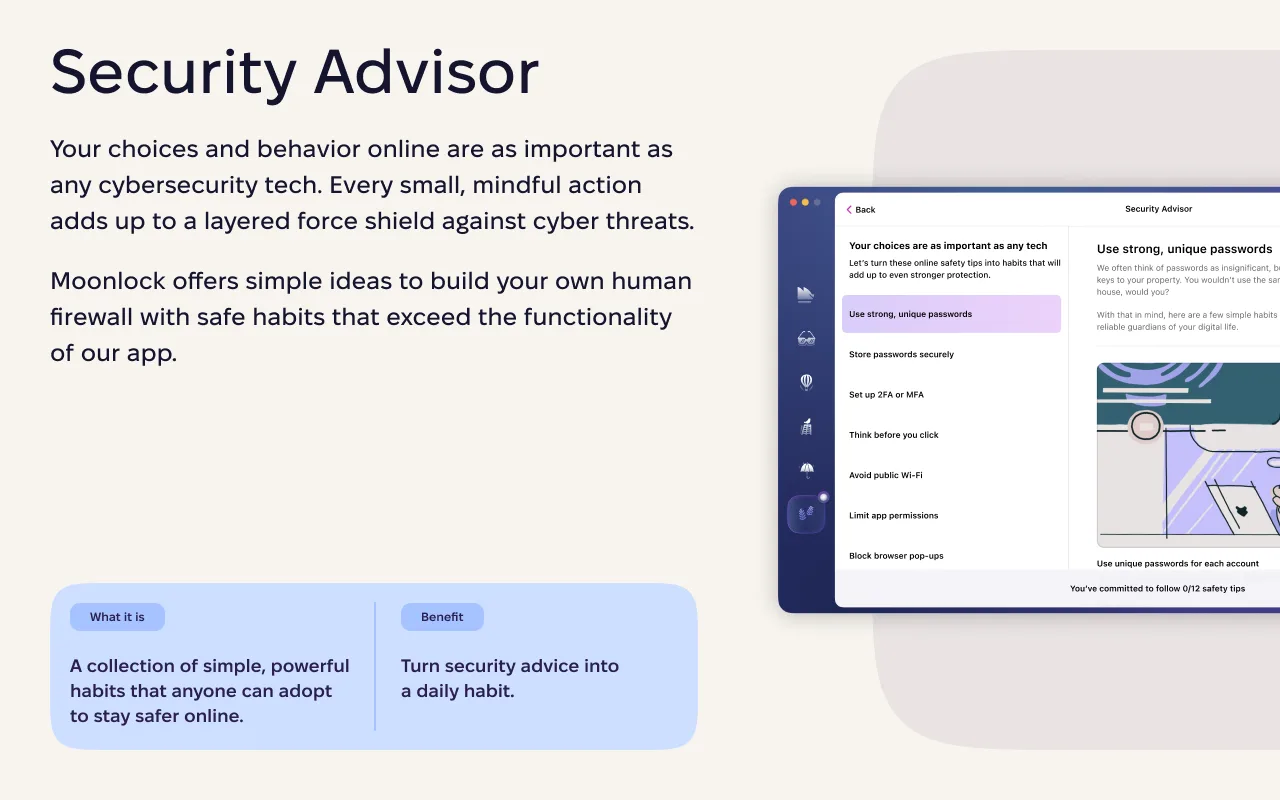
Product presentation slide 6 of 16: Security Advisor
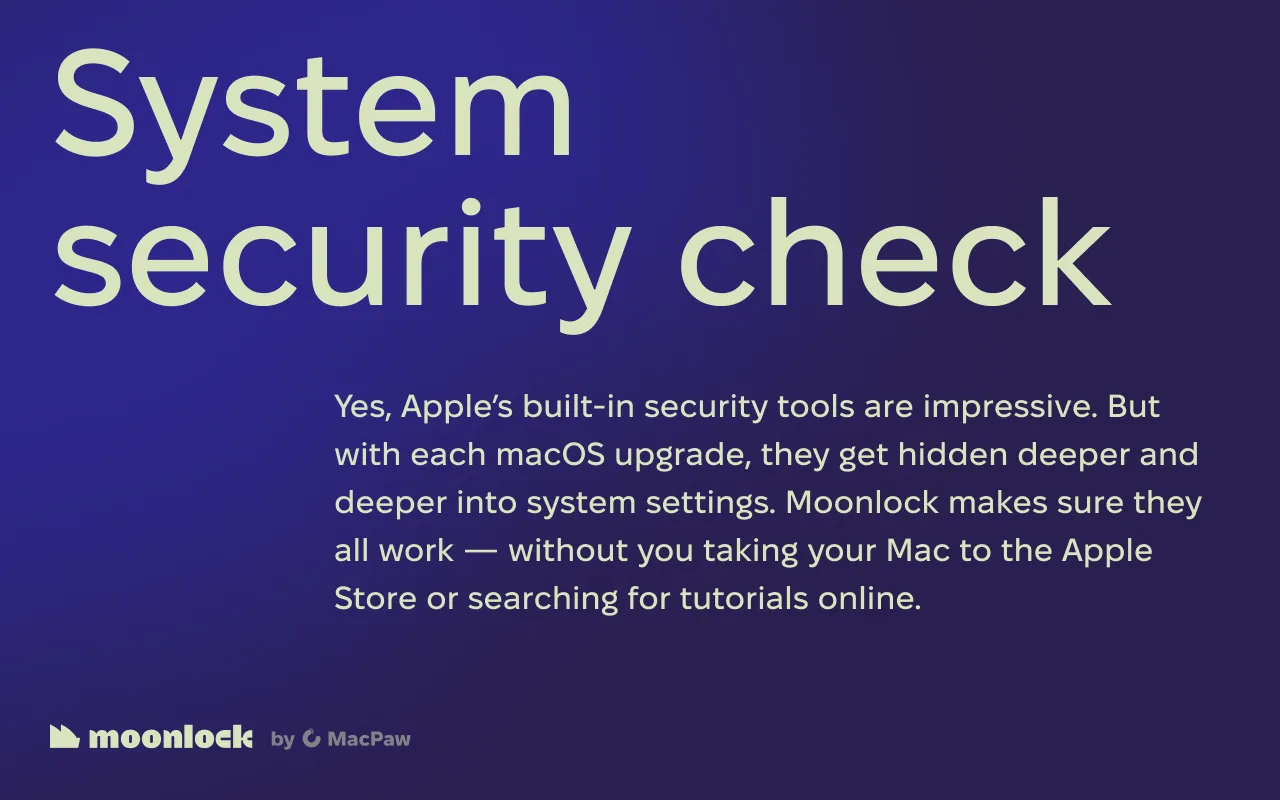
Product presentation slide 7 of 16: System security check
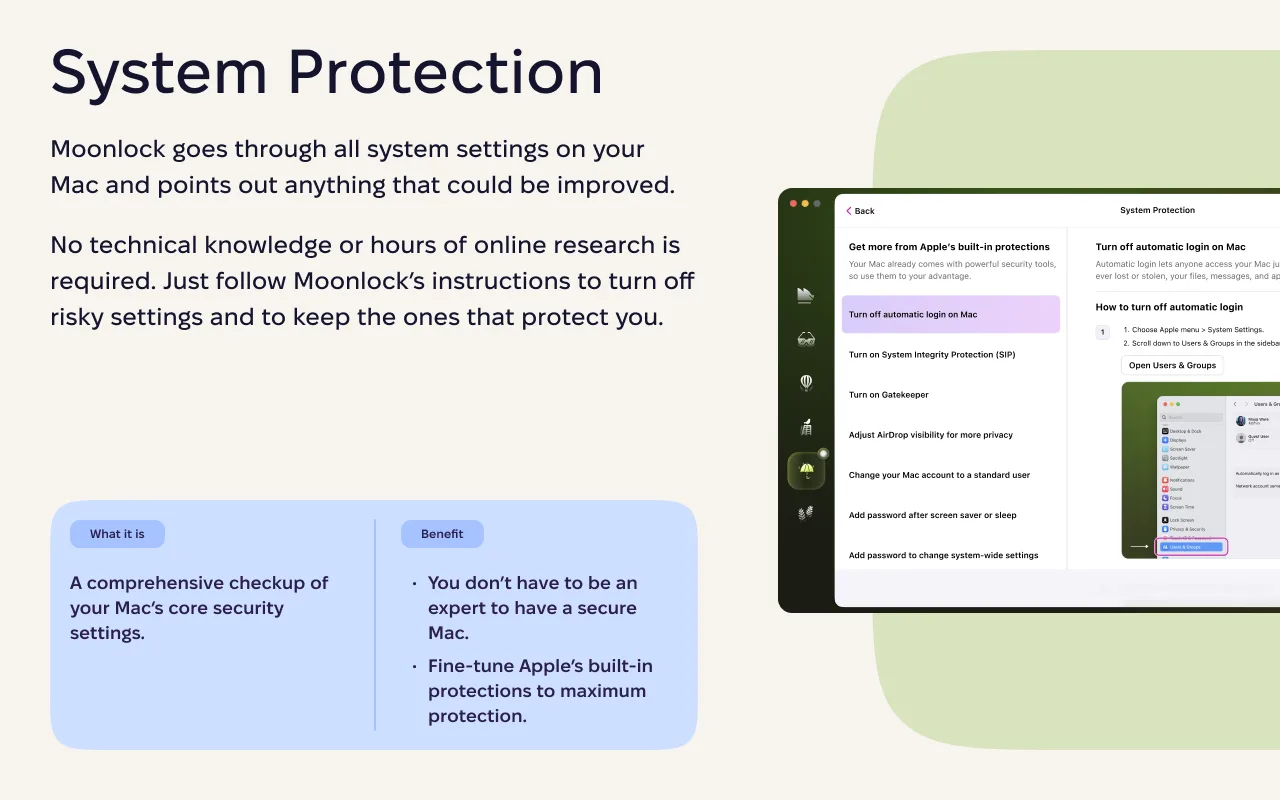
Product presentation slide 8 of 16: System Protection
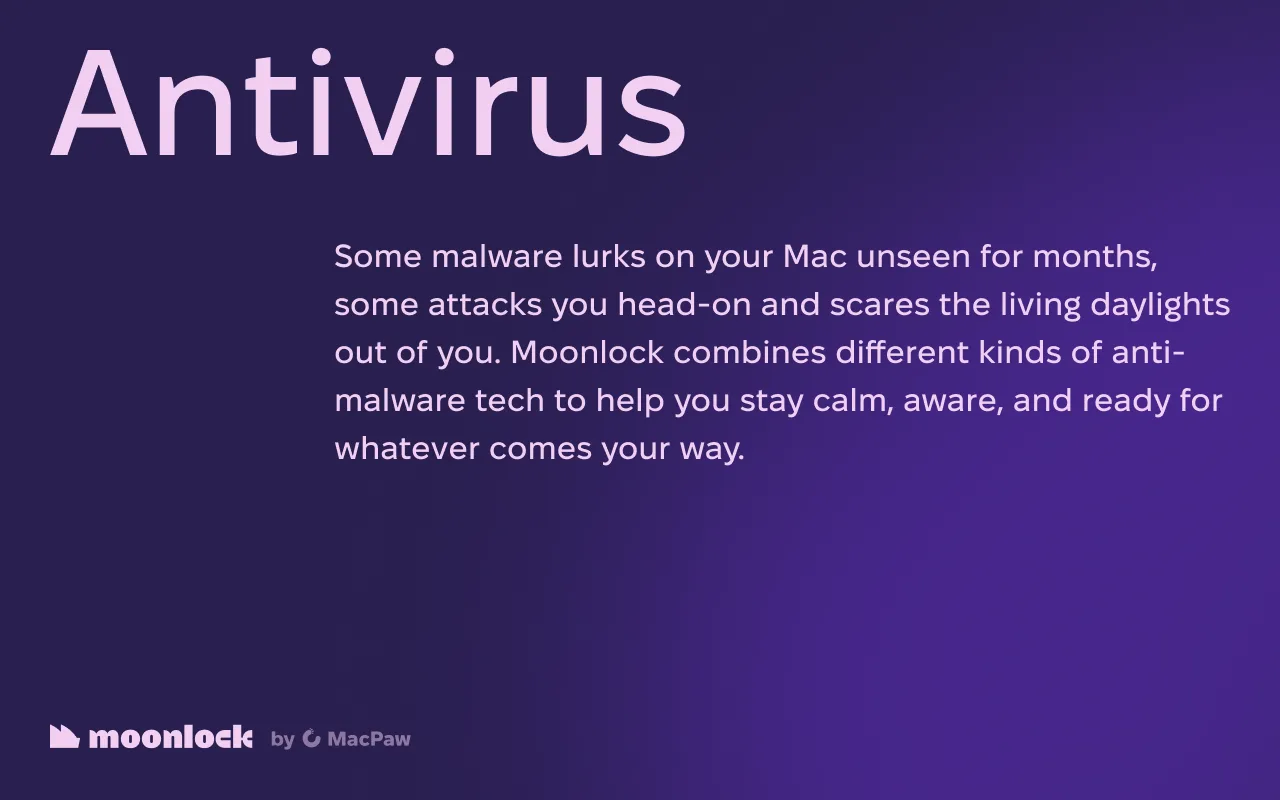
Product presentation slide 9 of 16: Antivirus
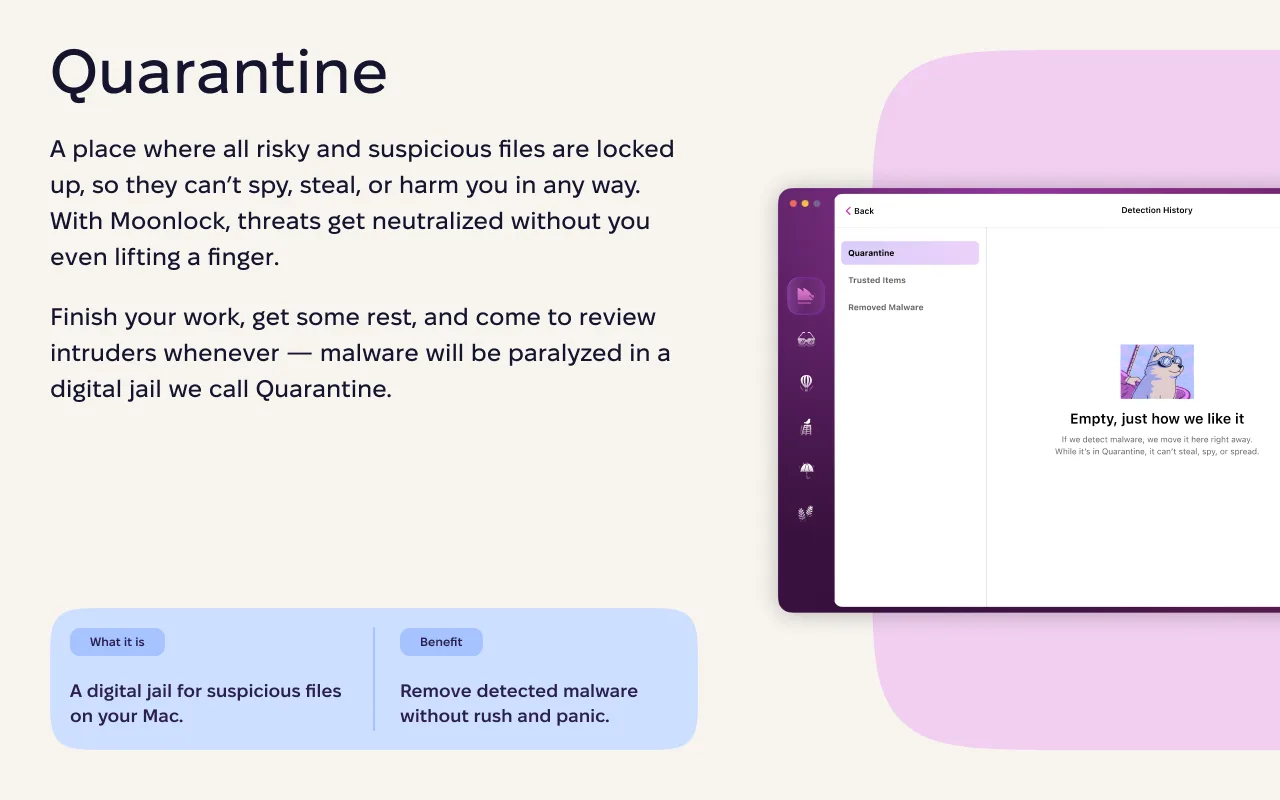
Product presentation slide 10 of 16: Quarantine
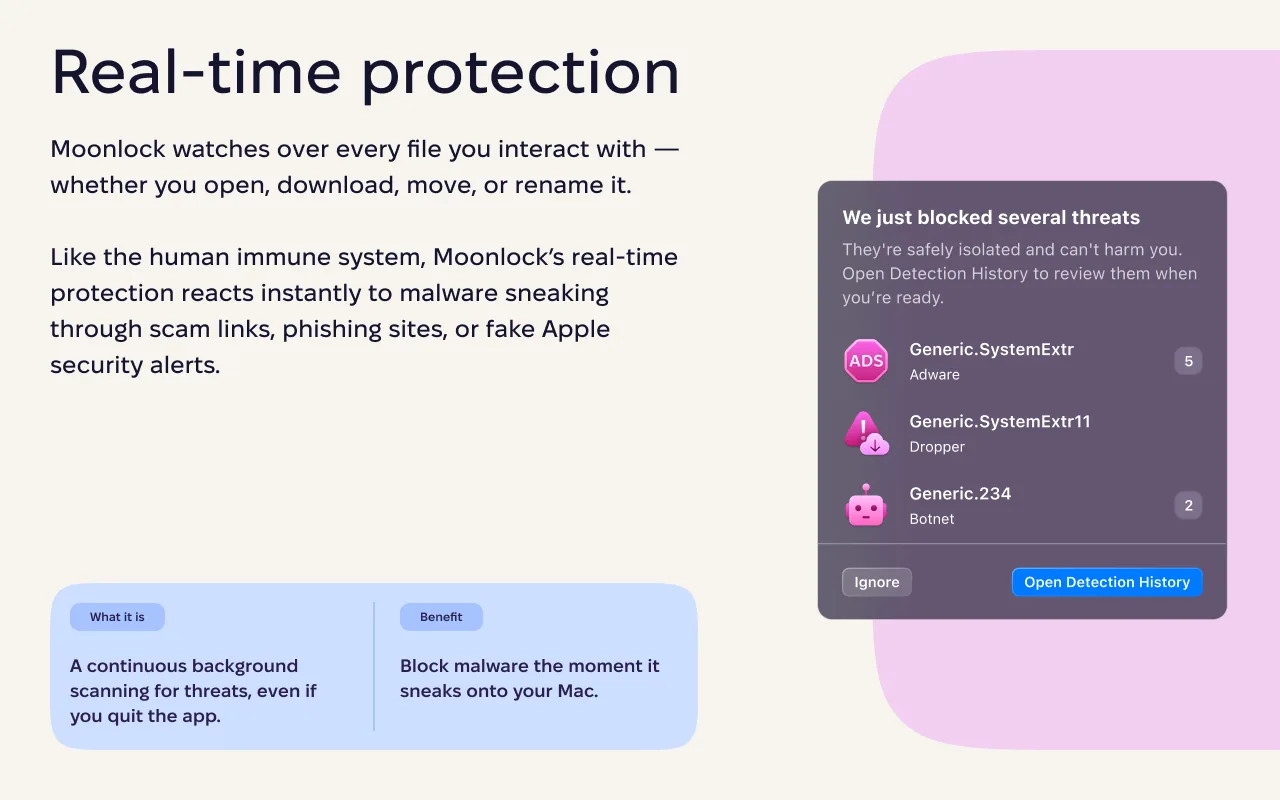
Product presentation slide 11 of 16: Real-time protection
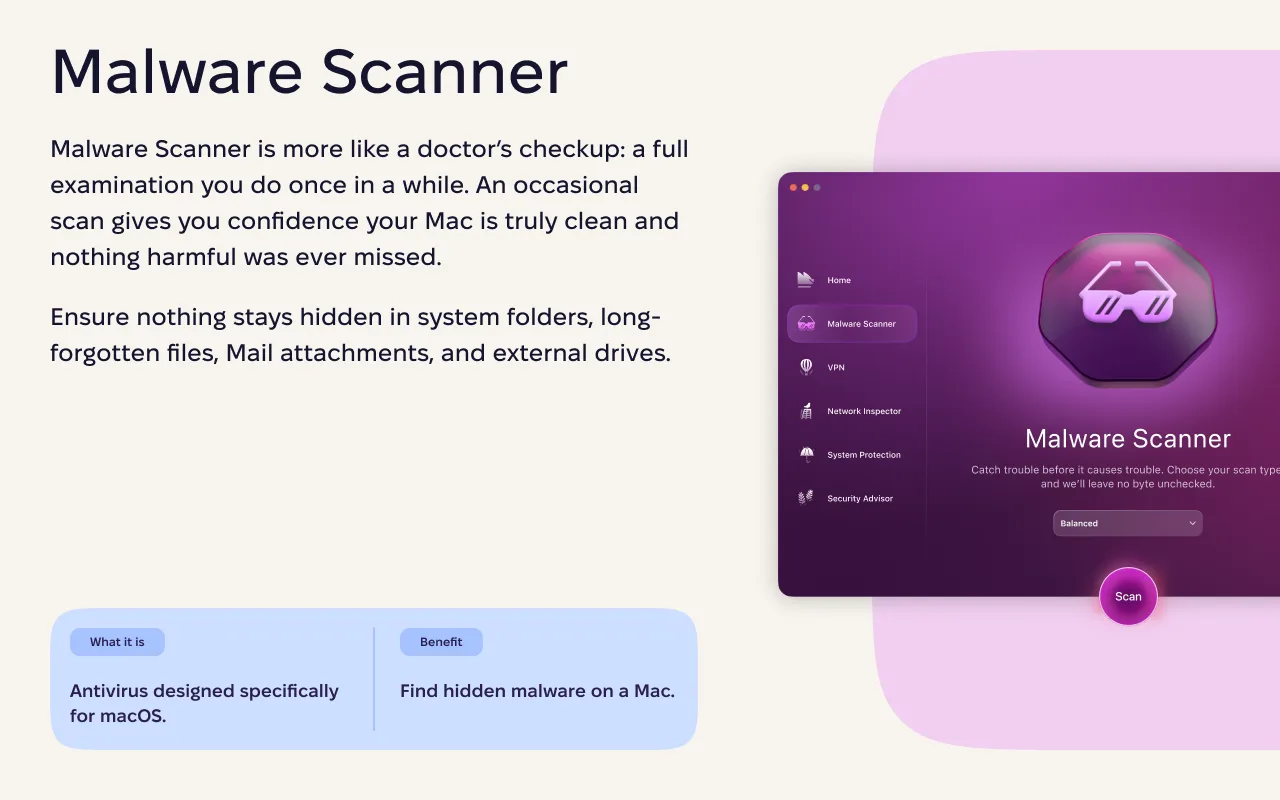
Product presentation slide 12 of 16: Malware Scanner
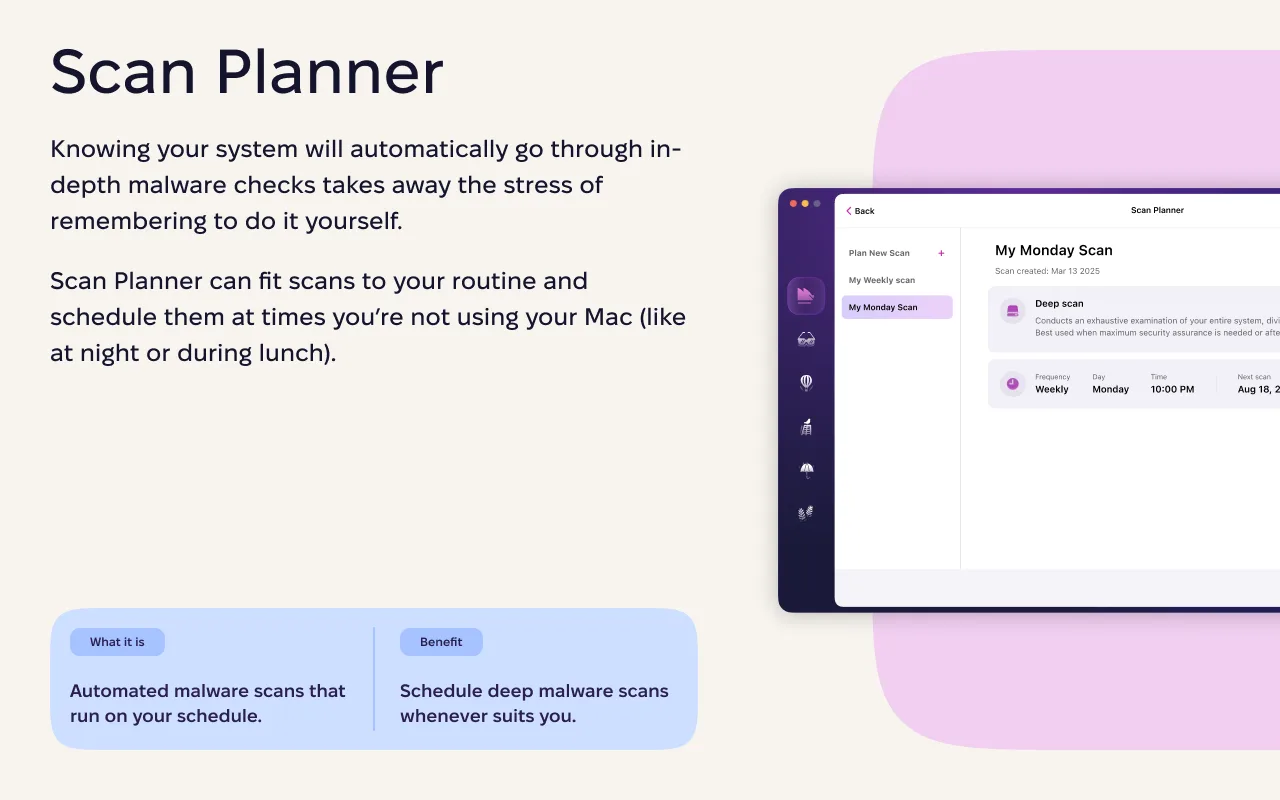
Product presentation slide 13 of 16: Scan Planner
Product presentation slide 14 of 16: Web safety
Product presentation slide 15 of 16: VPN
Product presentation slide 16 of 16: Network Inspector
1 / 16

A product presentation.
Red Dot application visual: the malware scanner screen on an iMac
Red Dot application visual: the system protection guide on an iMac
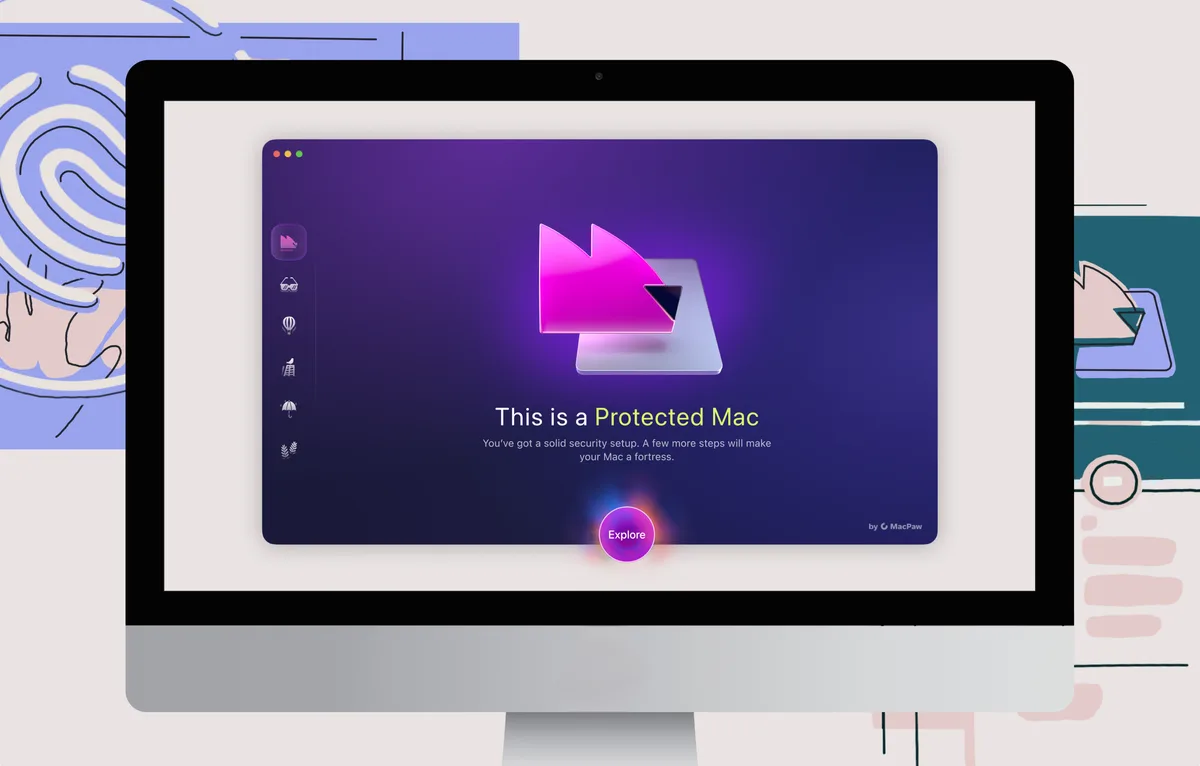
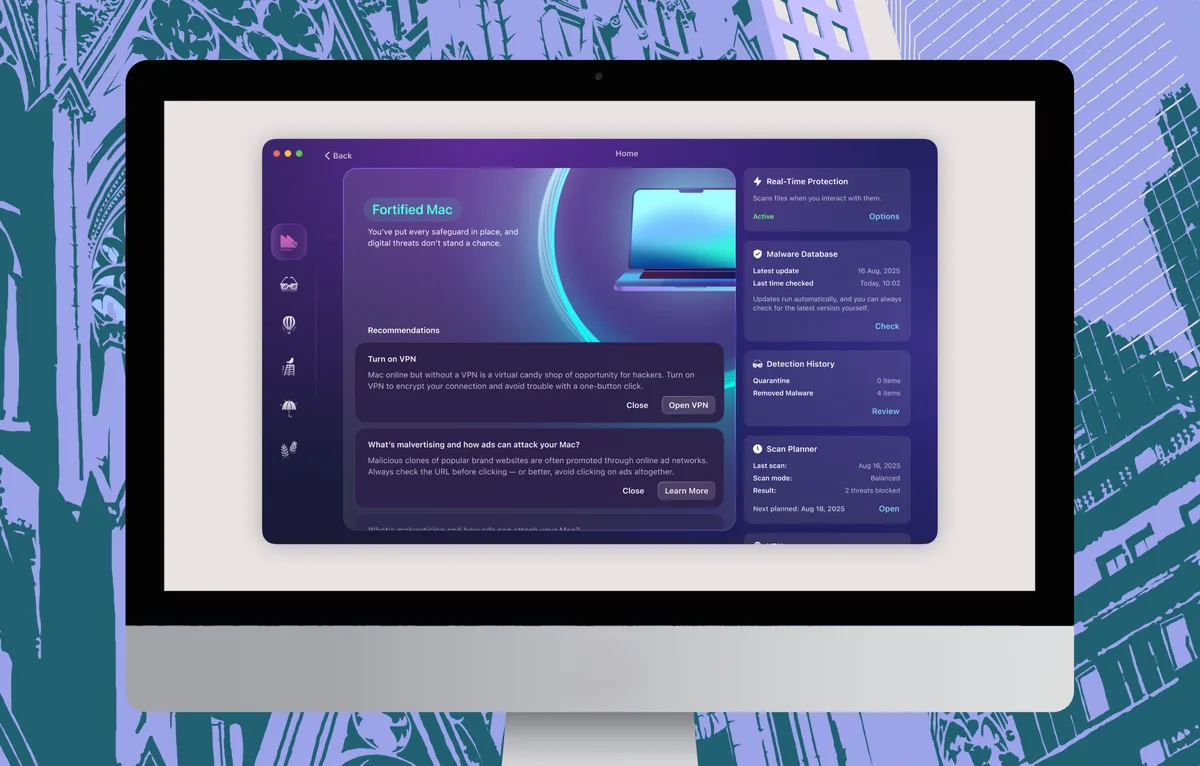
Red Dot application visual: the protected Mac status screen on an iMac
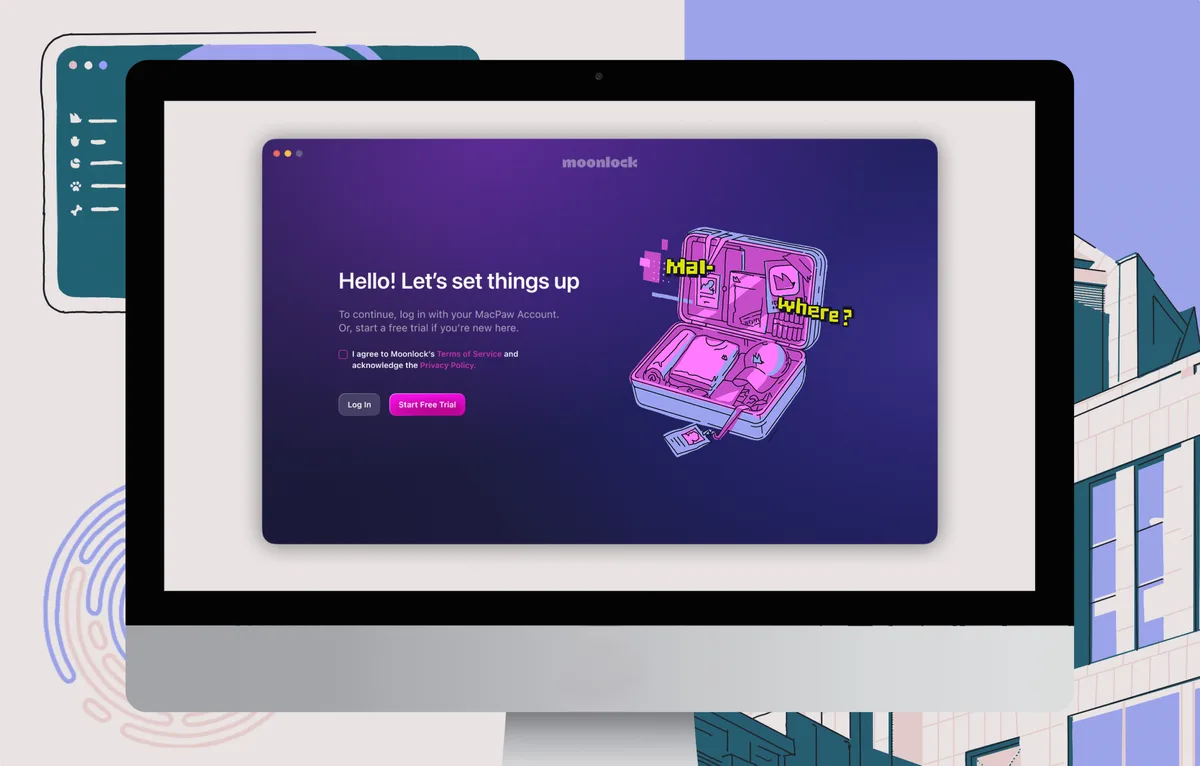
Red Dot application visual: the first setup screen on an iMac
1 / 4

Visuals for Moonlock’s Red Dot application. The product won the award.
Blog cover 1 of 16: Apple is warning iOS users about a critical security flaw
Blog cover 2 of 16: Apple security bounties are down, even though Mac malware is up
Blog cover 3 of 16: Dark web cybercrime forum XSS(dot)is shut down in a joint France-Ukraine operation
Blog cover 4 of 16: Have Ring cameras been hacked: Here's why users are concerned
Blog cover 5 of 16: Is your Mac part of a botnet: This tool lets you check
Blog cover 6 of 16: New stealer is targeting Macs and evading antivirus detection
Blog cover 7 of 16: A sophisticated scam is trying to steal people's Apple Account data
Blog cover 8 of 16: AI browsers are clueless about phishing and scams, study finds
Blog cover 9 of 16: Chinese hackers used Claude to automate 90% of a cyber espionage campaign
Blog cover 10 of 16: ClickFix malware is infecting Macs via Facebook ads for fake AI apps
Blog cover 11 of 16: Google warns of new malware types that use AI during execution
Blog cover 12 of 16: It's that time of the year: The holiday scams to avoid in 2025
Blog cover 13 of 16: MacSync stealer is using a notarized app to bypass Mac's defenses
Blog cover 14 of 16: New Netflix scam is trying to steal your Facebook credentials
Blog cover 15 of 16: New macOS Tahoe features for your security and privacy
Blog cover 16 of 16: Safari vulnerability allows hackers to steal your credentials
1 / 16

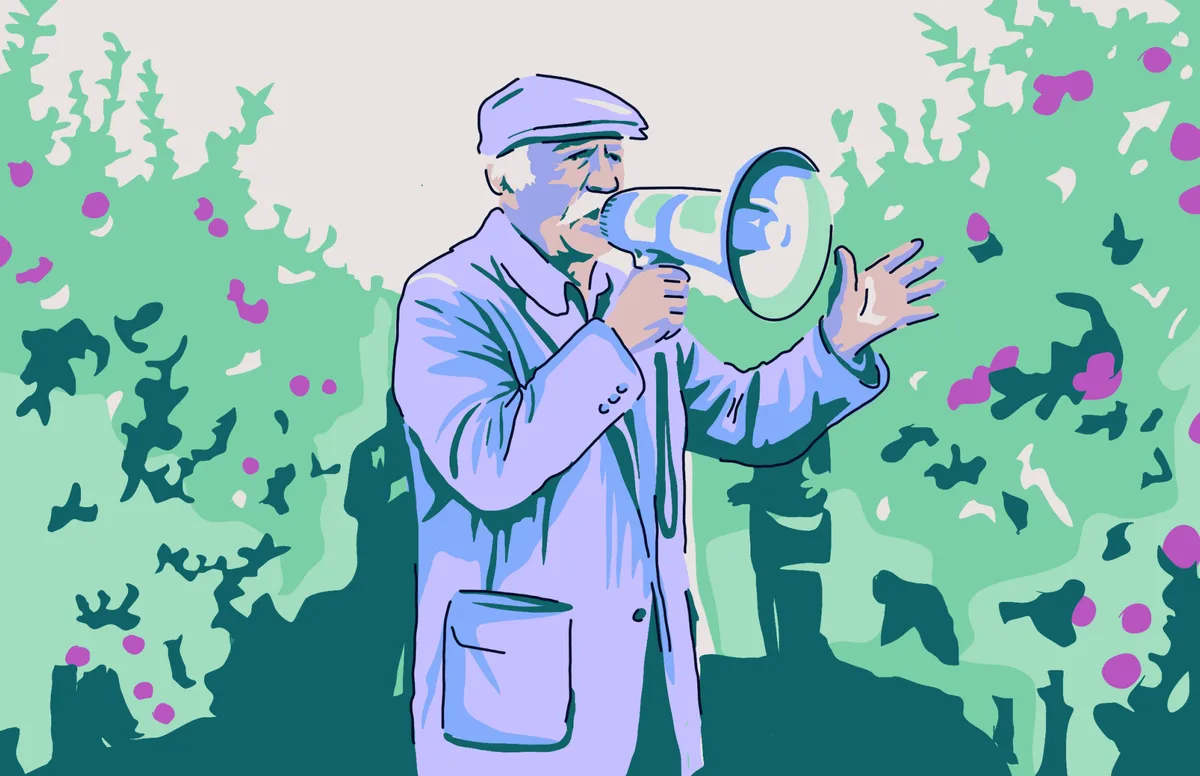
Covers for the Moonlock blog (see the blog case).

outcome

A brand that grew into a product

[01] — A look that stayed humanThe human look held. It carried through three years, a redesign and a launch, and the app itself was built on it.

[02] — Ready for the spotlightOn 28 October 2025 the app went live and the press picked it up: 9to5Mac, AppleInsider, MacTech. The site, the banners and the media kit were ready, all in one voice.

[03] — A team of oneThe site, the content, reports, conference talks, the launch, then ads and quizzes: three years of Moonlock marketing came through one designer, and the work stayed consistent.

credits

Kateryna Karpenkova
visual language, palette, web design system, website design and all marketing content (reports, presentations, conference materials, social, ads, launch kit), 2023 — 2026; first illustration style and guidelines
Olexander
illustrations for the website, 2025 illustration refresh
Katya
copy
Alice
content
Dmytro
product marketing
MacPaw designers
logo
Olexander, Sofia
product design
Freelance illustrators
article illustrations
MacPaw web team
development

next project

Cybersecurity blog: threats told as stories